Keyboard Shortcut Patterns
Shortcut Help Panel
A static help panel lists three pinned commands and key chords with a close button and accessible heading.
Program
Shortcut help should be readable without capturing keys. This lesson uses a plain static list of commands and chords.
shortcut_help_panel.html
Visuals: captured from real browser rendering
<section class="shortcut-help" aria-labelledby="shortcut-help-title">
  <h2 id="shortcut-help-title">Keyboard shortcuts</h2>
  <dl>
    <dt>Save draft</dt><dd><kbd>Ctrl</kbd> + <kbd>S</kbd></dd>
    <dt>Preview</dt><dd><kbd>Ctrl</kbd> + <kbd>P</kbd></dd>
    <dt>Open help</dt><dd><kbd>?</kbd></dd>
  </dl>
  <button type="button">Close help</button>
  <p class="note">Static help only; no key capture runs.</p>
</section>
<style>
  .shortcut-help { display: grid; gap: 10px; max-width: 34rem; border: 1px solid #94a3b8; padding: 12px; }
  .shortcut-help dl { display: grid; grid-template-columns: 1fr auto; gap: 8px 12px; margin: 0; }
  .shortcut-help dd { margin: 0; }
  .shortcut-help button { justify-self: start; padding: 8px 12px; }
  kbd { border: 1px solid #94a3b8; border-bottom-width: 2px; padding: 1px 5px; background: #f8fafc; }
  .note { margin: 0; color: #475569; }
</style>
Label the shortcut help panel.
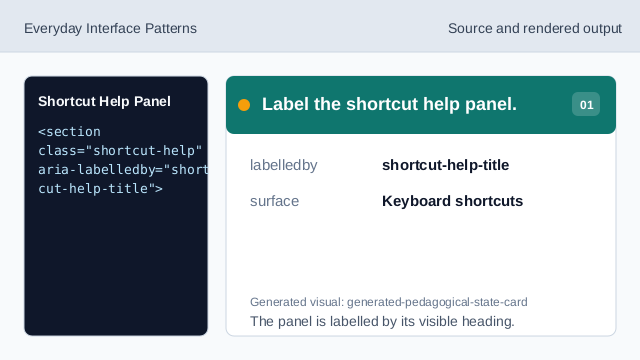
The panel is labelled by its visible heading. Pair commands with key chords.
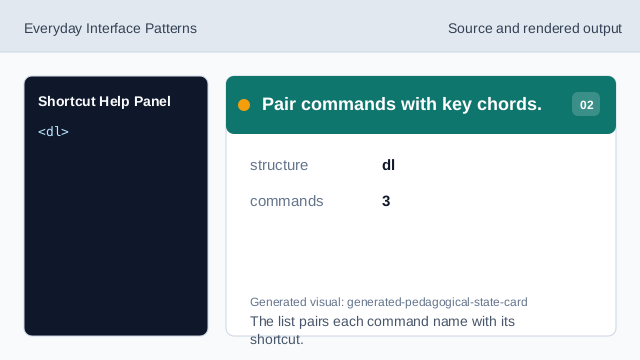
The list pairs each command name with its shortcut. Show the first pinned shortcut.
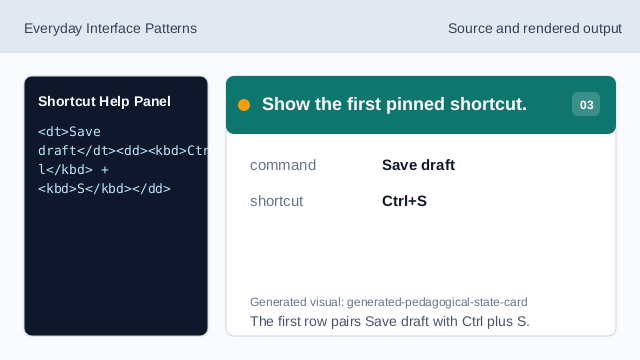
The first row pairs Save draft with Ctrl plus S. Show the second pinned shortcut.
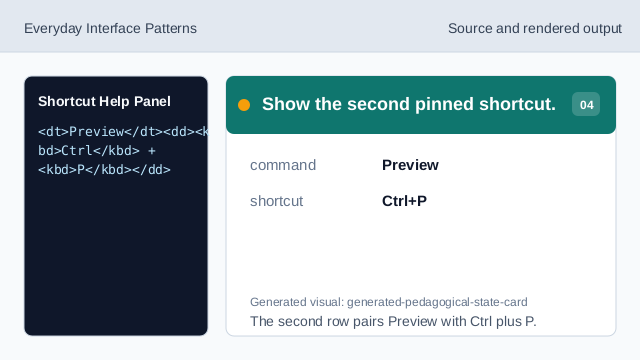
The second row pairs Preview with Ctrl plus P. Show the third pinned shortcut.
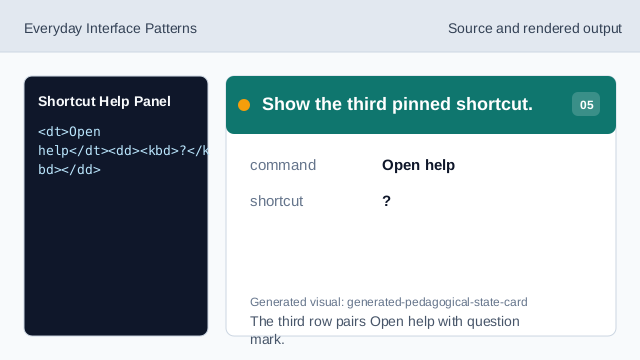
The third row pairs Open help with question mark. Check the shortcut help panel.
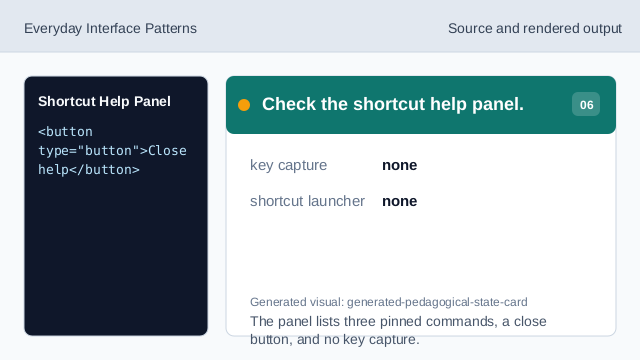
The panel lists three pinned commands, a close button, and no key capture.
help heading
A visible heading names the shortcut help panel.
command pairs
A definition list pairs each command with a chord.
close button
A visible close button gives the panel an understandable affordance.