Keyboard Shortcut Patterns
Shortcut Conflict
A static warning panel shows Ctrl+S already assigned to Save and suggests choosing another shortcut.
Program
Shortcut settings need clear conflict messages. This lesson shows a static conflict state and does not capture or remap keys.
shortcut_conflict_warning.html
Visuals: captured from real browser rendering
<section class="shortcut-conflict" aria-labelledby="conflict-title">
  <h2 id="conflict-title">Shortcut conflict</h2>
  <p role="status">Ctrl+S is already assigned to Save.</p>
  <p>Choose another shortcut, such as <kbd>Ctrl</kbd> + <kbd>Shift</kbd> + <kbd>S</kbd>.</p>
  <button type="button">Choose another shortcut</button>
  <p class="note">Static warning only; no key capture or remap code runs.</p>
</section>
<style>
  .shortcut-conflict { display: grid; gap: 10px; max-width: 34rem; border: 1px solid #b45309; background: #fffbeb; padding: 12px; }
  .shortcut-conflict button { justify-self: start; padding: 8px 12px; }
  kbd { border: 1px solid #b45309; border-bottom-width: 2px; padding: 1px 5px; background: white; }
  .note { margin: 0; color: #6b4e16; }
</style>
Label the conflict warning.
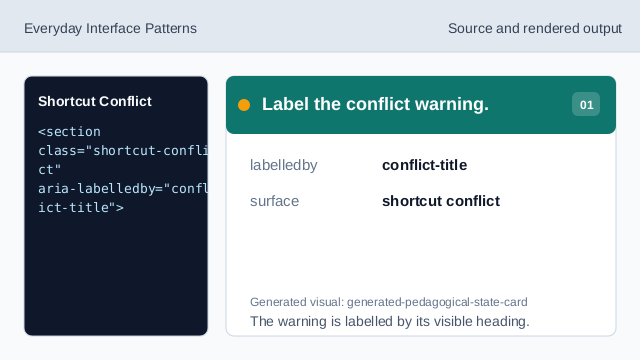
The warning is labelled by its visible heading. Show the conflict heading.
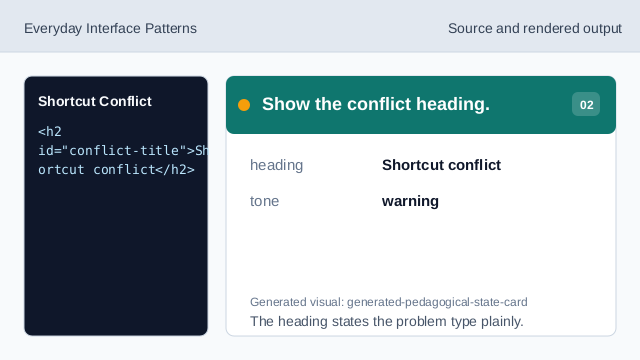
The heading states the problem type plainly. Expose the conflict message as status.
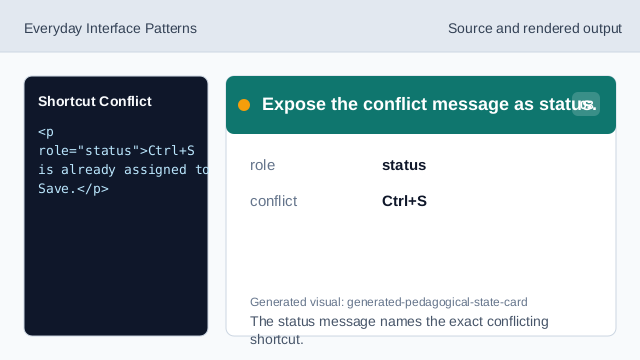
The status message names the exact conflicting shortcut. Suggest a different shortcut.
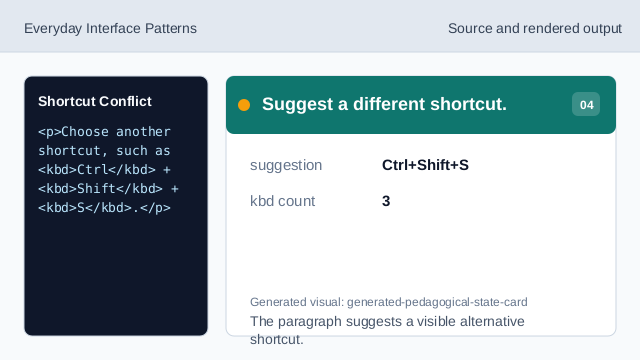
The paragraph suggests a visible alternative shortcut. Show the recovery action.
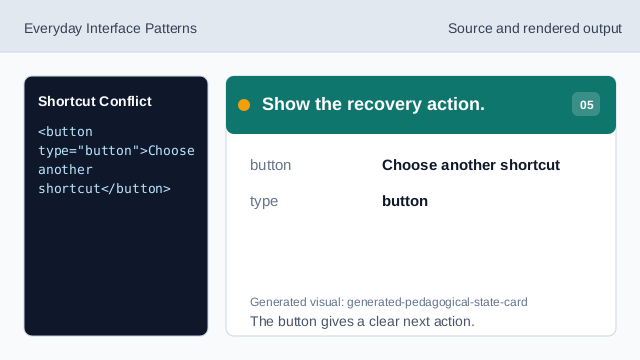
The button gives a clear next action. Check the shortcut conflict warning.
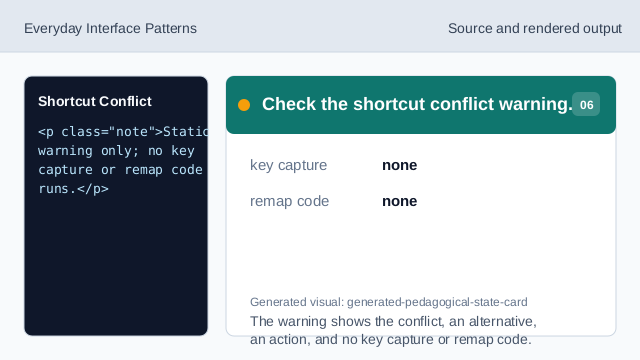
The warning shows the conflict, an alternative, an action, and no key capture or remap code.
conflict status
The warning should state exactly which shortcut conflicts.
suggested alternative
A visible alternative helps the user recover.
no remap code
The lesson should not imply real key capture or remapping.