List Item Action Patterns
Select All Items
A select-all checkbox checks every visible task and updates a polite selected-count message.
Program
Select-all controls should name the list they affect and make the resulting selection count visible.
select_all_items.html
Visuals: captured from real browser rendering
<form id="tasks">
  <label><input id="select-all" type="checkbox" aria-controls="task-list"> Select all tasks</label>
  <ul id="task-list">
    <li><label><input class="task" type="checkbox"><span>Draft copy</span></label></li>
    <li><label><input class="task" type="checkbox"><span>Review links</span></label></li>
  </ul>
  <p id="selection-status" role="status">0 selected</p>
</form>
<style>
  .task:checked + span { font-weight: 700; color: #0f766e; }
</style>
<script>
  const selectAll = document.querySelector("#select-all");
  const tasks = document.querySelectorAll(".task");
  const selectionStatus = document.querySelector("#selection-status");
  selectAll.addEventListener("change", () => {
    tasks.forEach(task => task.checked = selectAll.checked);
    const selected = [...tasks].filter(task => task.checked).length;
    selectionStatus.textContent = `${selected} selected`;
  });
</script>
Connect select-all to the task list.
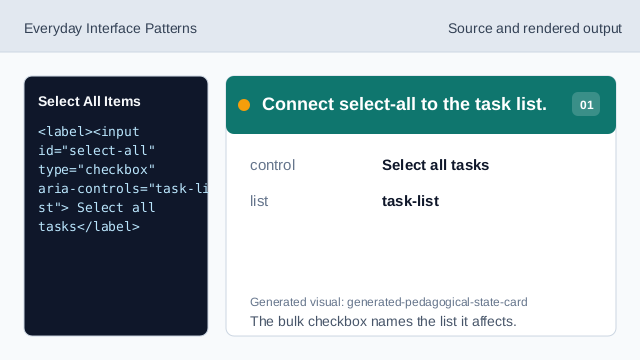
The bulk checkbox names the list it affects. Show the selected count.
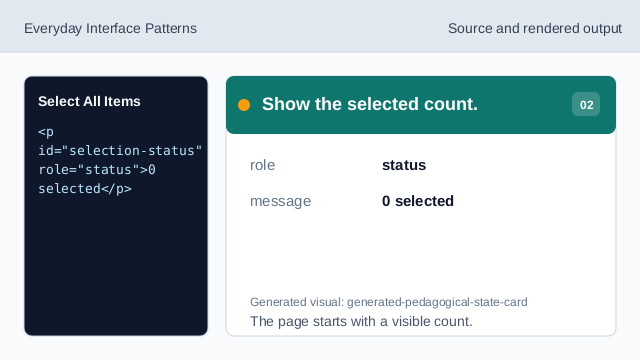
The page starts with a visible count. Style selected task labels.
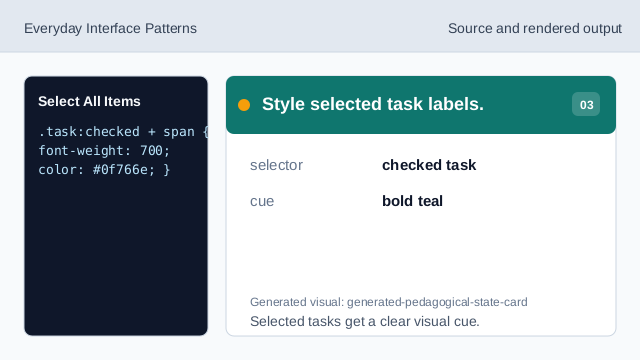
Selected tasks get a clear visual cue. Listen for the bulk change.
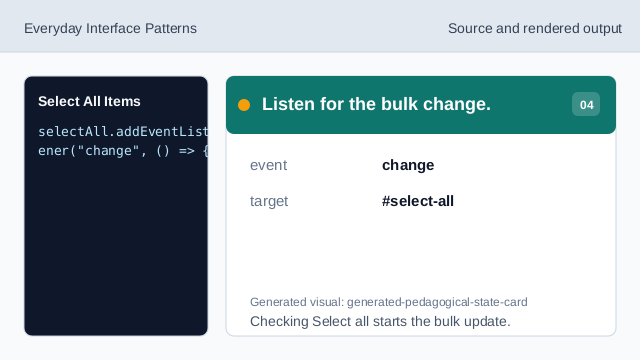
Checking Select all starts the bulk update. Read the bulk checkbox state.
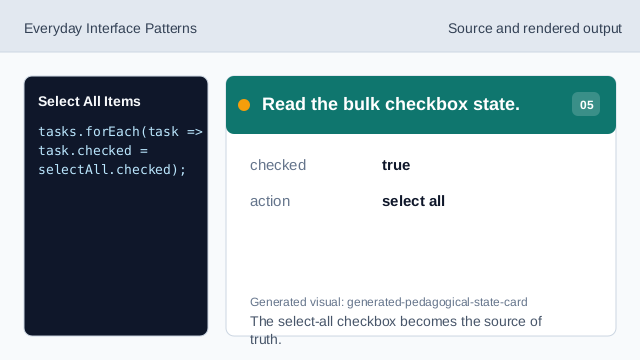
The select-all checkbox becomes the source of truth. Check every task item.
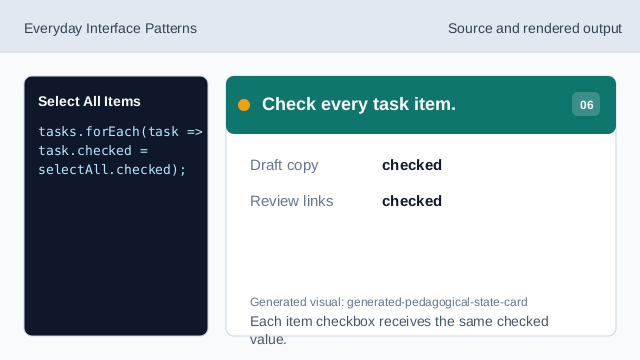
Each item checkbox receives the same checked value. Render the selected count.
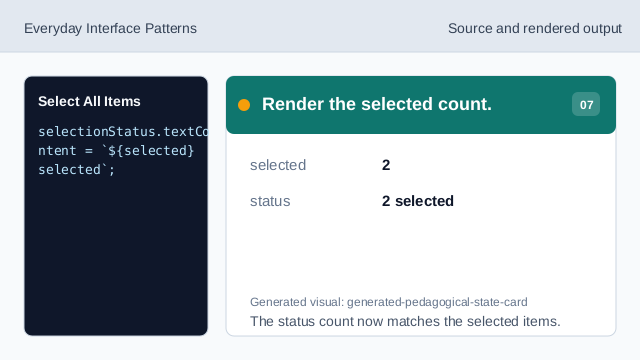
The status count now matches the selected items.
aria-controls
aria-controls points from the bulk control to the affected list.
checked
checked stores each checkbox selection state.
status count
A status count confirms the consequence of a bulk action.