List Item Action Patterns
Remove Item Status
A remove button hides one list row and announces the result while guarding against a missing row.
Program
Removing an item should update the list and say what changed. A small row lookup keeps the action deterministic and safe.
remove_item_status.html
Visuals: captured from real browser rendering
<ul id="cart">
  <li id="item-1">Notebook <button data-remove="item-1">Remove</button></li>
  <li id="item-2">Pencil</li>
</ul>
<p id="remove-status" role="status" data-tone="idle">No items removed.</p>
<style>
  #remove-status[data-tone="done"] { background: #dcfce7; padding: 8px; }
</style>
<script>
  const removeStatus = document.querySelector("#remove-status");
  document.querySelectorAll("[data-remove]").forEach(button => {
    button.addEventListener("click", () => {
      const row = document.getElementById(button.dataset.remove);
      if (!row) return;
      row.hidden = true;
      removeStatus.dataset.tone = "done";
      removeStatus.textContent = "Notebook removed. 1 item left.";
    });
  });
</script>
Store the row id on the button.
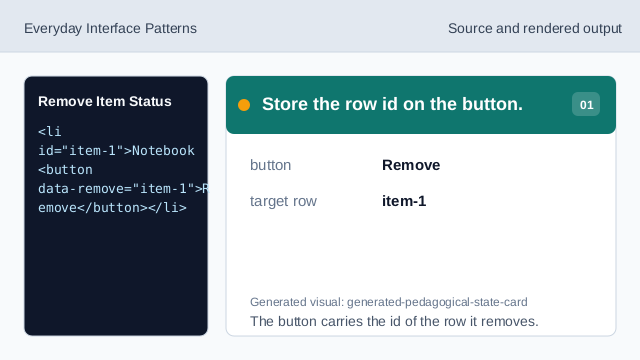
The button carries the id of the row it removes. Add a removal status line.
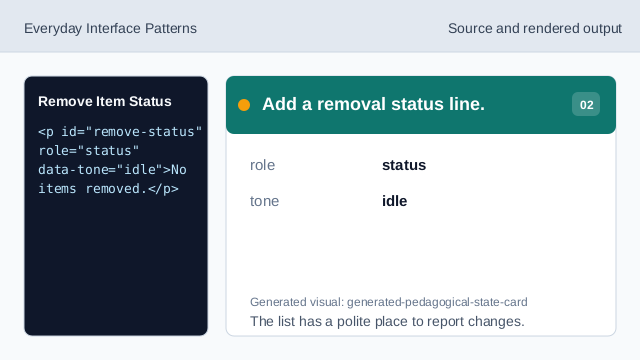
The list has a polite place to report changes. Style the completed remove state.
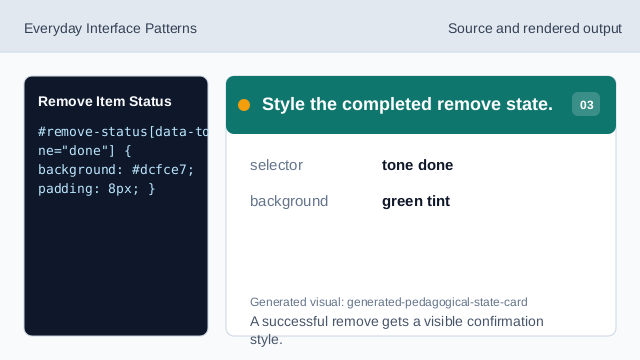
A successful remove gets a visible confirmation style. Listen for remove clicks.
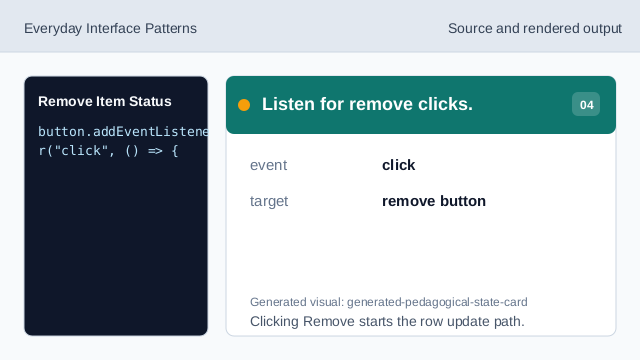
Clicking Remove starts the row update path. Find the target row.
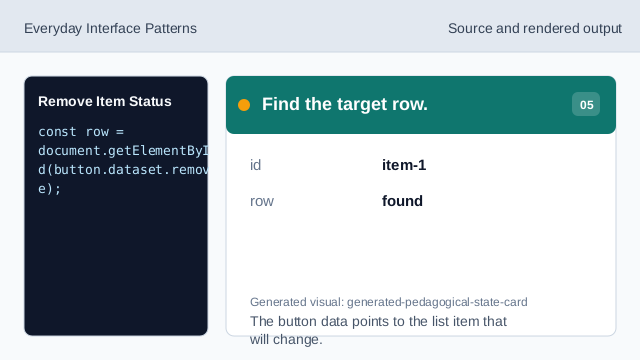
The button data points to the list item that will change. Guard against a missing row.
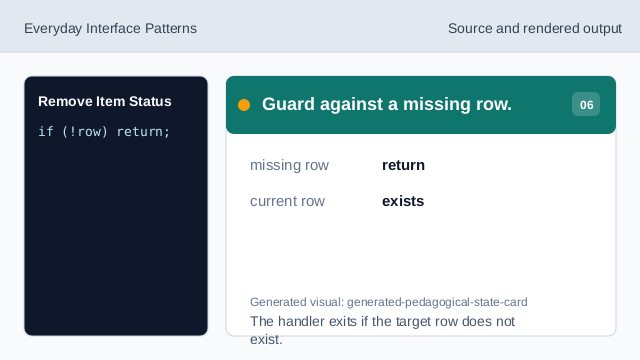
The handler exits if the target row does not exist. Hide the row and report it.
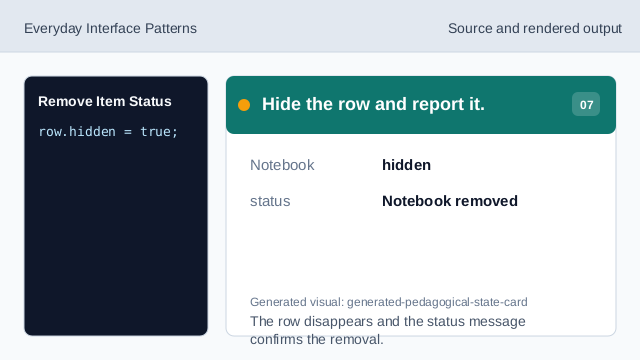
The row disappears and the status message confirms the removal.
data attribute
A data attribute can store the id of the row an action changes.
hidden
hidden removes the row from the rendered list.
role status
role="status" announces the result of the remove action.