List Item Action Patterns
Inline Edit Label
A list item swaps display text for a small edit field, then saves a trimmed label with a fallback.
Program
Inline editing works best when the display label, edit field, action button, and status message stay in sync.
inline_edit_label.html
Visuals: captured from real browser rendering
<li id="project-item">
  <span id="project-label">Q3 plan</span>
  <input id="project-edit" value="Q3 plan draft" hidden aria-label="Project label">
  <button id="edit-label" aria-controls="project-edit">Edit</button>
</li>
<p id="edit-status" role="status">Label ready.</p>
<style>
  #project-edit:not([hidden]) { border: 2px solid #2563eb; padding: 4px; }
</style>
<script>
  const label = document.querySelector("#project-label");
  const editor = document.querySelector("#project-edit");
  const editButton = document.querySelector("#edit-label");
  const editStatus = document.querySelector("#edit-status");
  editButton.addEventListener("click", () => {
    const editing = !editor.hidden;
    if (!editing) { editor.hidden = false; label.hidden = true; editButton.textContent = "Save"; editStatus.textContent = "Editing label."; }
    else { label.textContent = editor.value.trim() || "Untitled"; editor.hidden = true; label.hidden = false; editButton.textContent = "Edit"; editStatus.textContent = "Label saved."; }
  });
</script>
Start with a display label.
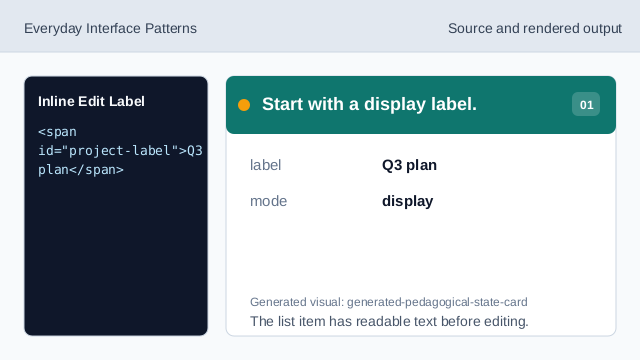
The list item has readable text before editing. Keep the edit field hidden at first.
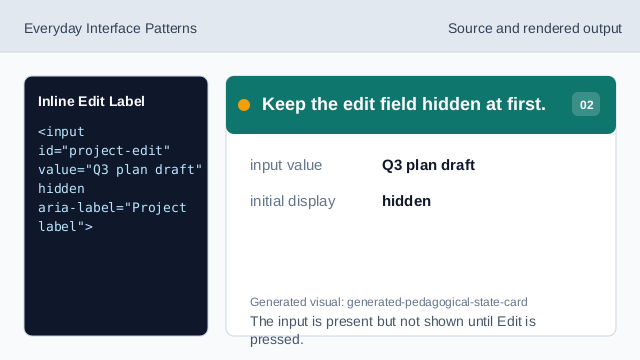
The input is present but not shown until Edit is pressed. Connect the button to the edit field.
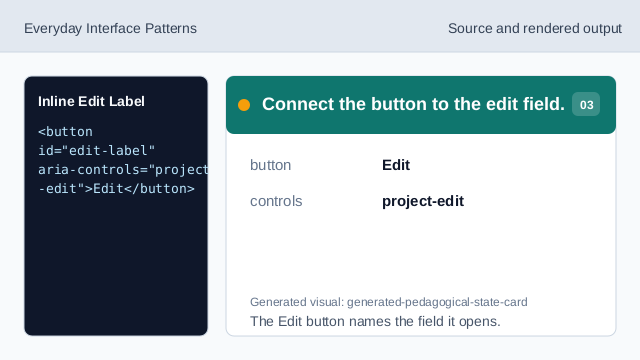
The Edit button names the field it opens. Style the visible edit field.
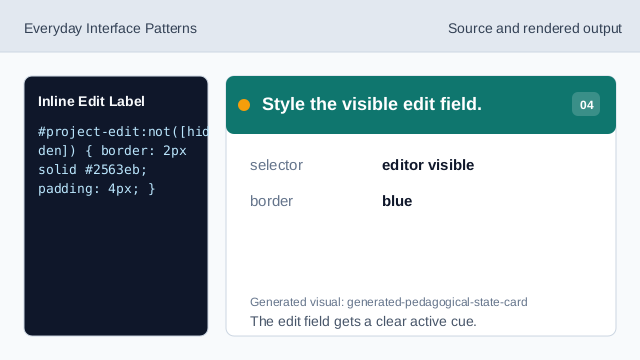
The edit field gets a clear active cue. Listen for edit and save clicks.
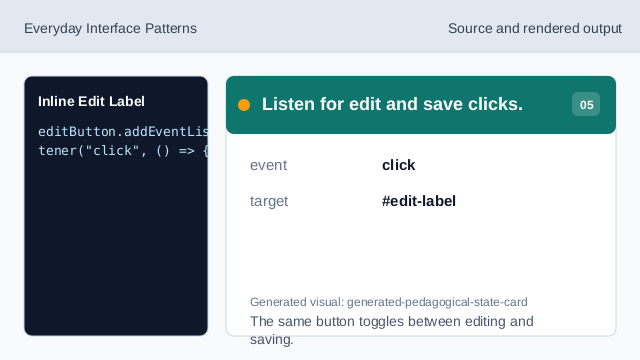
The same button toggles between editing and saving. Save a trimmed label with fallback.
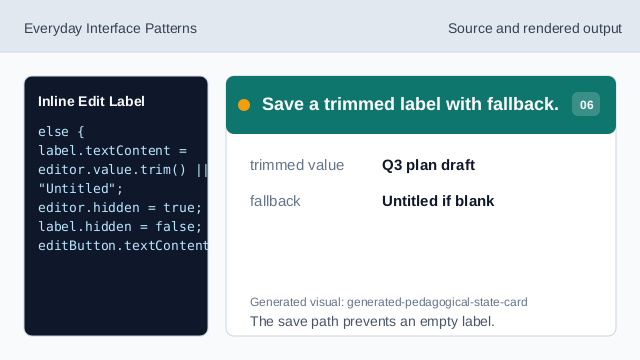
The save path prevents an empty label. Render the saved label state.
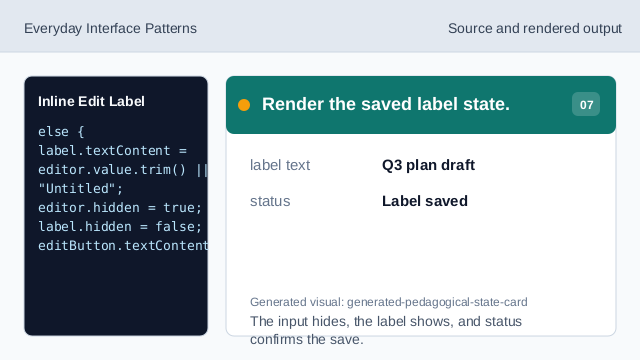
The input hides, the label shows, and status confirms the save.
hidden
hidden swaps the display label and edit field without removing the list item.
aria-controls
aria-controls identifies the edit field controlled by the button.
fallback label
A fallback keeps the saved label from becoming empty.