Input Intent Patterns
Search Enter Key
A search form uses type="search", enterkeyhint="search", and an explicit submit button.
Program
A small search form can tell the browser the input purpose, the desired enter-key label, and the visible submit action.
search_enter_key_hint.html
Visuals: captured from real browser rendering
<form class="site-search" action="/search">
  <label for="site-query">Search site</label>
  <input id="site-query" name="q" type="search" enterkeyhint="search">
  <button type="submit">Search</button>
</form>
<style>
  .site-search { display: flex; gap: 8px; align-items: end; flex-wrap: wrap; }
  .site-search input { border: 1px solid #64748b; padding: 10px; }
  .site-search button { padding: 10px 14px; font-weight: 700; }
</style>
Create the search form.
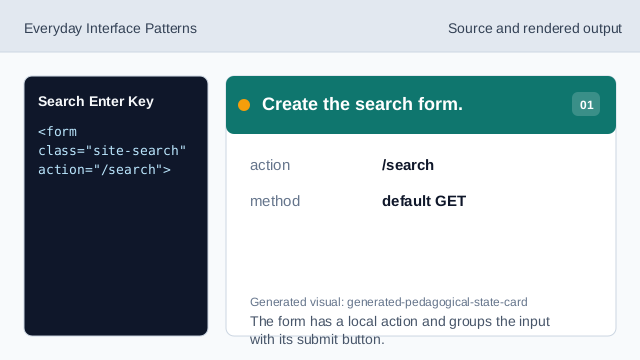
The form has a local action and groups the input with its submit button. Label the search input.
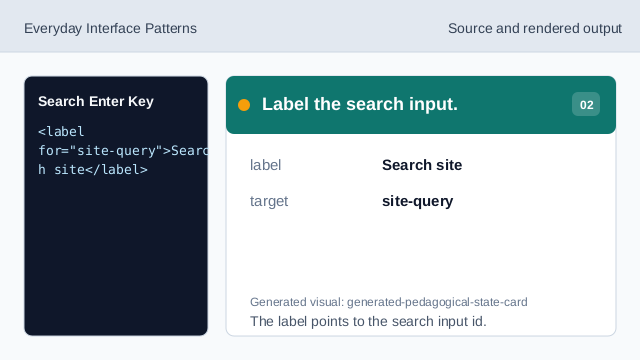
The label points to the search input id. Set the search input type.
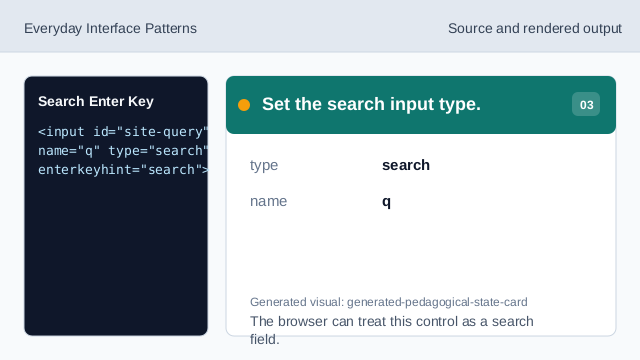
The browser can treat this control as a search field. Request the search enter key.
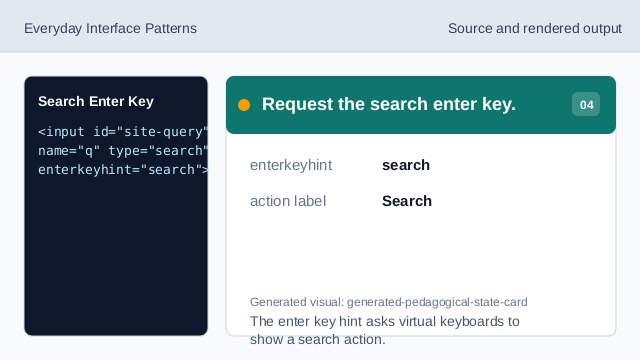
The enter key hint asks virtual keyboards to show a search action. Add an explicit submit control.
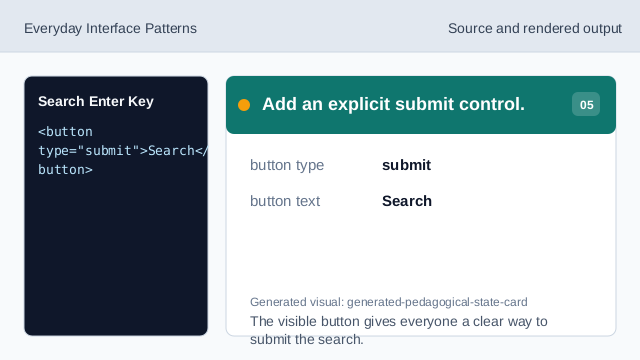
The visible button gives everyone a clear way to submit the search. Check the rendered search row.
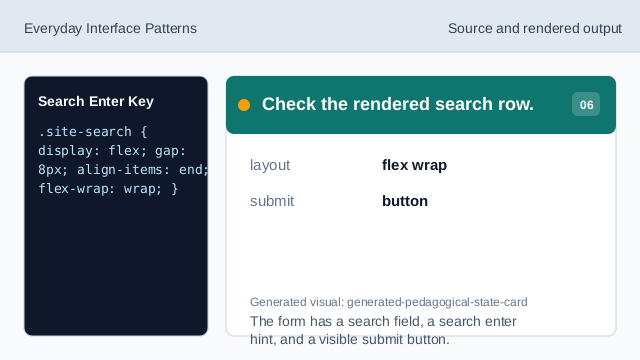
The form has a search field, a search enter hint, and a visible submit button.
search form
A form groups the search input and submit control.
type search
type="search" tells the browser this text field is for search terms.
enter key hint
enterkeyhint can request a search label for the virtual keyboard action.