Input Intent Patterns
Numeric Code Keyboard
A one-time code field uses inputmode="numeric", autocomplete="one-time-code", and type="text" so leading zeroes are possible.
Program
Short verification codes are often digits, but they are not numbers for math. Keep the field as text, then ask mobile keyboards for numeric input.
numeric_code_keyboard.html
Visuals: captured from real browser rendering
<div class="code-field">
  <label for="login-code">One-time code</label>
  <input id="login-code" name="code" type="text" inputmode="numeric" autocomplete="one-time-code" maxlength="6" aria-describedby="code-hint">
  <p id="code-hint">Enter the 6-digit code; leading zeroes are allowed.</p>
</div>
<style>
  .code-field { display: grid; gap: 6px; max-width: 22rem; }
  .code-field input { letter-spacing: 0.18em; padding: 10px; border: 1px solid #64748b; }
  .code-field p { margin: 0; color: #475569; }
</style>
Name the code field.
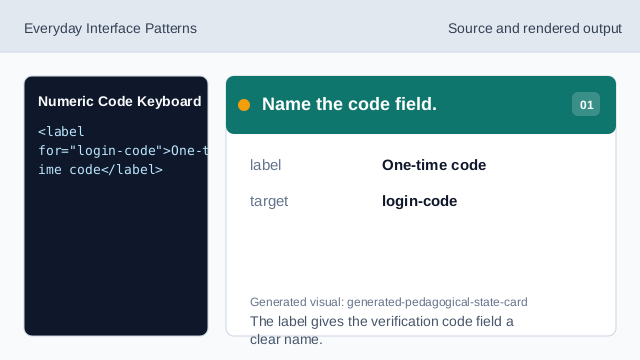
The label gives the verification code field a clear name. Keep the code as text.
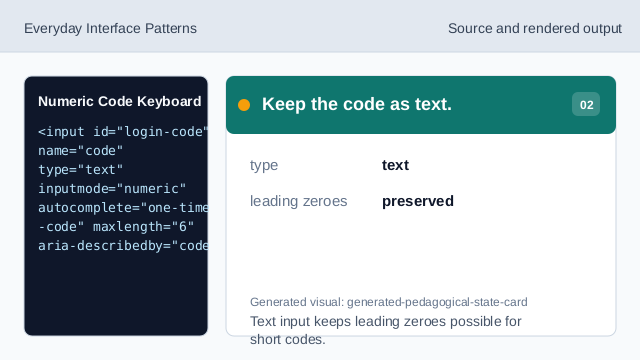
Text input keeps leading zeroes possible for short codes. Request the numeric keyboard.
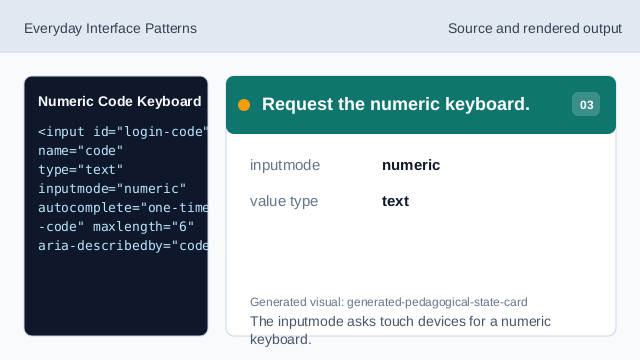
The inputmode asks touch devices for a numeric keyboard. Declare one-time code intent.
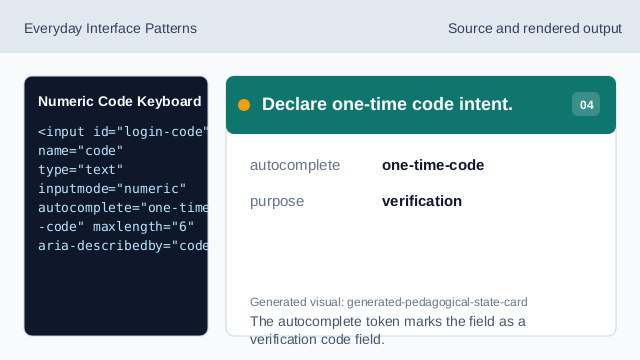
The autocomplete token marks the field as a verification code field. Render the code field.
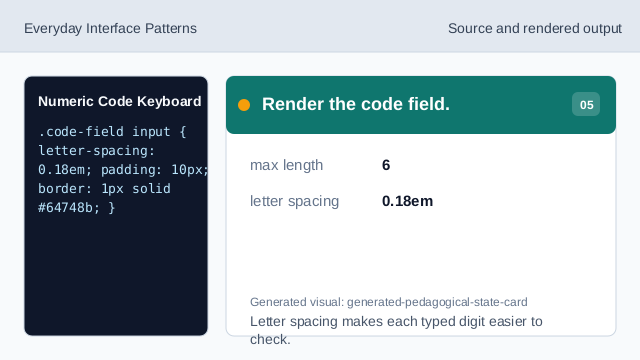
Letter spacing makes each typed digit easier to check. Check the code intent.
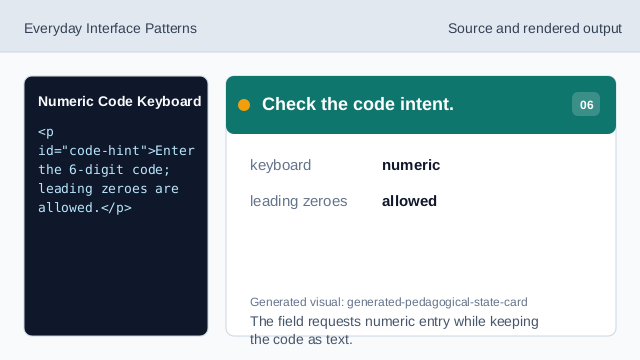
The field requests numeric entry while keeping the code as text.
text code field
type="text" preserves leading zeroes in a code.
inputmode numeric
inputmode="numeric" requests a numeric keyboard without changing the value type.
one-time-code
autocomplete="one-time-code" tells the browser the field can receive a verification code.