Saved Item Patterns
Saved Items Summary
A static saved-items summary shows two pinned item names, 2 saved items count text, a View saved button, and no storage or backend load.
Program
A saved-items summary should expose the count and sample contents clearly. This lesson uses a pinned list, not a loaded collection.
saved_items_summary.html
Visuals: captured from real browser rendering
<section class="saved-summary" aria-labelledby="saved-summary-title">
  <h2 id="saved-summary-title">Saved items</h2>
  <p><strong>2 saved items</strong></p>
  <ul>
    <li>CSS Pocket Guide</li>
    <li>Replay Checklist</li>
  </ul>
  <button type="button">View saved</button>
  <p class="note">Static saved-items summary only; no saved collection is loaded from storage or backend.</p>
</section>
<style>
  .saved-summary { display: grid; gap: 10px; max-width: 38rem; border: 1px solid #64748b; padding: 12px; }
  .saved-summary p, .note { margin: 0; }
  .saved-summary ul { margin: 0; padding-left: 1.25rem; }
  .saved-summary button { justify-self: start; padding: 8px 12px; }
  .note { color: #475569; }
</style>
Label the summary section.
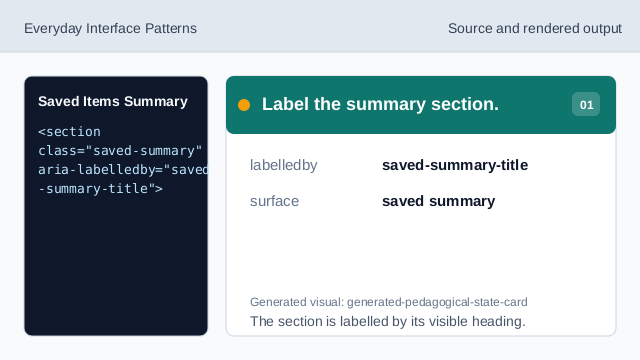
The section is labelled by its visible heading. Show the saved count.
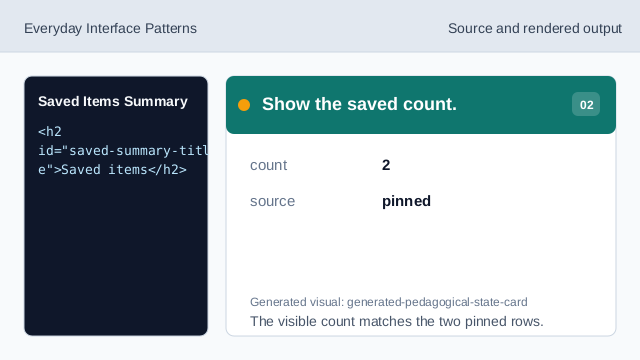
The visible count matches the two pinned rows. Use a list for saved items.
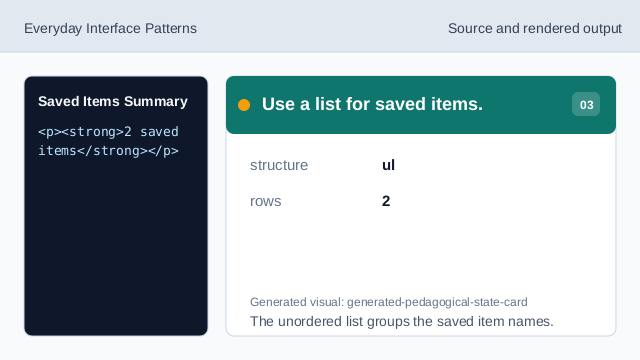
The unordered list groups the saved item names. Show the first pinned item.
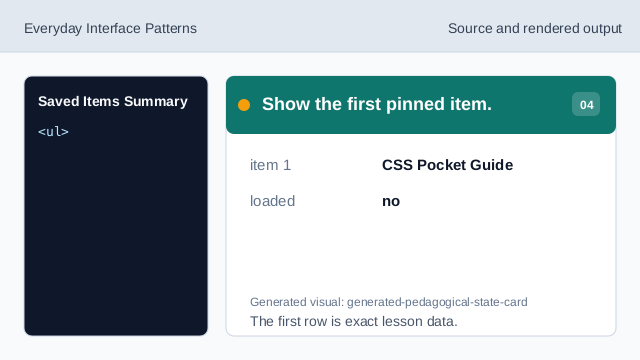
The first row is exact lesson data. Show the second pinned item.
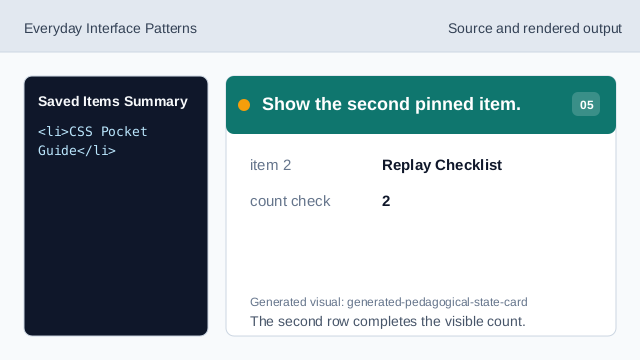
The second row completes the visible count. Show the view affordance.
The button names a possible next step without loading anything. Check summary honesty.
The summary shows two pinned items, a View saved button, and no storage or backend load.
saved count
The count text is fixed and easy to compare with the list.
pinned names
The two saved item names are deterministic lesson data.
no load
The lesson should not imply loading a saved collection from storage or a backend.