Saved Item Patterns
Favorite Button State
A static saved item card shows a pinned title, Saved favorite state, a Saved button, and no account, database, or storage write.
Program
Save buttons should make the current state visible. This lesson shows a pinned saved state only, without persistence.
favorite_button_state.html
Visuals: captured from real browser rendering
<section class="favorite-card" aria-labelledby="favorite-title">
  <h2 id="favorite-title">CSS Pocket Guide</h2>
  <p><strong>Favorite state</strong> <span class="badge">Saved</span></p>
  <button type="button" aria-pressed="true">Saved</button>
  <p class="note">Static saved state only; no account, database, or storage write runs.</p>
</section>
<style>
  .favorite-card { display: grid; gap: 10px; max-width: 36rem; border: 1px solid #64748b; padding: 12px; }
  .favorite-card p, .note { margin: 0; }
  .favorite-card button { justify-self: start; padding: 8px 12px; }
  .badge { border-radius: 999px; background: #dcfce7; padding: 2px 8px; }
  .note { color: #475569; }
</style>
Label the favorite card.
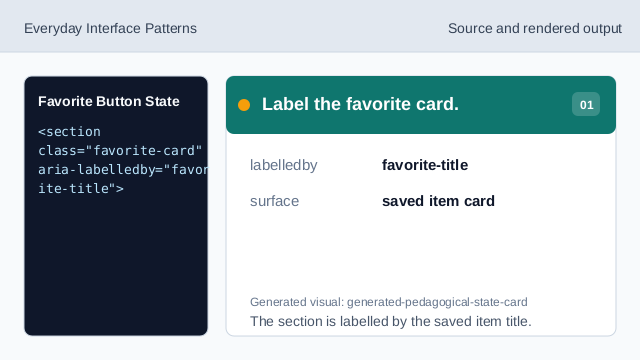
The section is labelled by the saved item title. Show the pinned item title.
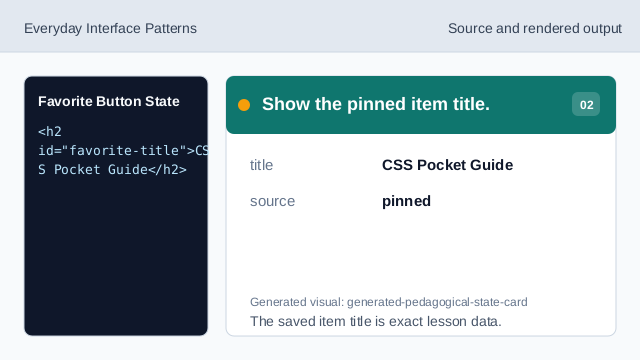
The saved item title is exact lesson data. Name the favorite state.
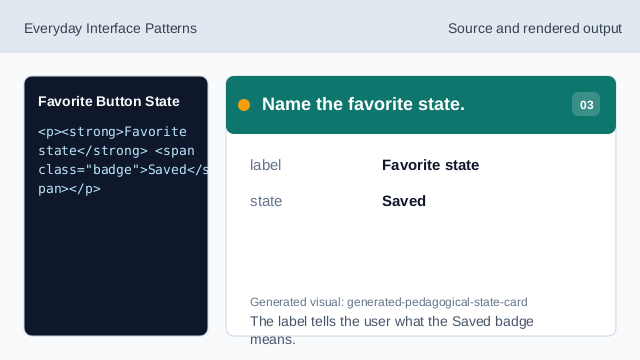
The label tells the user what the Saved badge means. Show the saved badge.
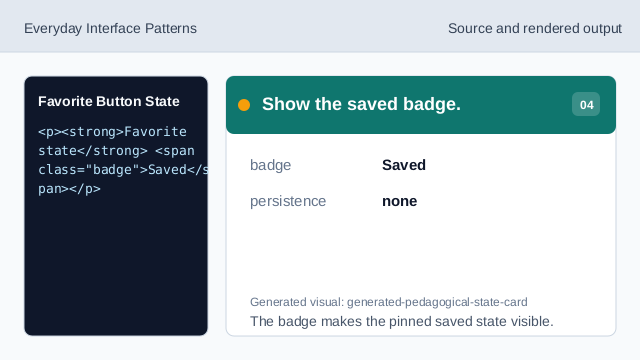
The badge makes the pinned saved state visible. Show the saved button state.
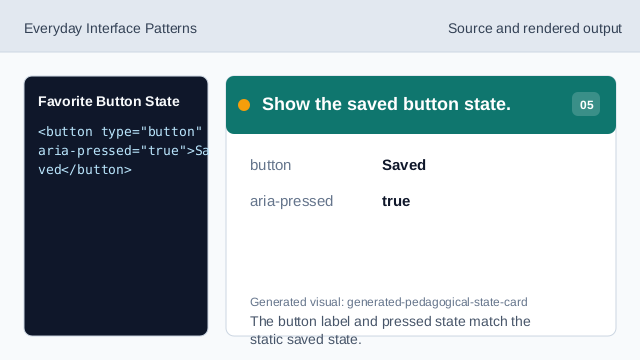
The button label and pressed state match the static saved state. Check saved-state honesty.
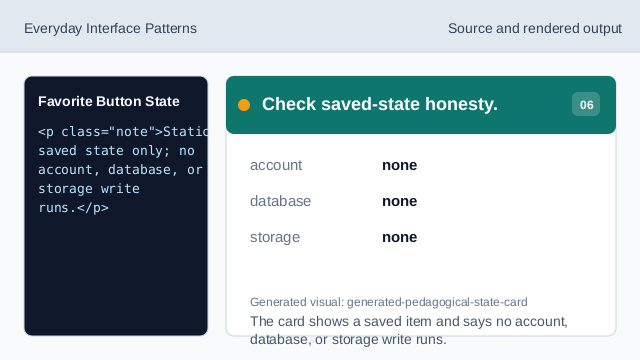
The card shows a saved item and says no account, database, or storage write runs.
saved state
The card shows Saved as a visible pinned state.
button label
The button text matches the shown saved state.
no persistence
The lesson should not imply account, database, or storage writes.