Saved Item Patterns
Save Limit Notice
A static save-limit notice shows 10 of 10 saved, explanatory text, a Manage saved items button, and no quota check, sync service, or persistence.
Program
Limit notices should say what happened and what the user can do next. This lesson shows a pinned full state only.
save_limit_notice.html
Visuals: captured from real browser rendering
<section class="save-limit" aria-labelledby="save-limit-title">
  <h2 id="save-limit-title">Save limit reached</h2>
  <p><strong>10 of 10 saved</strong></p>
  <p>Remove an item before saving another lesson.</p>
  <button type="button">Manage saved items</button>
  <p class="note">Static save-limit notice only; no quota check, sync service, or persistence runs.</p>
</section>
<style>
  .save-limit { display: grid; gap: 10px; max-width: 36rem; border: 1px solid #b45309; padding: 12px; background: #fff7ed; }
  .save-limit p, .note { margin: 0; }
  .save-limit button { justify-self: start; padding: 8px 12px; }
  .note { color: #475569; }
</style>
Label the limit notice.
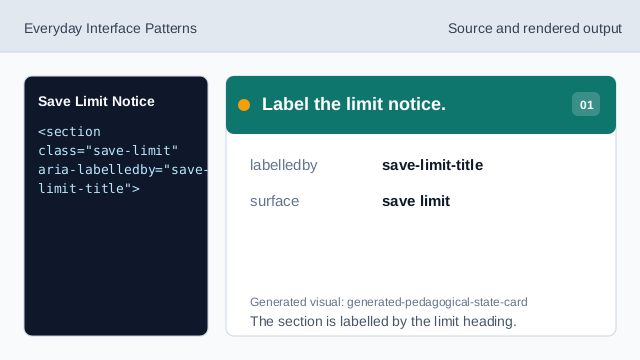
The section is labelled by the limit heading. Name the limit state.
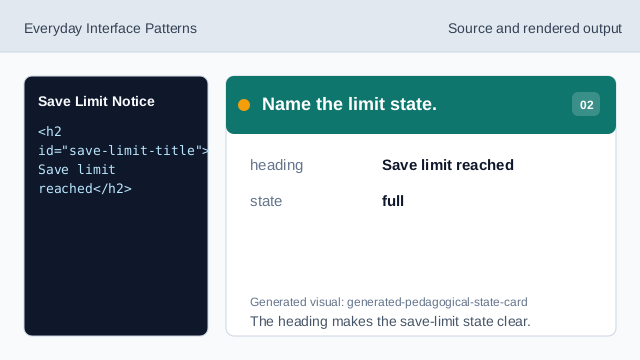
The heading makes the save-limit state clear. Show the pinned limit count.
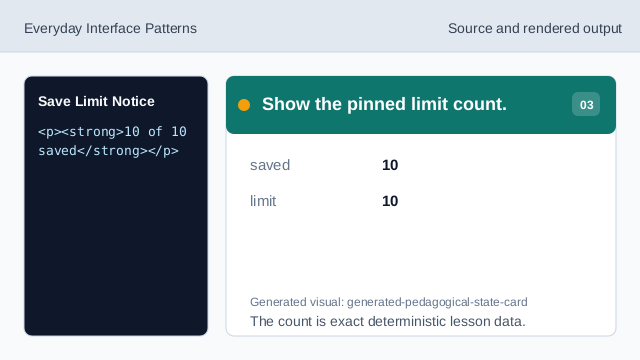
The count is exact deterministic lesson data. Explain the next step.
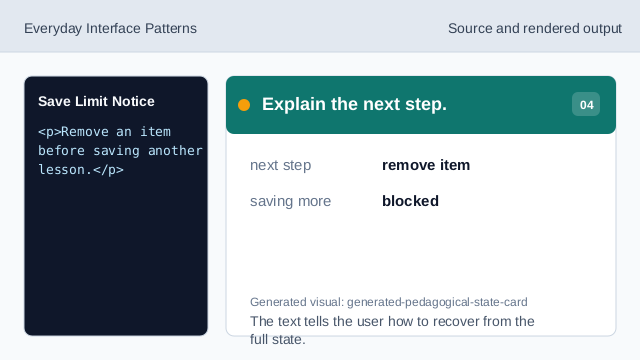
The text tells the user how to recover from the full state. Show the management affordance.
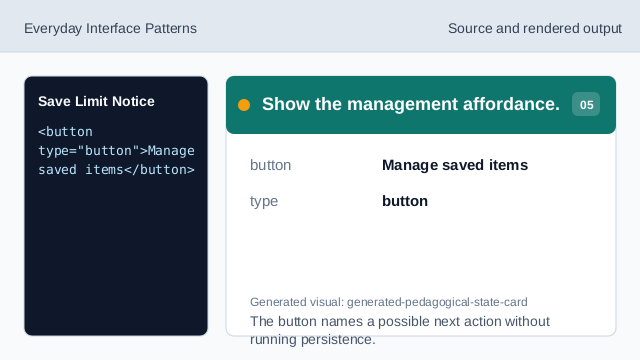
The button names a possible next action without running persistence. Check limit honesty.
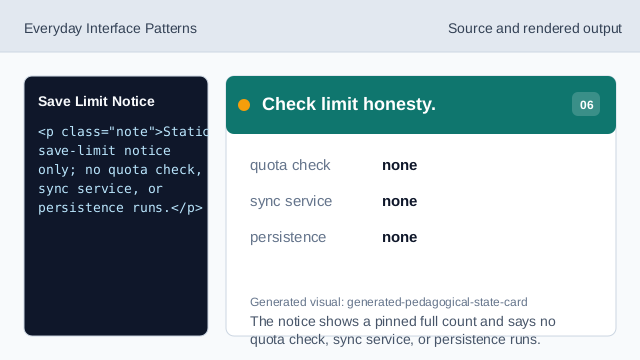
The notice shows a pinned full count and says no quota check, sync service, or persistence runs.
limit count
The limit state shows the exact pinned count 10 of 10 saved.
next action
The Manage saved items button names the next visible action.
no quota service
The lesson should not imply a live quota check, sync service, or persistence.