Loading Empty and Error States
Retry Error Panel
A retry button shows a deterministic failed state with an alert message and keeps the retry action available.
Program
Error states should explain the problem and leave a clear next action. This lesson uses a local failed check instead of a network request.
retry_error_panel.html
Visuals: captured from real browser rendering
<section id="sync-panel" aria-labelledby="sync-title" data-state="ready">
  <h2 id="sync-title">Updates</h2>
  <p id="sync-message" role="alert" hidden>Could not load updates.</p>
  <button id="retry">Retry</button>
</section>
<style>
  #sync-panel[data-state="error"] { border: 2px solid #dc2626; padding: 12px; }
  #sync-message:not([hidden]) { color: #b91c1c; font-weight: 700; }
</style>
<script>
  const panel = document.querySelector("#sync-panel");
  const message = document.querySelector("#sync-message");
  const retry = document.querySelector("#retry");
  retry.addEventListener("click", () => {
    panel.dataset.state = "loading";
    message.hidden = true;
    const failed = true;
    if (failed) {
      panel.dataset.state = "error";
      message.hidden = false;
    }
  });
</script>
Name the update panel.
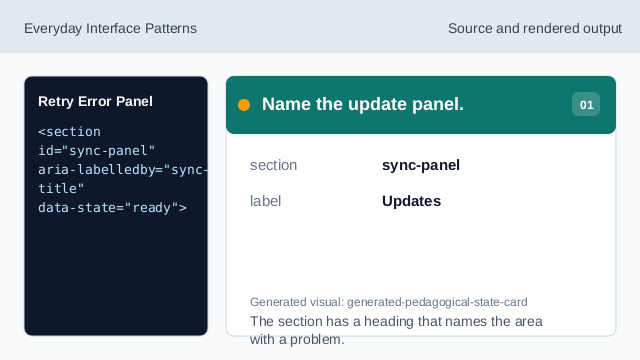
The section has a heading that names the area with a problem. Prepare the alert message.
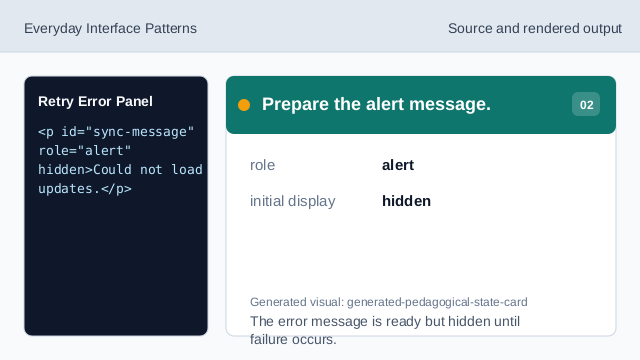
The error message is ready but hidden until failure occurs. Style the error state.
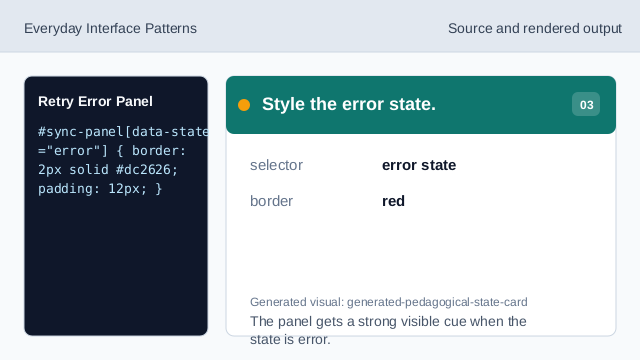
The panel gets a strong visible cue when the state is error. Listen for retry.
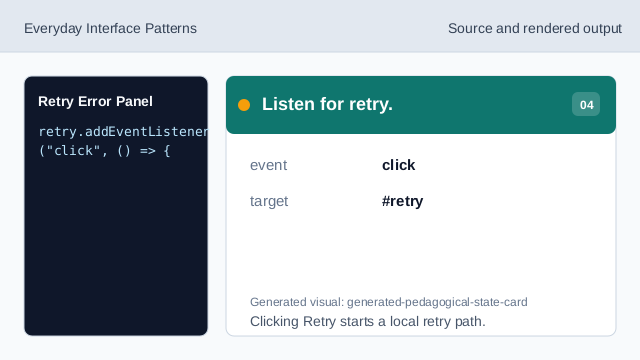
Clicking Retry starts a local retry path. Move into loading state.
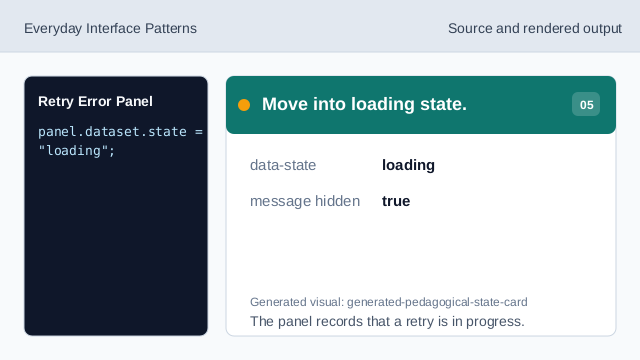
The panel records that a retry is in progress. Check the deterministic failure.
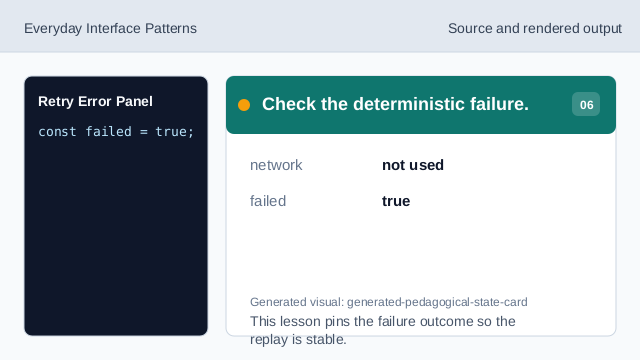
This lesson pins the failure outcome so the replay is stable. Render the error panel.
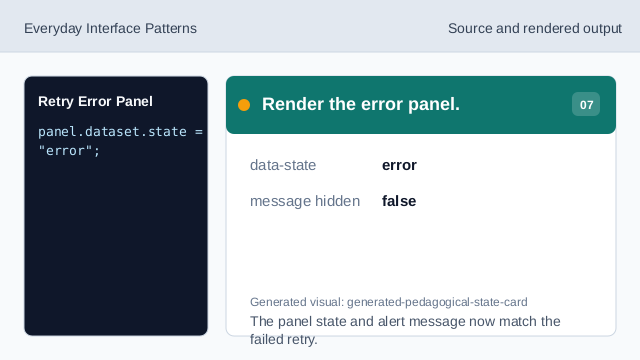
The panel state and alert message now match the failed retry.
role alert
role="alert" exposes urgent error text when it appears.
retry action
A retry action gives the user a next step after failure.
error state
An error state should pair a visible cue with plain language.