Loading Empty and Error States
Empty Results Message
A search field hides nonmatching results and reveals a useful empty message when no items remain.
Program
Empty states should explain that the interface worked but nothing matched. This pattern keeps the empty message hidden until the filter removes every result.
empty_results_message.html
Visuals: captured from real browser rendering
<label for="project-search">Search projects</label>
<input id="project-search" aria-describedby="empty-message">
<ul id="project-list"><li data-name="alpha">Alpha</li><li data-name="beta">Beta</li></ul>
<p id="empty-message" hidden>No projects match.</p>
<style>
  #empty-message:not([hidden]) { border: 1px solid #94a3b8; padding: 12px; }
</style>
<script>
  const search = document.querySelector("#project-search");
  const items = document.querySelectorAll("#project-list li");
  const empty = document.querySelector("#empty-message");
  search.addEventListener("input", () => {
    const term = search.value.trim().toLowerCase();
    let visible = 0;
    items.forEach(item => {
      const match = item.dataset.name.includes(term);
      item.hidden = !match;
      if (match) visible += 1;
    });
    empty.hidden = visible !== 0;
  });
</script>
Connect the search field to the empty message.
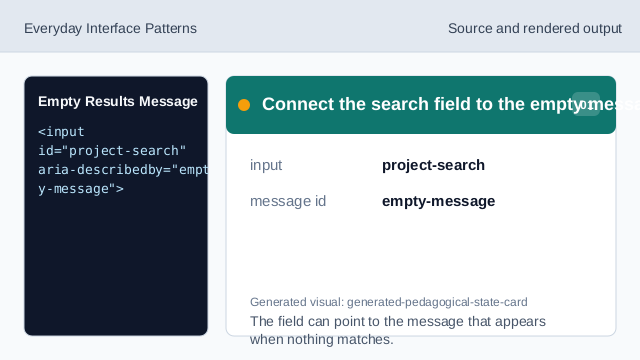
The field can point to the message that appears when nothing matches. Store filter text on each result.
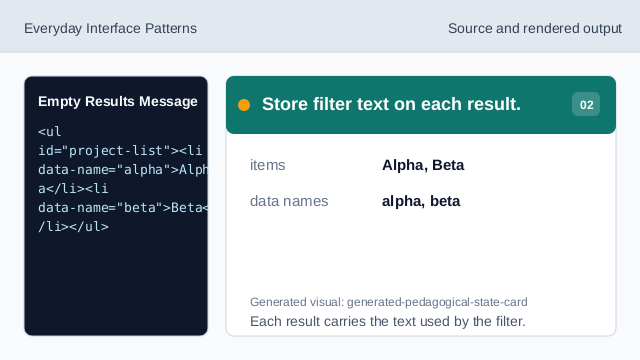
Each result carries the text used by the filter. Hide the empty state at first.
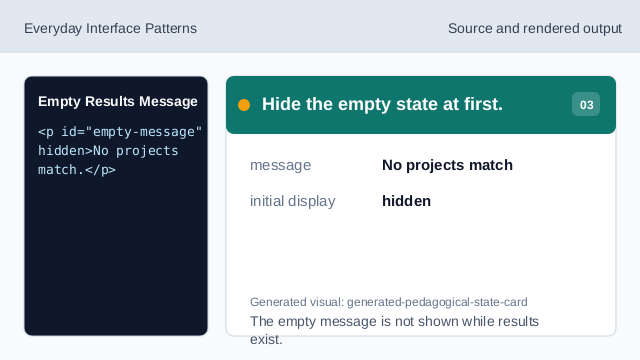
The empty message is not shown while results exist. Style the visible empty message.
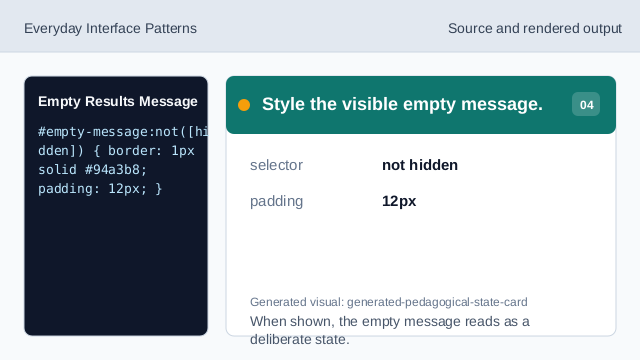
When shown, the empty message reads as a deliberate state. Listen for search input.
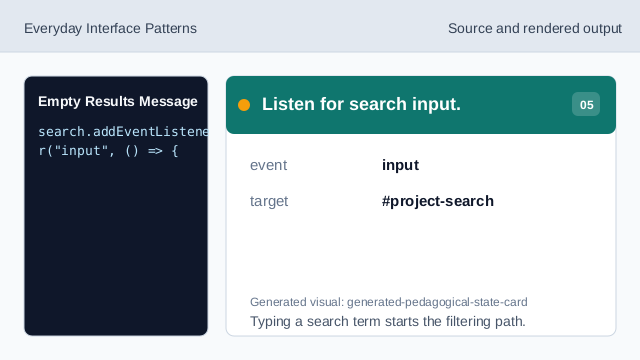
Typing a search term starts the filtering path. Check each result against the term.
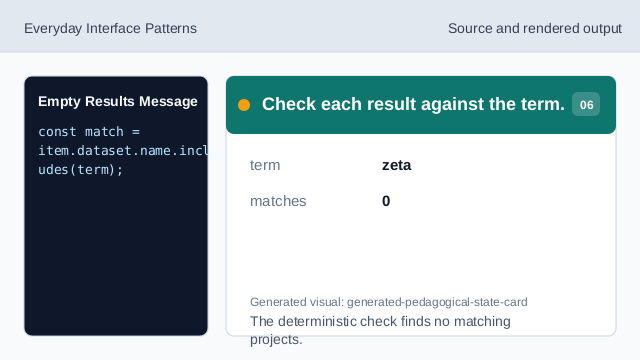
The deterministic check finds no matching projects. Render the empty state.
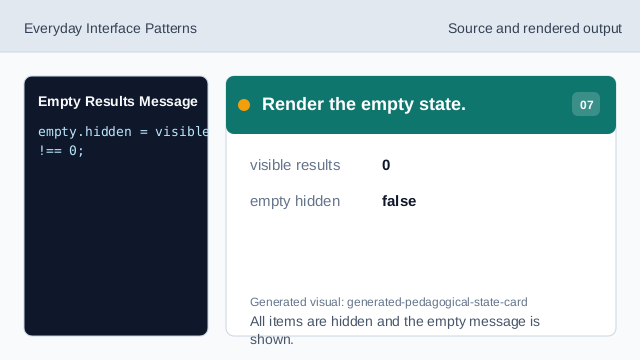
All items are hidden and the empty message is shown.
empty state
An empty state explains why an area has no visible items.
hidden
hidden removes nonmatching results and the empty message when they do not apply.
input event
The input event lets the list respond while the user types.