Search Results Patterns
Results Count Heading
A pinned query of web shows a visible heading, count, status text, and three fixed results.
Program
Search result pages should make the query and count easy to verify. This lesson uses fixed result data instead of a live search engine.
results_count_heading.html
Visuals: captured from real browser rendering
<section class="results-summary" data-query="web" data-result-count="3">
  <h2>3 results for <q>web</q></h2>
  <p role="status">Showing 3 pinned results for web.</p>
  <ol aria-label="Search results">
    <li>Web forms</li>
    <li>Web canvas</li>
    <li>Web replay lab</li>
  </ol>
  <p class="note">No live search engine runs in this lesson.</p>
</section>
<style>
  .results-summary { display: grid; gap: 10px; max-width: 32rem; border: 1px solid #94a3b8; padding: 12px; }
  .results-summary ol { margin: 0; padding-left: 1.25rem; }
  .note { margin: 0; color: #475569; }
</style>
Pin the search query.
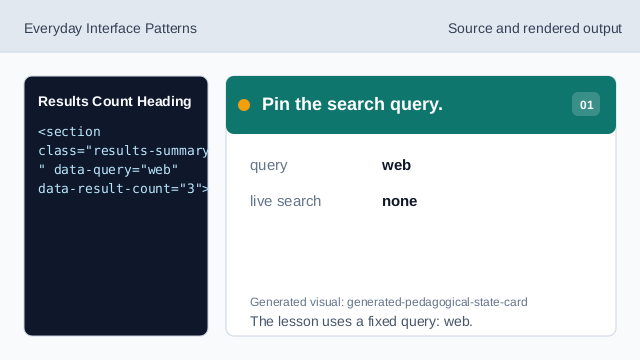
The lesson uses a fixed query: web. Pin the result count.
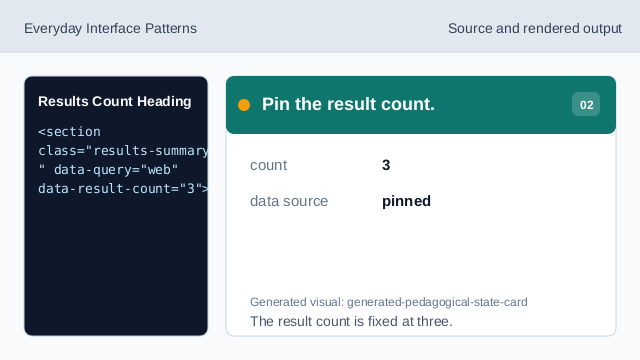
The result count is fixed at three. Show count and query in the heading.
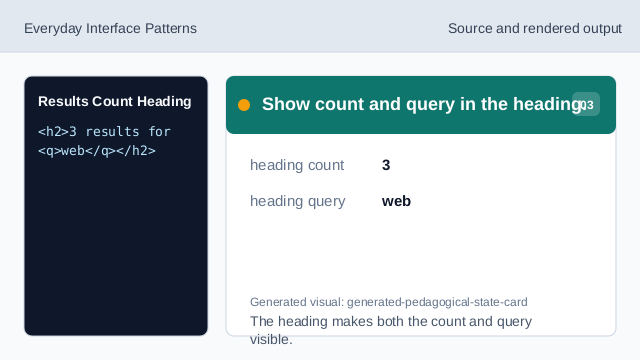
The heading makes both the count and query visible. Repeat the count in status text.
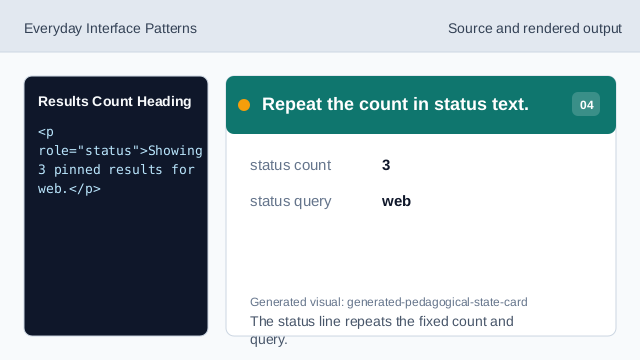
The status line repeats the fixed count and query. Render the fixed result list.
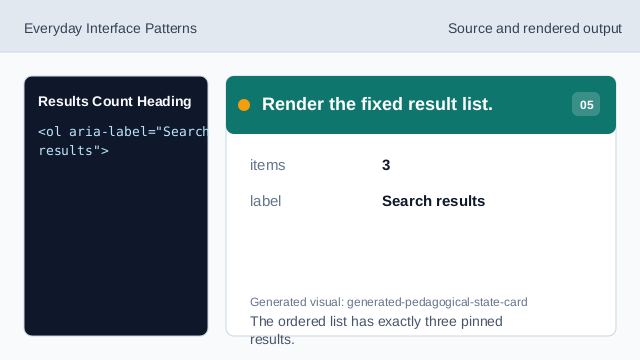
The ordered list has exactly three pinned results. Check the static results state.
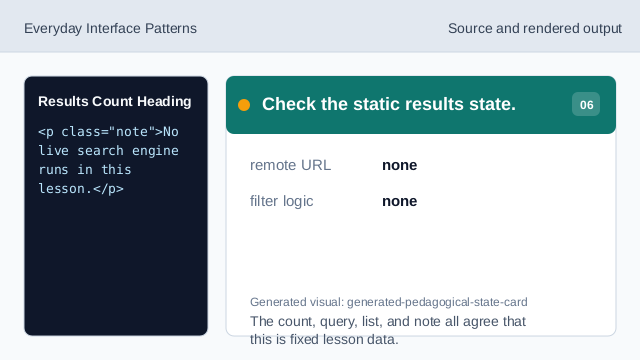
The count, query, list, and note all agree that this is fixed lesson data.
pinned query
The query is fixed lesson data.
visible count
The result count should be visible and easy to compare with the list.
status text
A status line can announce the same count and query.