Search Results Patterns
No Results Suggestions
A no-results state for the pinned query weeb shows zero results and simple suggestions without running live search.
Program
No-results pages should show the exact query, explain that nothing matched, and offer a few next steps.
no_results_suggestions.html
Visuals: captured from real browser rendering
<section class="no-results" data-query="weeb" data-result-count="0">
  <h2>No results for <q>weeb</q></h2>
  <p role="status">0 pinned results for weeb.</p>
  <ul>
    <li>Check spelling: web</li>
    <li>Clear filters</li>
    <li>Browse all lessons</li>
  </ul>
  <p class="note">No live search runs in this lesson.</p>
</section>
<style>
  .no-results { display: grid; gap: 10px; max-width: 32rem; border: 1px solid #94a3b8; padding: 12px; }
  .no-results ul { margin: 0; padding-left: 1.25rem; }
  .note { margin: 0; color: #475569; }
</style>
Pin the misspelled query.
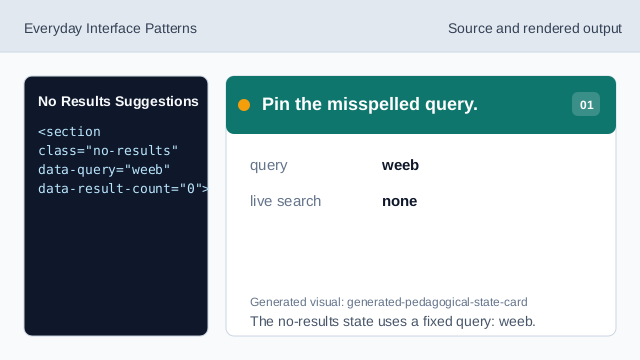
The no-results state uses a fixed query: weeb. Pin the zero result count.
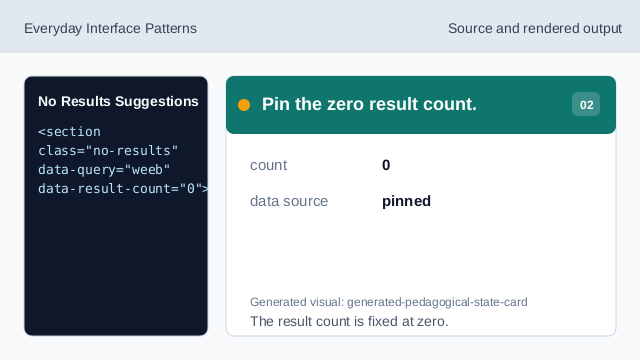
The result count is fixed at zero. Show the no-results heading.
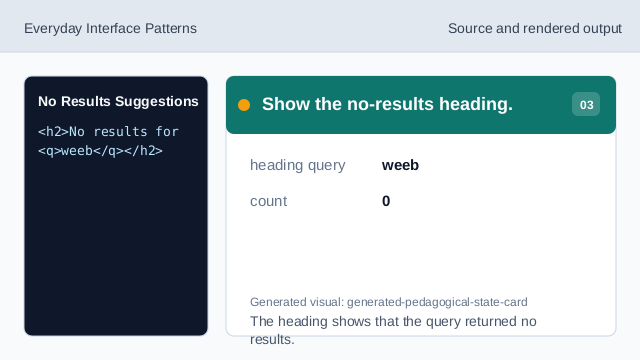
The heading shows that the query returned no results. Announce the zero result state.
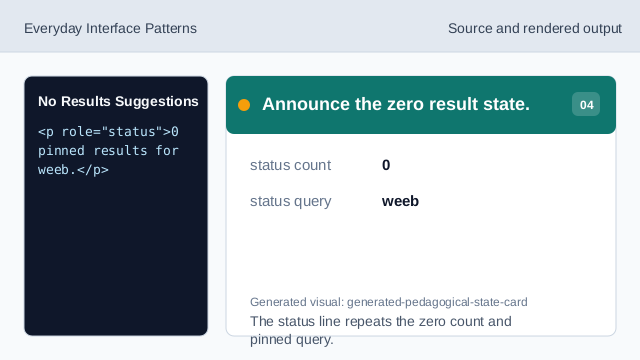
The status line repeats the zero count and pinned query. Offer recovery suggestions.
The list gives spelling, filter, and browse-all recovery paths. Check the no-results state.
The query, zero count, suggestions, and note are all deterministic.
no results
The UI should clearly show that the count is zero.
pinned query
The misspelled query weeb is fixed lesson data.
suggestions
Simple next steps help people recover from an empty result set.