Search Results Patterns
Highlighted Result Term
Pinned result snippets use mark for the term web, with an honest note that highlighting is pre-rendered.
Program
Highlighting can help people see why a result matched. This lesson uses pre-rendered mark elements rather than live matching logic.
highlighted_result_term.html
Visuals: captured from real browser rendering
<section class="highlighted-results" data-query="web">
  <h2>Highlighted results for <q>web</q></h2>
  <article>
    <h3>Web forms</h3>
    <p><mark>web</mark> forms keep labels clear.</p>
  </article>
  <article>
    <h3>Web canvas</h3>
    <p>Draw a <mark>web</mark> marker on a canvas.</p>
  </article>
  <p class="note">Highlighting is pre-rendered in this lesson.</p>
</section>
<style>
  .highlighted-results { display: grid; gap: 10px; max-width: 32rem; border: 1px solid #94a3b8; padding: 12px; }
  mark { background: #fef08a; padding: 0 2px; }
  .note { margin: 0; color: #475569; }
</style>
Pin the highlighted term.
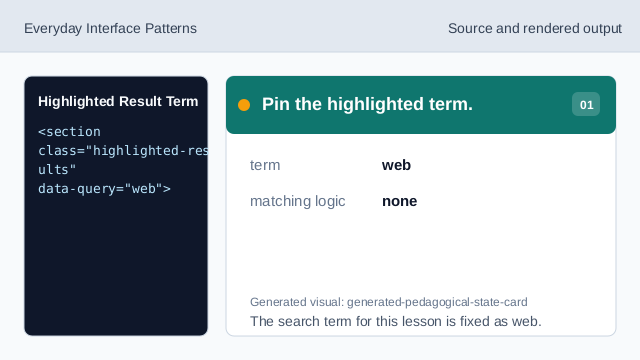
The search term for this lesson is fixed as web. Name the highlighted result state.
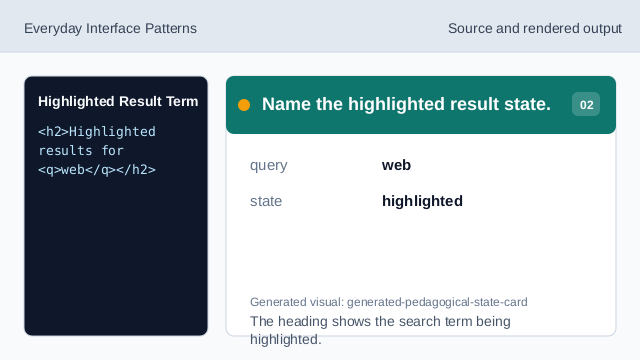
The heading shows the search term being highlighted. Mark the first snippet match.
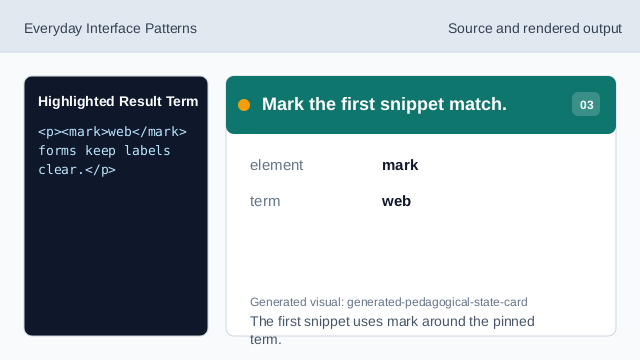
The first snippet uses mark around the pinned term. Mark the second snippet match.
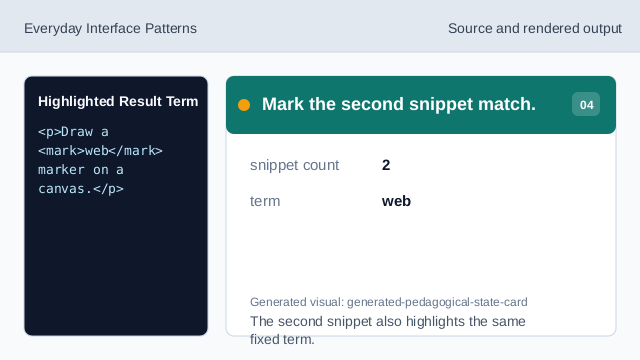
The second snippet also highlights the same fixed term. State how the highlight was made.
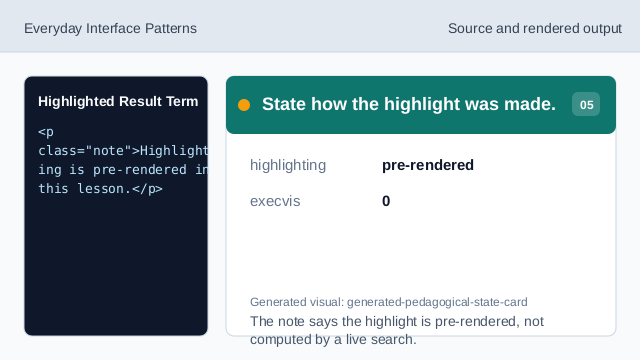
The note says the highlight is pre-rendered, not computed by a live search. Check the highlights.
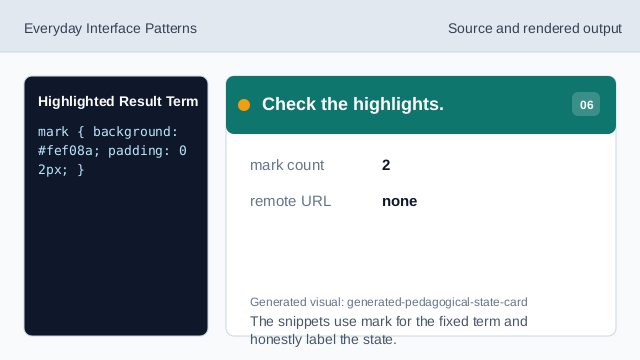
The snippets use mark for the fixed term and honestly label the state.
mark element
mark can identify text that is relevant to the current search.
pinned term
The highlighted term is fixed as web.
pre-rendered highlight
The lesson should not imply live matching logic ran.