Preference Settings Patterns
Reset Preferences State
A reset button restores local preference data attributes to defaults and announces the reset.
Program
Reset actions should be clear about what changed. This lesson resets local data-state only, without storage or network calls.
reset_preferences_state.html
Visuals: captured from real browser rendering
<section id="preferences" data-theme="dark" data-density="compact">
  <h2>Preferences</h2>
  <button id="reset-prefs">Reset preferences</button>
</section>
<p id="reset-status" role="status">Custom preferences active.</p>
<style>
  #preferences[data-theme="light"][data-density="comfortable"] { border: 1px solid #0f766e; }
</style>
<script>
  const preferences = document.querySelector("#preferences");
  const resetButton = document.querySelector("#reset-prefs");
  const resetStatus = document.querySelector("#reset-status");
  const defaults = { theme: "light", density: "comfortable" };
  resetButton.addEventListener("click", () => {
    if (!preferences) return;
    preferences.dataset.theme = defaults.theme;
    preferences.dataset.density = defaults.density;
    resetStatus.textContent = "Preferences reset to defaults.";
  });
</script>
Start from custom preferences.
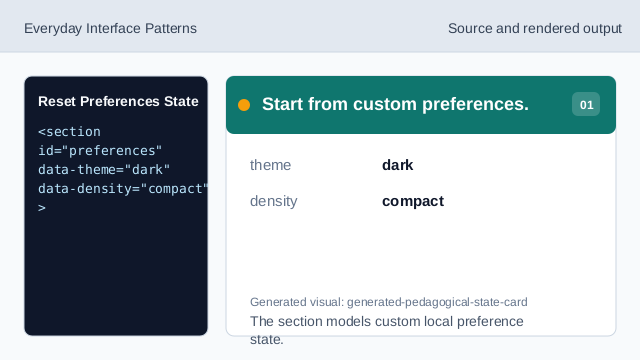
The section models custom local preference state. Show current preference status.
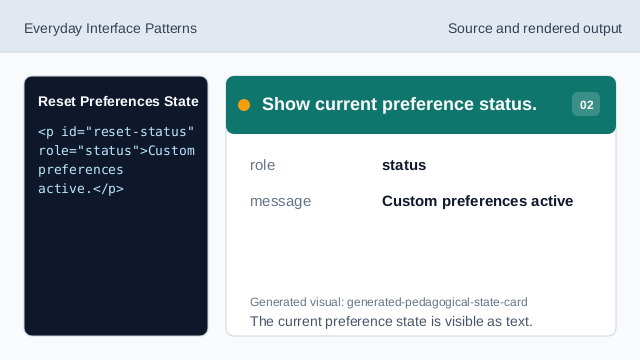
The current preference state is visible as text. Style the default state.
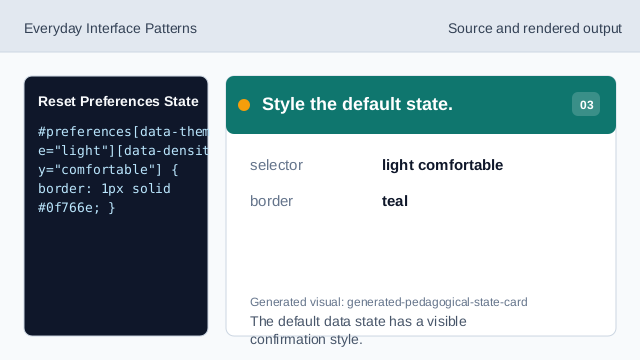
The default data state has a visible confirmation style. Pin the default values.
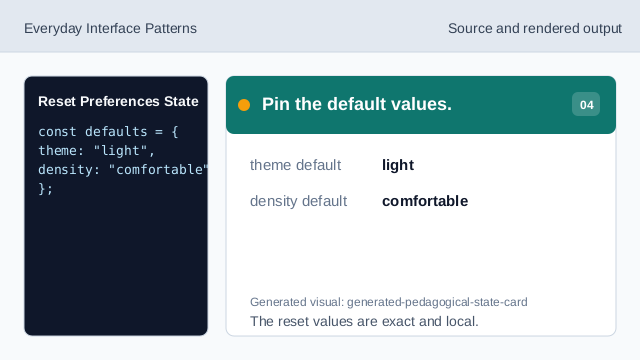
The reset values are exact and local. Listen for reset clicks.
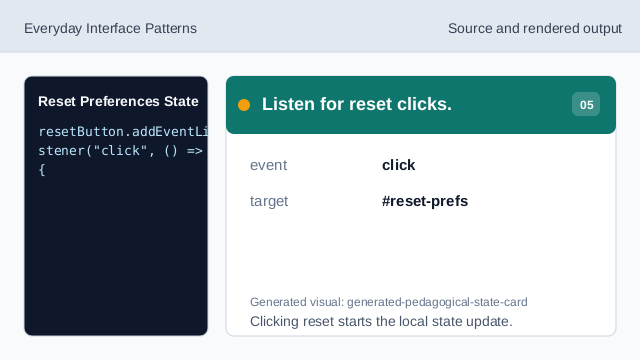
Clicking reset starts the local state update. Check the preferences target.
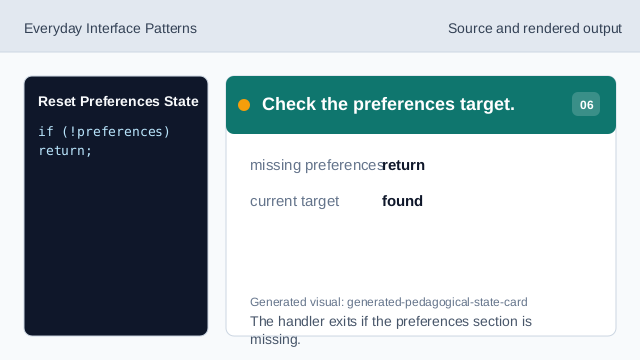
The handler exits if the preferences section is missing. Render reset state and status.
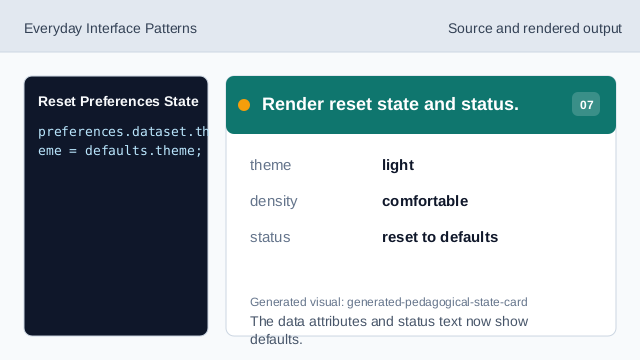
The data attributes and status text now show defaults.
data attributes
Data attributes can model local preference state.
defaults
A defaults object keeps reset values explicit and deterministic.
reset status
Status text confirms the reset consequence.