Preference Settings Patterns
Density Choice Preview
A radio density choice updates a preview list and announces the selected spacing preference.
Program
Density settings are easiest to understand when the selected radio immediately changes a small preview.
density_choice_preview.html
Visuals: captured from real browser rendering
<fieldset id="density-options">
  <legend>List density</legend>
  <label><input type="radio" name="density" value="comfortable" checked> Comfortable</label>
  <label><input type="radio" name="density" value="compact"> Compact</label>
</fieldset>
<ul id="density-preview" data-density="comfortable"><li>Inbox</li><li>Archive</li></ul>
<p id="density-status" role="status">Comfortable density selected.</p>
<style>
  #density-preview[data-density="compact"] { line-height: 1.1; }
</style>
<script>
  const densityChoices = document.querySelectorAll("input[name=density]");
  const densityPreview = document.querySelector("#density-preview");
  const densityStatus = document.querySelector("#density-status");
  densityChoices.forEach(choice => choice.addEventListener("change", () => {
    const selected = document.querySelector("input[name=density]:checked");
    densityPreview.dataset.density = selected.value;
    densityStatus.textContent = `${selected.value} density selected.`;
  }));
</script>
Group the density choices.
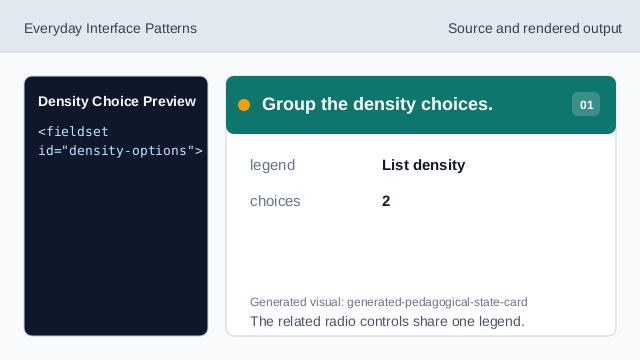
The related radio controls share one legend. Start with comfortable selected.
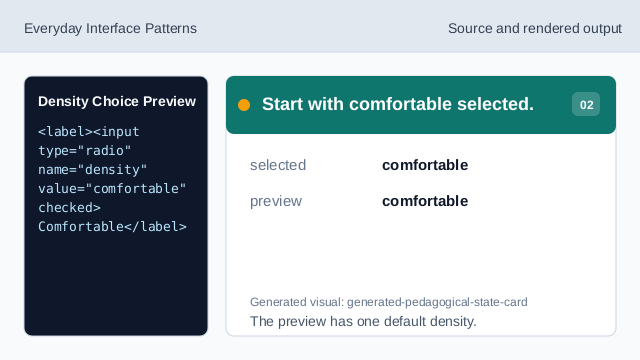
The preview has one default density. Show the selected density text.
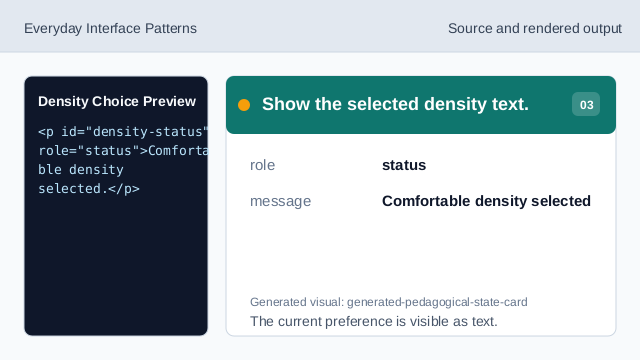
The current preference is visible as text. Style the compact preview.
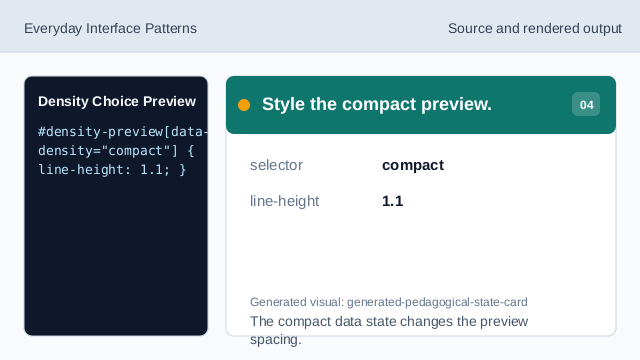
The compact data state changes the preview spacing. Listen for density changes.
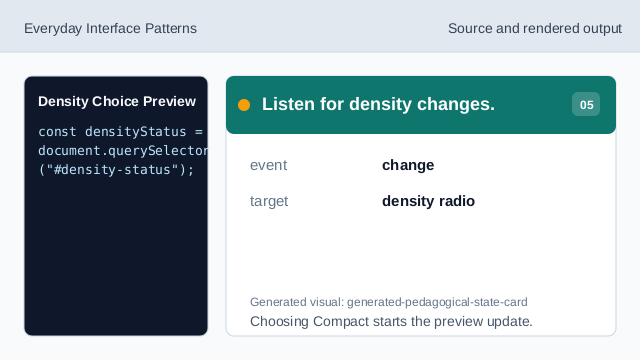
Choosing Compact starts the preview update. Find the selected density.
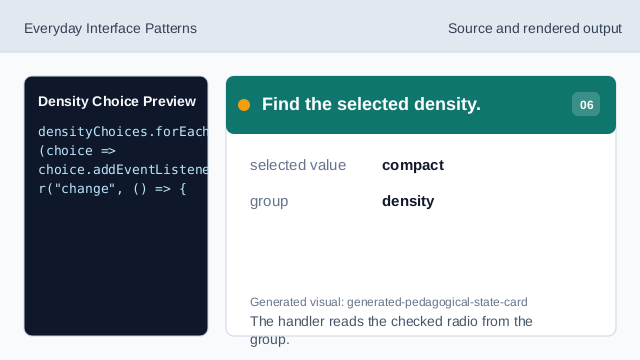
The handler reads the checked radio from the group. Render preview and status.
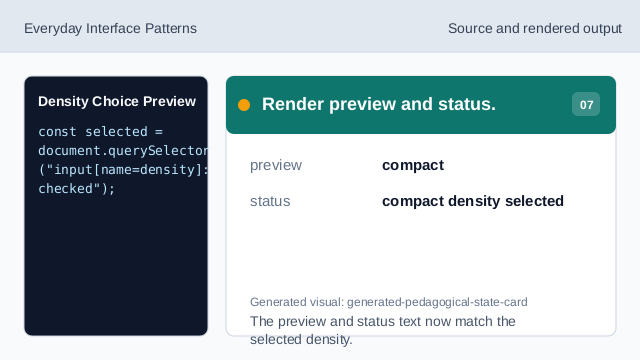
The preview and status text now match the selected density.
radio choice
Radio inputs choose exactly one option from a set.
preview
A preview shows the consequence of the selected setting.
checked query
A checked query finds the selected radio when the value changes.