Drag and Drop Patterns
Reorder Status
A static reordered list shows move buttons, a pinned new order, and a role=status message.
Program
Reorder interfaces should confirm what moved and offer keyboard-friendly controls. This lesson shows a pinned reordered state only.
reorder_status_message.html
Visuals: captured from real browser rendering
<section class="reorder-list" aria-labelledby="reorder-title">
  <h2 id="reorder-title">Task order</h2>
  <ol>
    <li>Plan lesson <button type="button">Move down</button></li>
    <li class="moved">Write outline <button type="button">Move up</button></li>
    <li>Review frames <button type="button">Move up</button></li>
  </ol>
  <p role="status">Task moved to position 2.</p>
  <p class="note">Static order only; no sorting library runs.</p>
</section>
<style>
  .reorder-list { display: grid; gap: 10px; max-width: 34rem; border: 1px solid #94a3b8; padding: 12px; }
  .reorder-list ol { display: grid; gap: 8px; margin: 0; padding-left: 1.5rem; }
  .reorder-list li { padding: 8px; border: 1px solid #cbd5e1; }
  .reorder-list .moved { border-color: #0f766e; background: #ecfdf5; }
  .note { margin: 0; color: #475569; }
</style>
Label the reorder section.
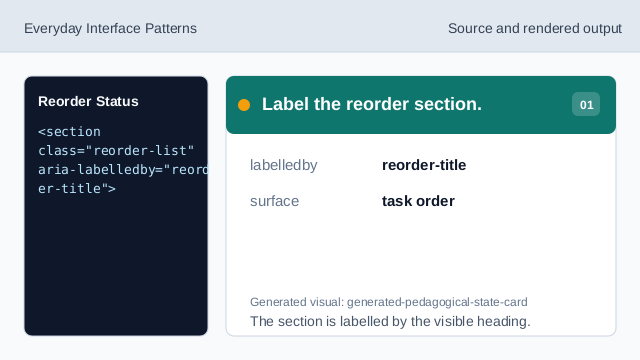
The section is labelled by the visible heading. Use an ordered list for positions.
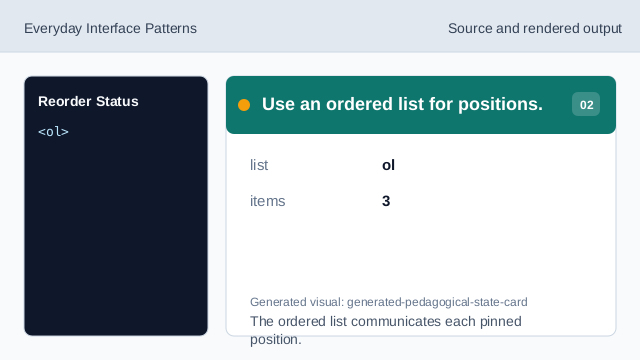
The ordered list communicates each pinned position. Show a move control for the first task.
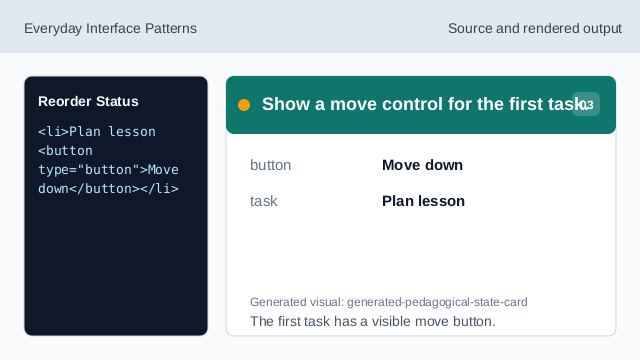
The first task has a visible move button. Mark the moved item.
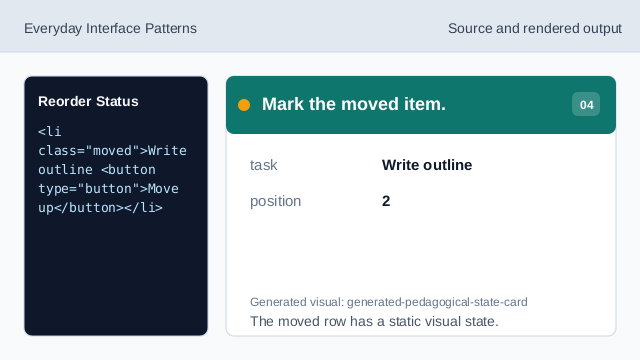
The moved row has a static visual state. Announce the reorder result.
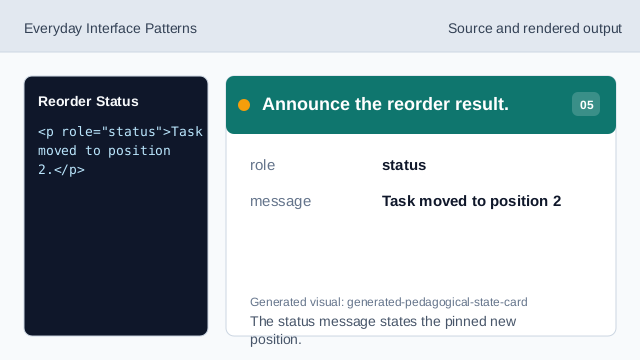
The status message states the pinned new position. Check the reorder status.
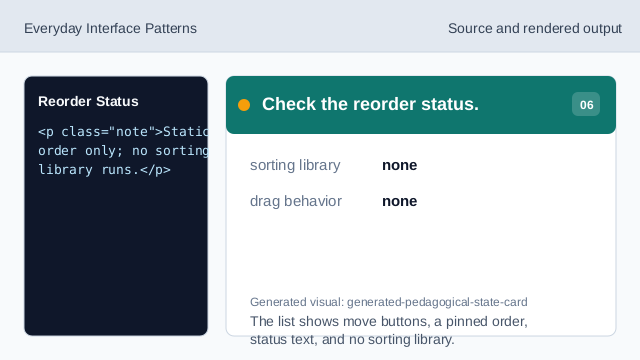
The list shows move buttons, a pinned order, status text, and no sorting library.
ordered list
The list order communicates the pinned positions.
move buttons
Buttons provide visible keyboard-friendly movement controls.
status message
The status text confirms the pinned reorder result.