Drag and Drop Patterns
Drag Handle
A static task row shows a visible handle, a Move task button, and text that this is only a visual affordance.
Program
A drag handle should look like a handle while still offering a clear button label. This lesson shows the static affordance only.
drag_handle_affordance.html
Visuals: captured from real browser rendering
<section class="task-row" aria-labelledby="task-title">
  <span class="handle" aria-hidden="true">::</span>
  <h2 id="task-title">Write outline</h2>
  <button type="button">Move task</button>
  <p class="note">Visual affordance only; no drag behavior runs.</p>
</section>
<style>
  .task-row { display: grid; grid-template-columns: auto 1fr auto; gap: 10px; align-items: center; max-width: 34rem; border: 1px solid #94a3b8; padding: 12px; }
  .handle { padding: 4px 6px; border: 1px solid #cbd5e1; background: #f8fafc; font-weight: 700; }
  .task-row button { padding: 8px 12px; }
  .note { grid-column: 1 / -1; margin: 0; color: #475569; }
</style>
Label the task row.
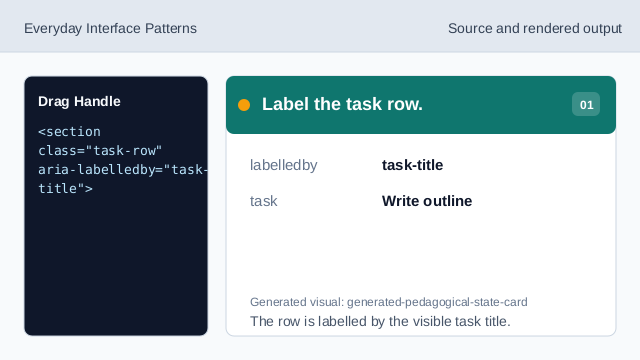
The row is labelled by the visible task title. Show the handle affordance.
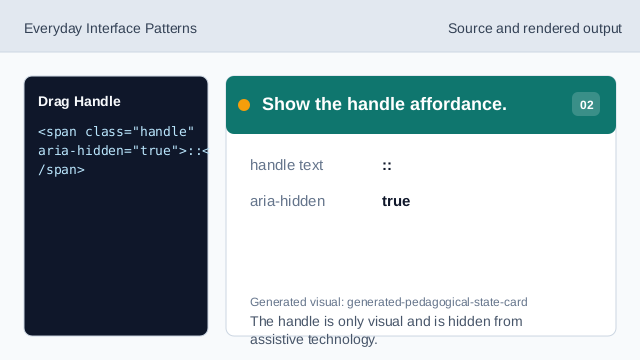
The handle is only visual and is hidden from assistive technology. Show the pinned task title.
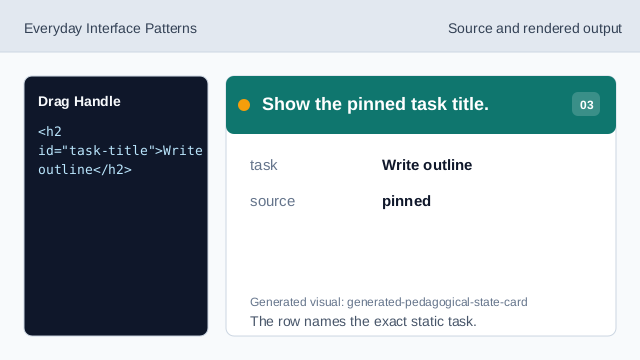
The row names the exact static task. Provide a labelled movement control.
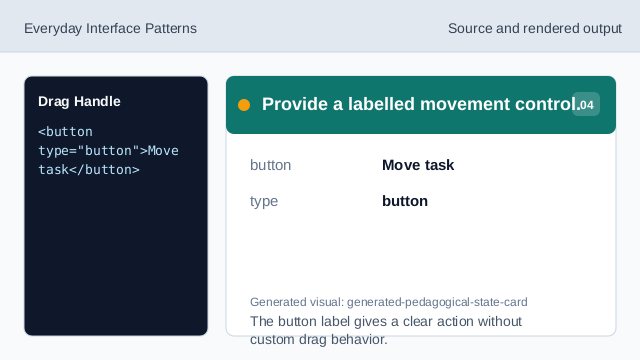
The button label gives a clear action without custom drag behavior. State what does not run.
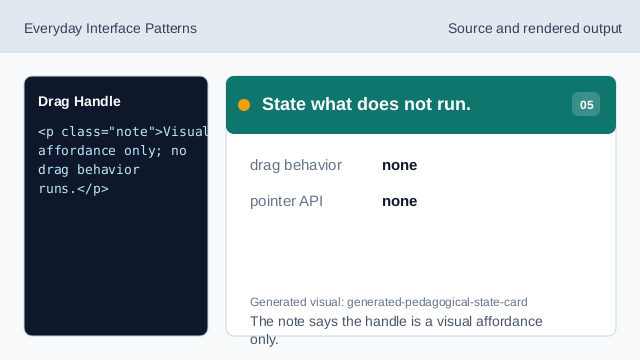
The note says the handle is a visual affordance only. Check the drag handle affordance.
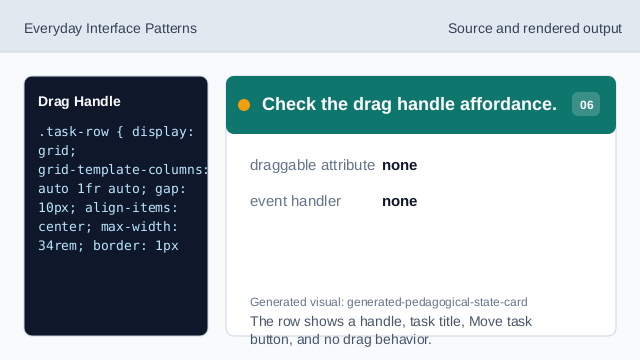
The row shows a handle, task title, Move task button, and no drag behavior.
visible handle
The handle gives a visual cue without enabling drag behavior.
button label
The Move task button gives the action a readable label.
static affordance
The lesson should not imply real pointer or drag behavior.