Drag and Drop Patterns
Drop Zone Hint
A static drop zone shows a dashed boundary, accepted task-card type, and a no-file/no-handler note.
Program
Drop zones need clear instructions and accepted item types. This lesson shows the hint state only and does not handle dropped items.
drop_zone_hint_state.html
Visuals: captured from real browser rendering
<section class="drop-zone" aria-labelledby="drop-title" aria-describedby="drop-help">
  <h2 id="drop-title">Move task here</h2>
  <p id="drop-help">Accepted item: task card.</p>
  <p class="note">Static hint only; no file input or drop handler runs.</p>
</section>
<style>
  .drop-zone { display: grid; gap: 10px; max-width: 32rem; border: 2px dashed #0f766e; background: #ecfdf5; padding: 16px; }
  .drop-zone p, .note { margin: 0; }
  .note { color: #475569; }
</style>
Connect the help text.
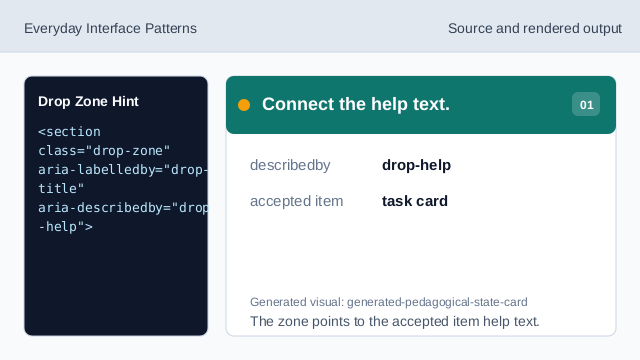
The zone points to the accepted item help text. Name the drop zone.
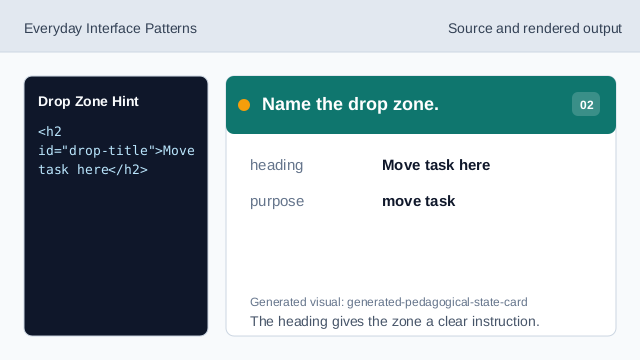
The heading gives the zone a clear instruction. Show the accepted item type.
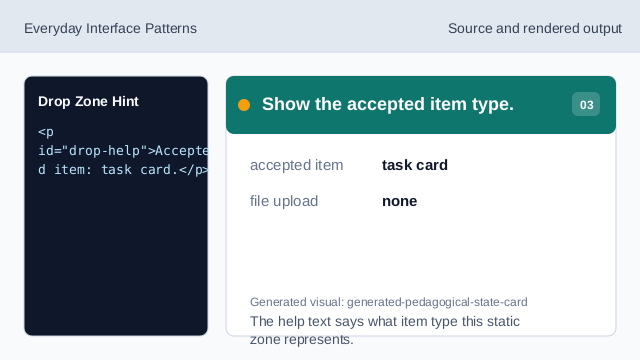
The help text says what item type this static zone represents. State what does not run.
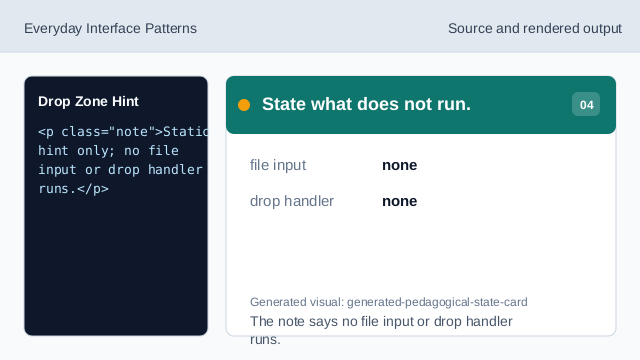
The note says no file input or drop handler runs. Render the visual boundary.
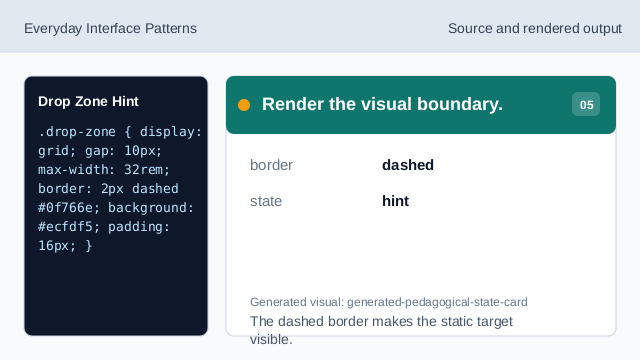
The dashed border makes the static target visible. Check the drop zone hint state.
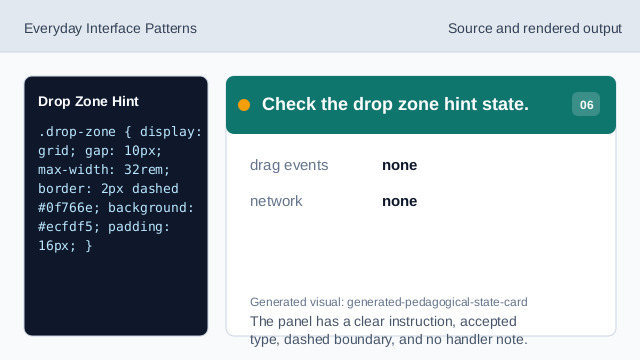
The panel has a clear instruction, accepted type, dashed boundary, and no handler note.
dashed boundary
A visible boundary helps people identify the target area.
accepted item type
The hint names what can be placed there.
no handler
The lesson should not imply file upload or drop handling.