Motion and Timing Patterns
Reduced Motion Query
A prefers-reduced-motion media query removes a transition for users who request less motion.
Program
Reduced-motion support can be small and direct: keep the base transition, then remove it when the user asks for less motion.
reduced_motion_query.html
Visuals: captured from real browser rendering
<button class="motion-button" data-open="true">Open drawer</button>
<style>
  .motion-button { transition: transform 180ms ease; }
  .motion-button[data-open="true"] { transform: translateX(12px); }
  @media (prefers-reduced-motion: reduce) {
    .motion-button { transition: none; }
  }
</style>
Set the base transition.
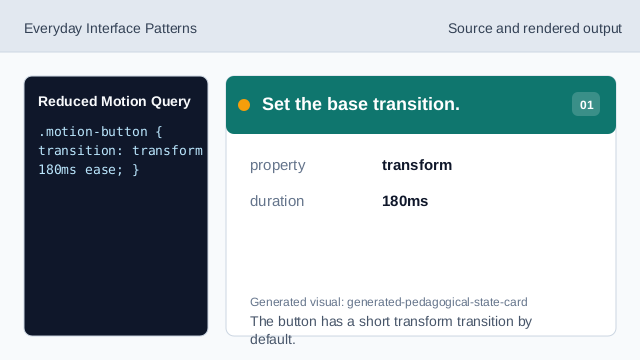
The button has a short transform transition by default. Keep the open state visible.
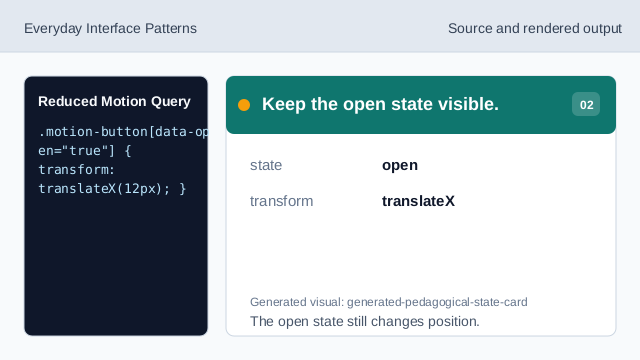
The open state still changes position. Add reduced-motion condition.
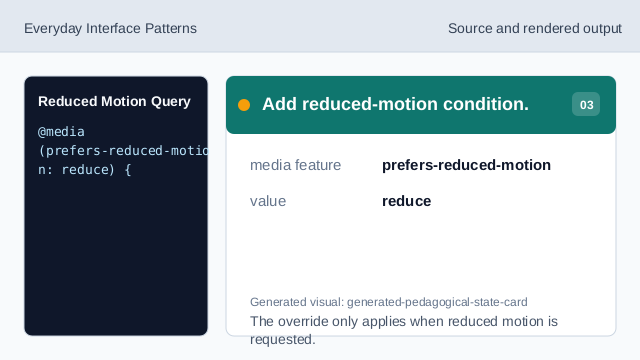
The override only applies when reduced motion is requested. Remove transition in the query.
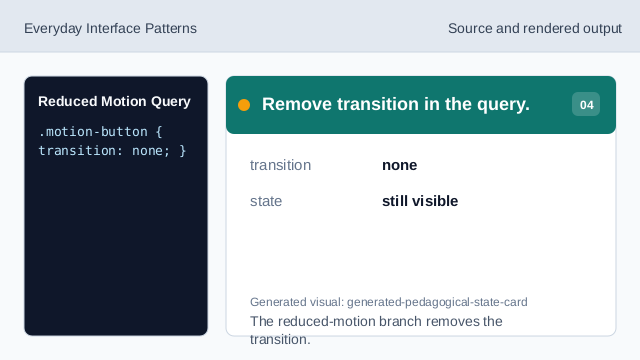
The reduced-motion branch removes the transition. Render reduced-motion state.
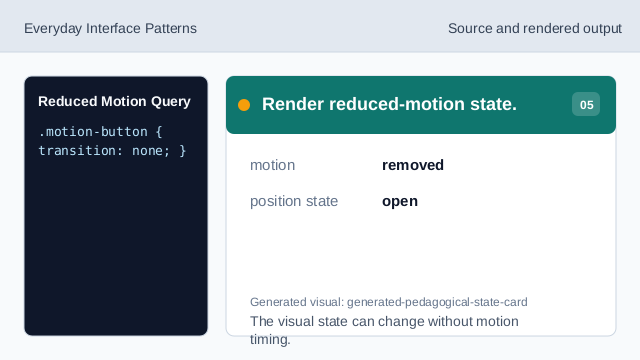
The visual state can change without motion timing. Check the user preference branch.
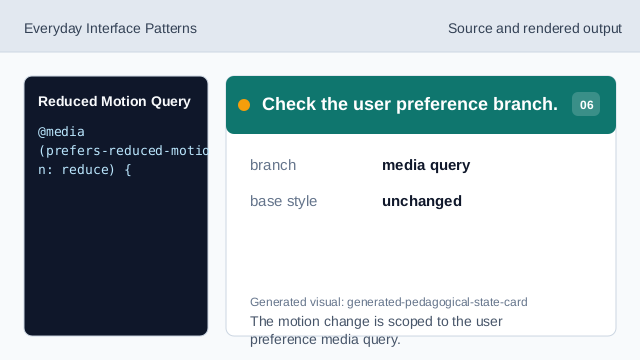
The motion change is scoped to the user preference media query.
base transition
The base style can still define motion for users who have not reduced it.
reduced motion
prefers-reduced-motion: reduce matches users who request less motion.
override rule
The reduced-motion rule removes the transition while leaving the state visible.