Motion and Timing Patterns
Pause Auto Update
A small live ticker has a Pause updates button that toggles paused state, aria-pressed, and status text without timers.
Program
Pause controls should expose their state. This deterministic ticker does not run a timer; it only shows how the pause state changes.
pause_auto_update.html
Visuals: captured from real browser rendering
<section id="ticker" aria-label="Market ticker" data-paused="false">
  <p id="ticker-value">Price 102</p>
  <button id="pause-ticker" aria-pressed="false">Pause updates</button>
  <p id="ticker-status" role="status">Updates running.</p>
</section>
<style>
  #ticker[data-paused="true"] { border: 1px solid #b45309; padding: 12px; }
</style>
<script>
  const ticker = document.querySelector("#ticker");
  const pauseTicker = document.querySelector("#pause-ticker");
  const tickerStatus = document.querySelector("#ticker-status");
  pauseTicker.addEventListener("click", () => {
    const paused = ticker.dataset.paused === "true";
    const next = !paused;
    ticker.dataset.paused = String(next);
    pauseTicker.setAttribute("aria-pressed", String(next));
    tickerStatus.textContent = next ? "Updates paused." : "Updates running.";
  });
</script>
Create the ticker state.
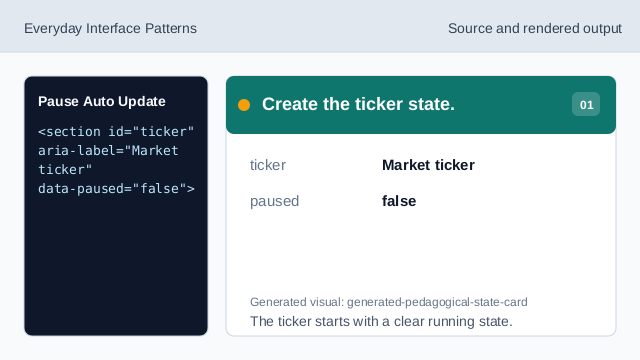
The ticker starts with a clear running state. Style the paused state.
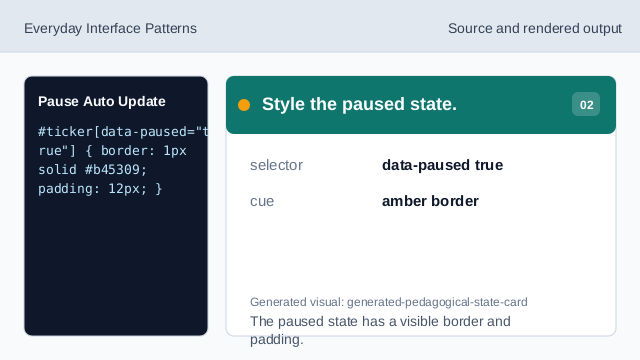
The paused state has a visible border and padding. Listen for pause clicks.
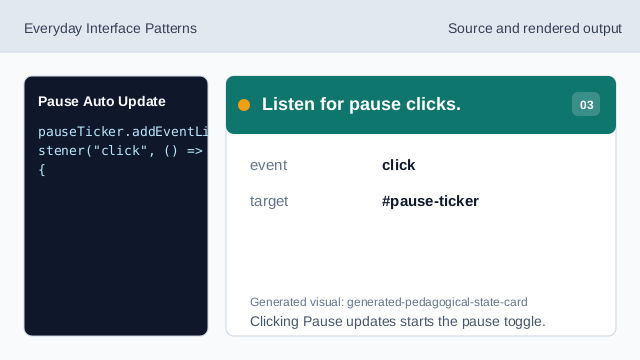
Clicking Pause updates starts the pause toggle. Update paused state.
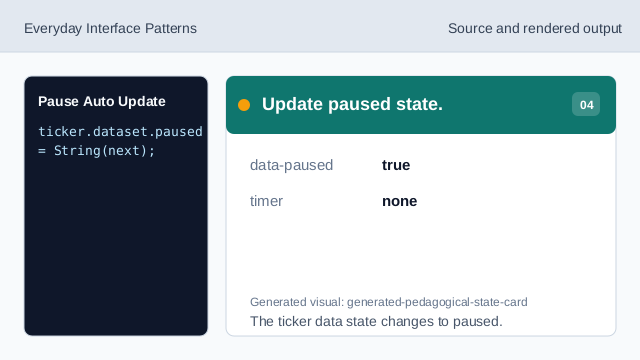
The ticker data state changes to paused. Update the button state.
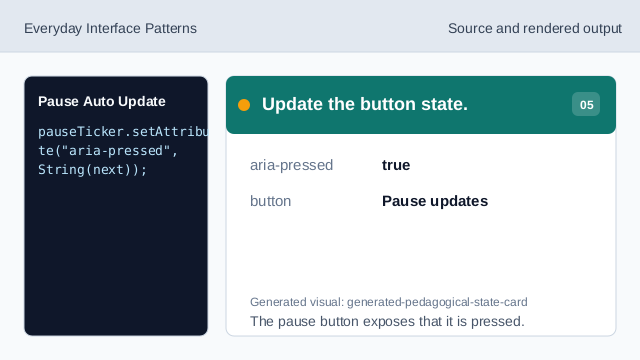
The pause button exposes that it is pressed. Render paused status.
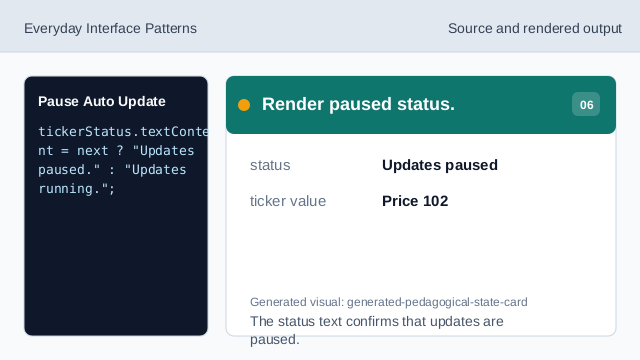
The status text confirms that updates are paused. Check deterministic value.
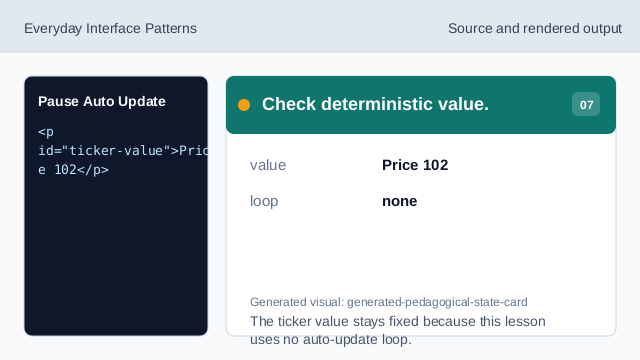
The ticker value stays fixed because this lesson uses no auto-update loop.
pause control
A pause button lets users stop changing content.
aria-pressed
aria-pressed exposes whether the pause toggle is active.
deterministic ticker
The lesson models pause state without timers or live data.