Feedback Collection Patterns
Rating Radio Group
A fieldset radio group collects a 1 to 5 rating with pinned value 4 and clear status text.
Program
A rating does not need a custom widget to be understandable. This lesson uses normal radio buttons with a legend and a pinned checked value.
rating_radio_group.html
Visuals: captured from real browser rendering
<form class="feedback-rating" aria-describedby="rating-status">
  <fieldset>
    <legend>Rate the replay steps</legend>
    <label><input type="radio" name="rating" value="1"> 1</label>
    <label><input type="radio" name="rating" value="2"> 2</label>
    <label><input type="radio" name="rating" value="3"> 3</label>
    <label><input type="radio" name="rating" value="4" checked> 4</label>
    <label><input type="radio" name="rating" value="5"> 5</label>
  </fieldset>
  <p id="rating-status" role="status">Pinned rating: 4 of 5.</p>
</form>
<style>
  .feedback-rating { display: grid; gap: 10px; max-width: 32rem; border: 1px solid #94a3b8; padding: 12px; }
  .feedback-rating fieldset { display: flex; gap: 10px; flex-wrap: wrap; border: 1px solid #cbd5e1; }
  #rating-status { margin: 0; color: #334155; }
</style>
Connect the form to status text.
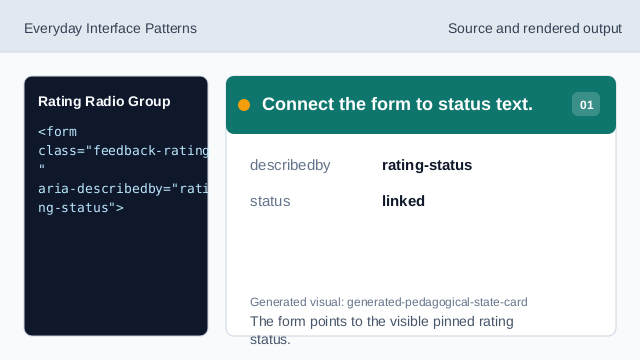
The form points to the visible pinned rating status. Group the rating controls.
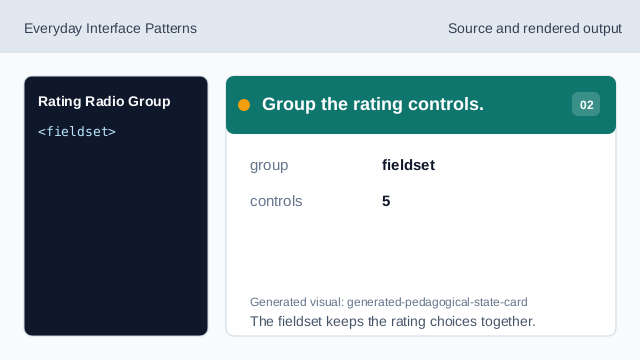
The fieldset keeps the rating choices together. Name the rating question.
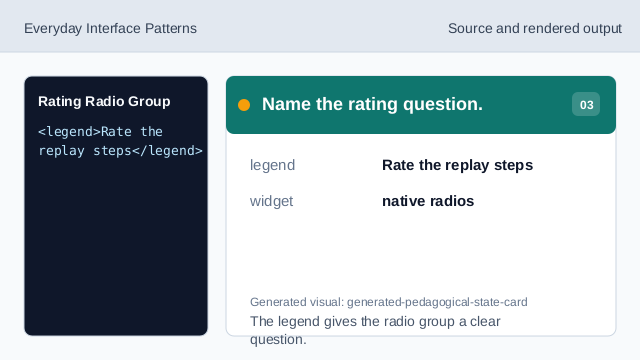
The legend gives the radio group a clear question. Pin the selected rating.
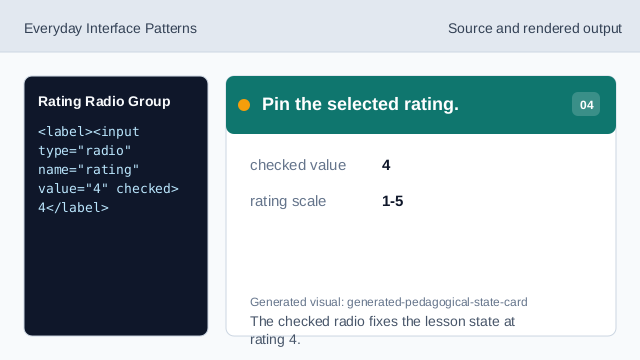
The checked radio fixes the lesson state at rating 4. Show the selected rating as status.
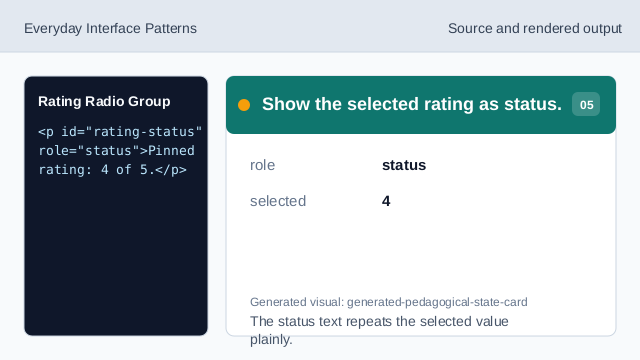
The status text repeats the selected value plainly. Check the native rating group.
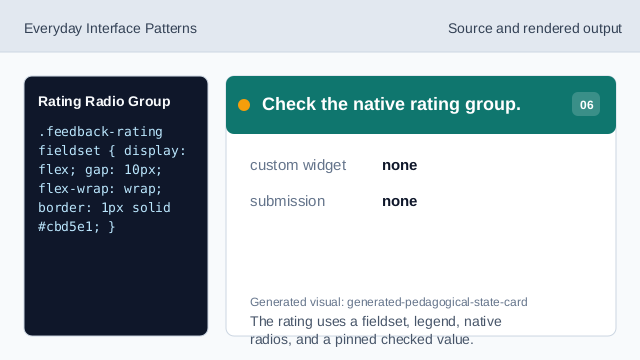
The rating uses a fieldset, legend, native radios, and a pinned checked value.
fieldset legend
A legend names the rating question for the group.
shared radio name
All rating options use the same name so one value is selected.
pinned value
The checked value 4 is fixed lesson data.