Feedback Collection Patterns
Comment Helper
An optional feedback textarea uses helper text and a pinned sample comment without live character counting.
Program
Optional comment fields should say what kind of feedback helps. This lesson uses a static sample comment and helper text only.
feedback_comment_helper.html
Visuals: captured from real browser rendering
<form class="feedback-comment">
  <label for="comment">Optional feedback</label>
  <textarea id="comment" name="comment" rows="3" aria-describedby="comment-help">The replay steps were clear.</textarea>
  <p id="comment-help">Share one short note. No character-count script runs in this lesson.</p>
</form>
<style>
  .feedback-comment { display: grid; gap: 8px; max-width: 32rem; border: 1px solid #94a3b8; padding: 12px; }
  .feedback-comment textarea { min-height: 5rem; padding: 8px; font: inherit; }
  #comment-help { margin: 0; color: #475569; }
</style>
Label the textarea.
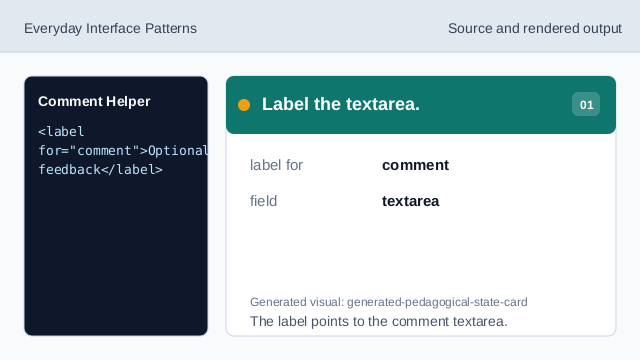
The label points to the comment textarea. Connect the helper text.
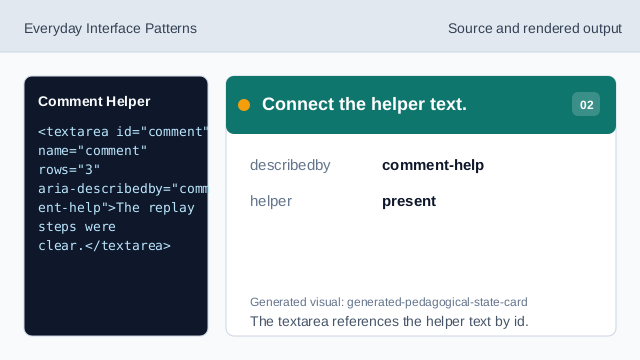
The textarea references the helper text by id. Pin the sample comment.
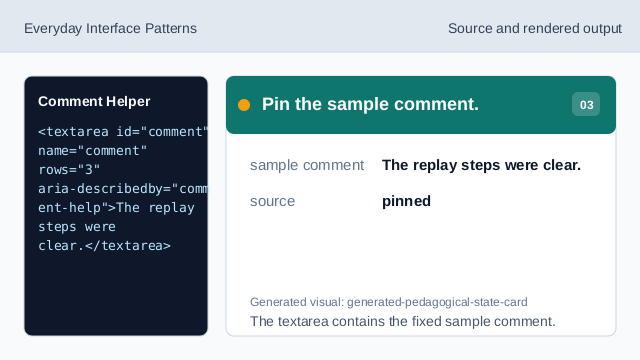
The textarea contains the fixed sample comment. Give a short writing hint.
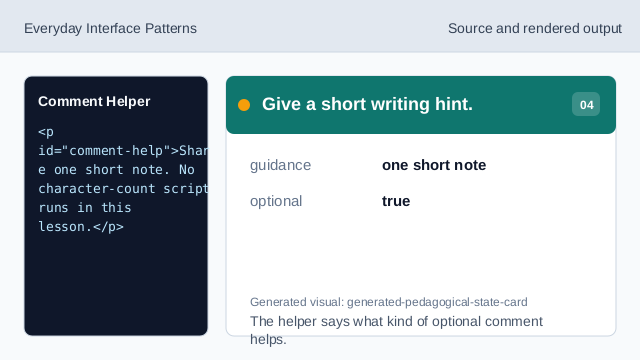
The helper says what kind of optional comment helps. State what does not run.
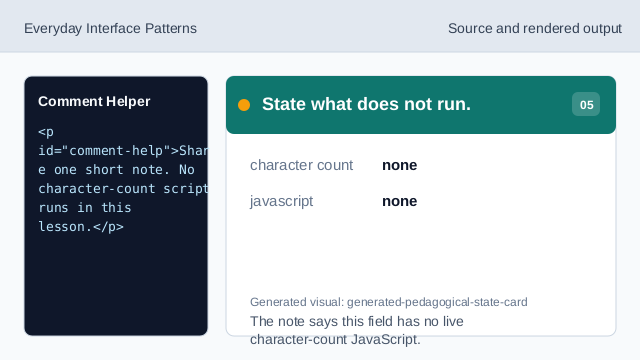
The note says this field has no live character-count JavaScript. Check the feedback comment field.
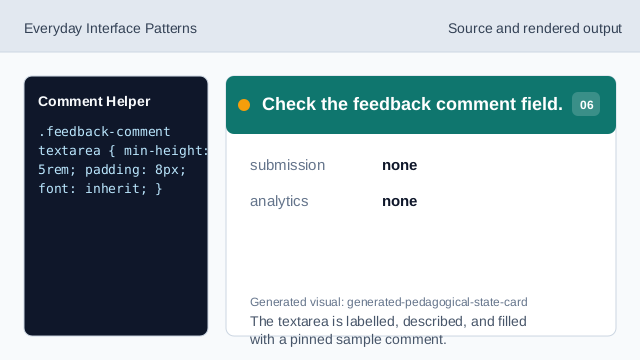
The textarea is labelled, described, and filled with a pinned sample comment.
labelled textarea
A visible label names the comment field.
helper text
Helper text explains the optional field.
pinned comment
The sample comment is fixed lesson data.