Feedback Collection Patterns
Received Status
A static thank-you status shows pinned reference FB-2048 and says no network or analytics event was sent.
Program
A received state should confirm what the interface is showing without pretending a submission happened. This lesson uses a static reference value.
feedback_received_status.html
Visuals: captured from real browser rendering
<section class="feedback-received" aria-labelledby="feedback-title">
  <h2 id="feedback-title">Feedback received</h2>
  <p role="status">Thank you. Reference: <strong>FB-2048</strong>.</p>
  <p class="note">Static status only; no network request or analytics event was sent.</p>
</section>
<style>
  .feedback-received { display: grid; gap: 10px; max-width: 32rem; border: 1px solid #0f766e; padding: 12px; }
  .feedback-received strong { font-variant-numeric: tabular-nums; }
  .note { margin: 0; color: #475569; }
</style>
Label the received-status section.
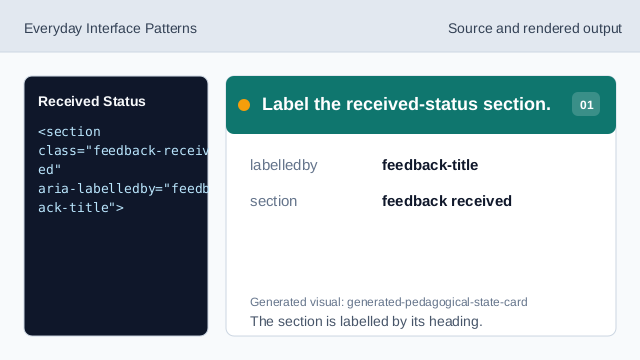
The section is labelled by its heading. Show the received heading.
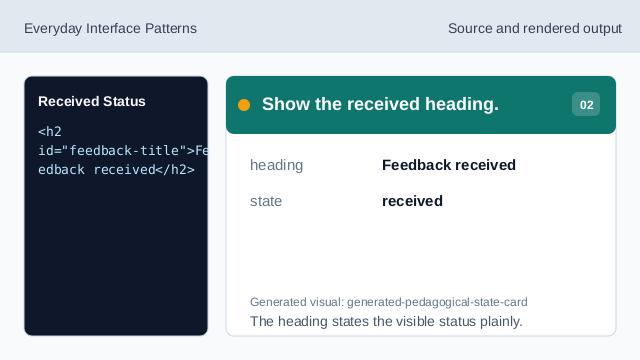
The heading states the visible status plainly. Mark the thank-you message as status.
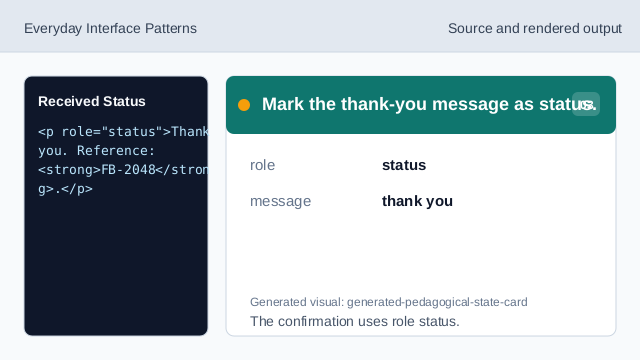
The confirmation uses role status. Show the pinned reference.
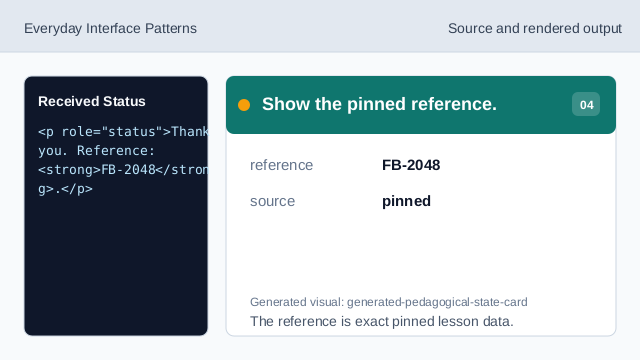
The reference is exact pinned lesson data. State what did not happen.
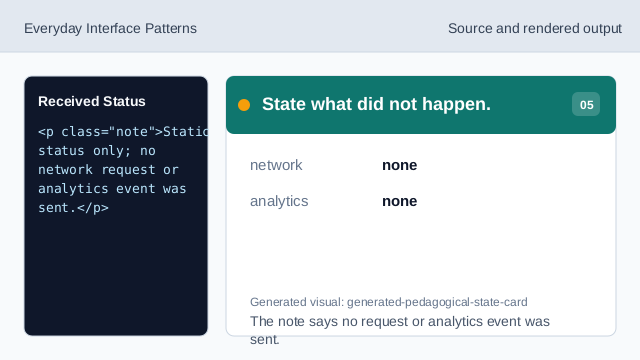
The note says no request or analytics event was sent. Check the received feedback status.
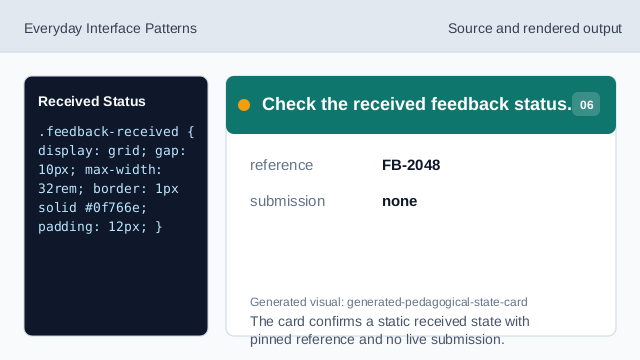
The card confirms a static received state with pinned reference and no live submission.
received status
The status confirms the shown feedback state.
pinned reference
FB-2048 is fixed lesson data.
no live submission
The lesson should not imply a network request or analytics event was sent.