Choice and Filtering Patterns
Radio Choice Summary
A radio group updates a short summary when the selected delivery option changes.
Program
Radio buttons are for one choice from a small set. A nearby status summary can repeat the selected choice in plain language.
radio_choice_summary.html
Visuals: captured from real browser rendering
<fieldset id="delivery">
  <legend>Delivery speed</legend>
  <label><input type="radio" name="delivery" value="Standard" checked><span>Standard</span></label>
  <label><input type="radio" name="delivery" value="Express"><span>Express</span></label>
</fieldset>
<p id="delivery-summary" role="status">Standard delivery selected.</p>
<style>
  input[type="radio"]:checked + span { font-weight: 700; color: #2563eb; }
</style>
<script>
  const choices = document.querySelectorAll("input[name=delivery]");
  const summary = document.querySelector("#delivery-summary");
  choices.forEach(choice => choice.addEventListener("change", () => {
    const selected = document.querySelector("input[name=delivery]:checked");
    summary.textContent = `${selected.value} delivery selected.`;
  }));
</script>
Group the delivery choices.
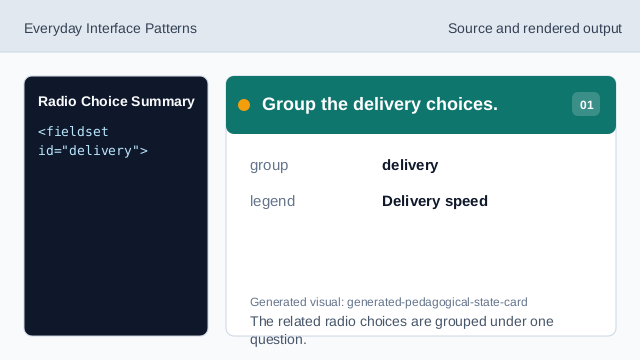
The related radio choices are grouped under one question. Set the default choice.
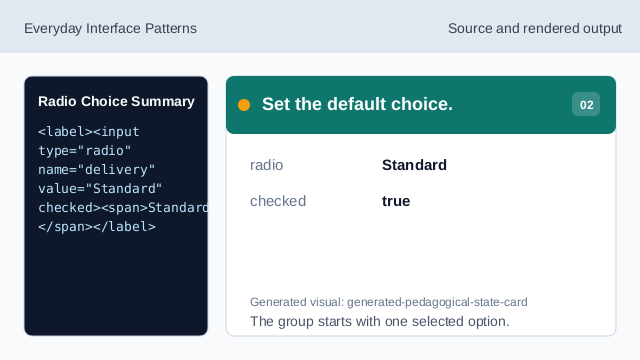
The group starts with one selected option. Show the selected choice summary.
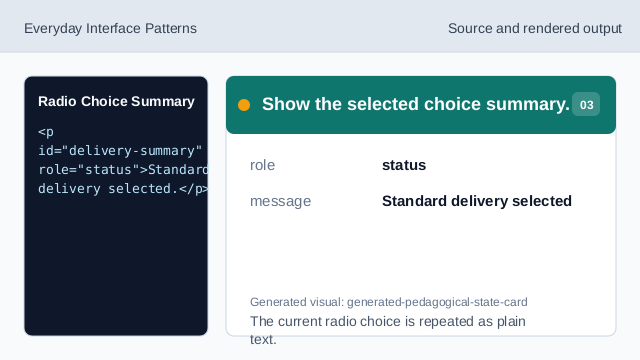
The current radio choice is repeated as plain text. Style the current label.
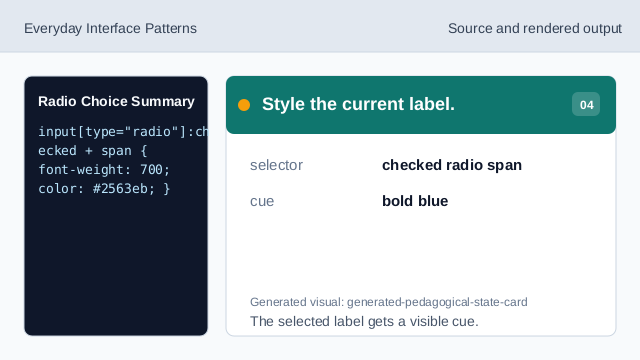
The selected label gets a visible cue. Listen for radio changes.
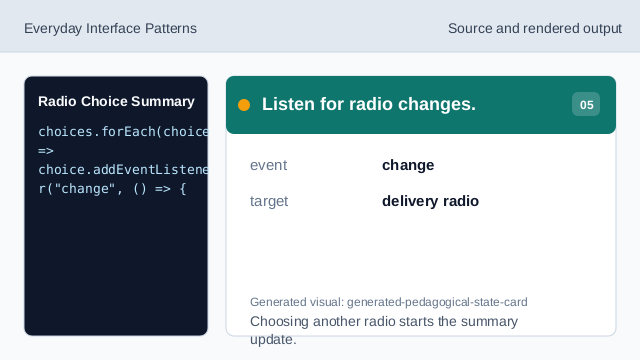
Choosing another radio starts the summary update. Find the checked radio.
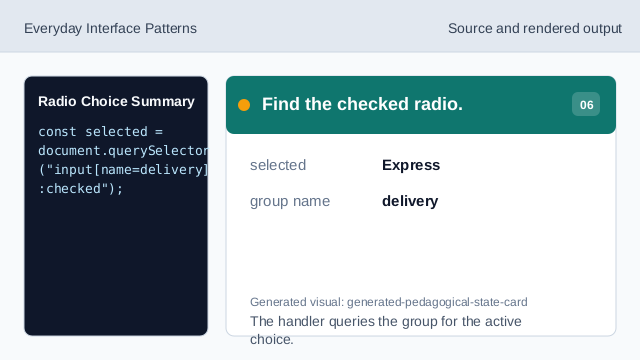
The handler queries the group for the active choice. Render the updated summary.
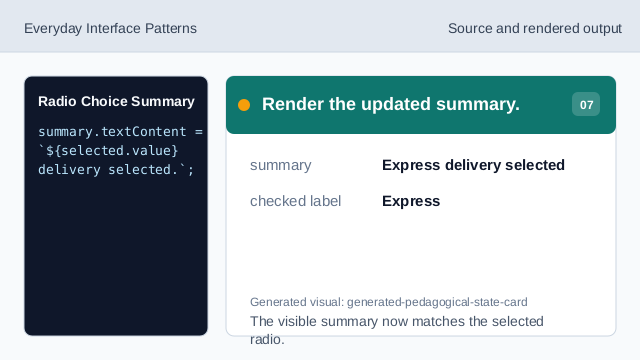
The visible summary now matches the selected radio.
radio group
Radio inputs with the same name allow one selected value.
checked
checked marks the current radio selection.
summary
A summary repeats the selected value where users can easily confirm it.