Choice and Filtering Patterns
Filter Chips Results
Pressed filter chips update visible results, keep one chip current, and announce the new result count.
Program
Filter chips work well when each chip has a pressed state and the filtered result count updates with the visible list.
filter_chips_results.html
Visuals: captured from real browser rendering
<section aria-labelledby="results-title">
  <h2 id="results-title">Results</h2>
  <div role="group" aria-label="Filter results">
    <button type="button" data-filter="all" aria-pressed="true">All</button>
    <button type="button" data-filter="docs" aria-pressed="false">Docs</button>
  </div>
  <ul id="results"><li data-type="docs">Docs guide</li><li data-type="video">Intro video</li></ul>
  <p id="result-count" role="status">2 results</p>
</section>
<style>
  button[aria-pressed="true"] { background: #0f766e; color: white; }
</style>
<script>
  const chips = document.querySelectorAll("[data-filter]");
  const items = document.querySelectorAll("#results li");
  const count = document.querySelector("#result-count");
  chips.forEach(chip => chip.addEventListener("click", () => {
    const filter = chip.dataset.filter;
    chips.forEach(button => button.setAttribute("aria-pressed", String(button === chip)));
    let visible = 0;
    items.forEach(item => {
      const show = filter === "all" || item.dataset.type === filter;
      item.hidden = !show;
      if (show) visible += 1;
    });
    count.textContent = `${visible} result${visible === 1 ? "" : "s"}`;
  }));
</script>
Group the filter chips.
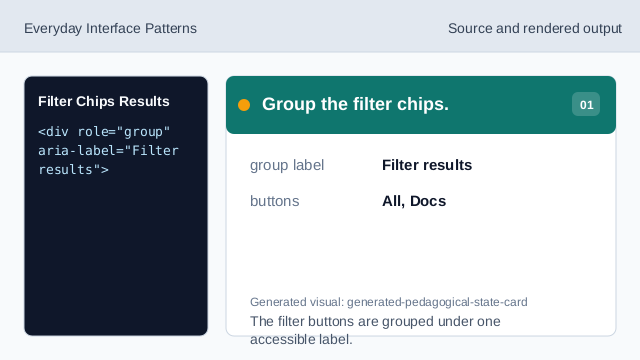
The filter buttons are grouped under one accessible label. Mark the All chip active.
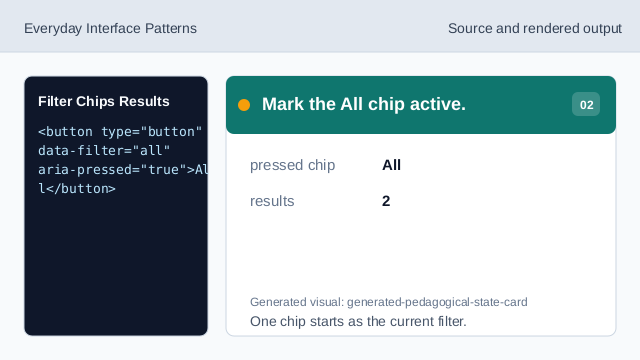
One chip starts as the current filter. Style the active chip.
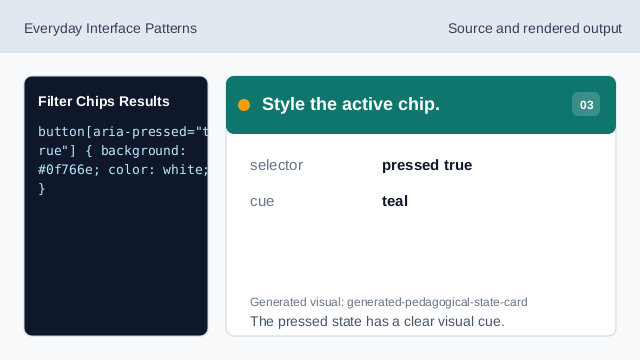
The pressed state has a clear visual cue. Listen for chip clicks.
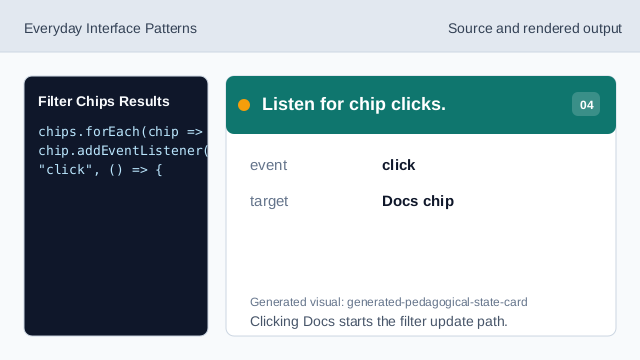
Clicking Docs starts the filter update path. Read the requested filter.
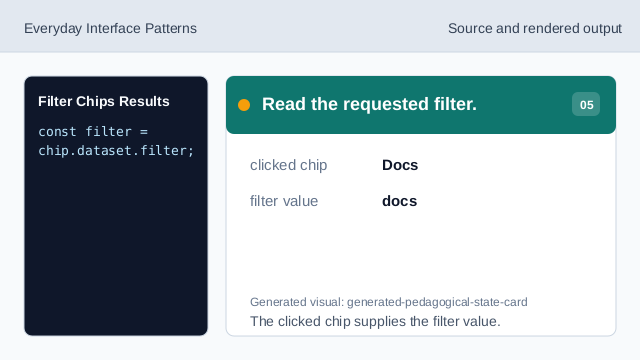
The clicked chip supplies the filter value. Update the pressed chip state.
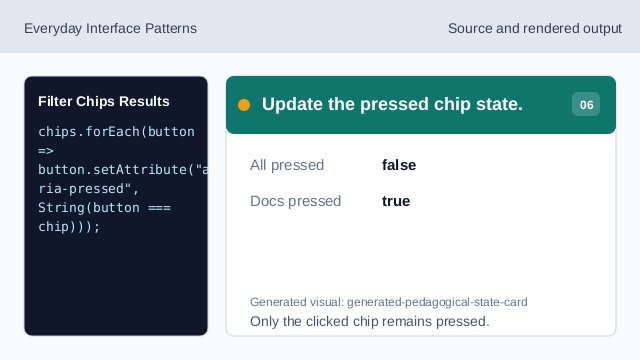
Only the clicked chip remains pressed. Render filtered results and count.
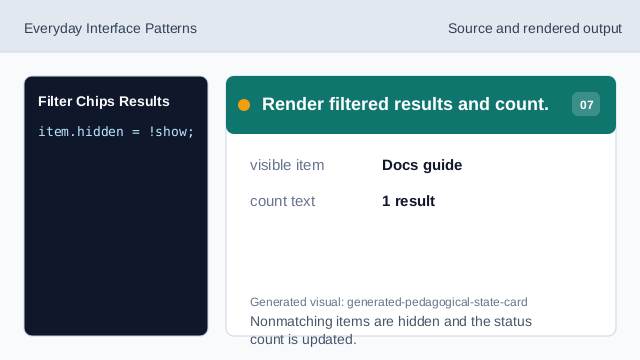
Nonmatching items are hidden and the status count is updated.
aria-pressed
aria-pressed exposes which toggle button is active.
hidden
hidden removes nonmatching results from the rendered list.
status count
A status count confirms the consequence of the filter.