Input Convenience Patterns
Quantity Stepper Limits
A plus button increments a bounded quantity, updates disabled stepper buttons, and reports the new value.
Program
Quantity steppers should respect min and max limits and make disabled controls match the current value.
quantity_stepper_limits.html
Visuals: captured from real browser rendering
<label for="quantity">Quantity</label>
<button id="minus" aria-controls="quantity" disabled>-</button>
<input id="quantity" type="number" min="1" max="5" value="1" readonly>
<button id="plus" aria-controls="quantity">+</button>
<p id="quantity-status" role="status">Quantity 1 of 5.</p>
<style>
  button:disabled { opacity: .55; }
</style>
<script>
  const minQuantity = 1;
  const maxQuantity = 5;
  const quantity = document.querySelector("#quantity");
  const minus = document.querySelector("#minus");
  const plus = document.querySelector("#plus");
  const quantityStatus = document.querySelector("#quantity-status");
  minus.addEventListener("click", () => setQuantity(Number(quantity.value) - 1));
  plus.addEventListener("click", () => setQuantity(Number(quantity.value) + 1));
  function setQuantity(next) {
    const value = Math.max(minQuantity, Math.min(maxQuantity, next));
    quantity.value = value;
    minus.disabled = value === minQuantity;
    plus.disabled = value === maxQuantity;
    quantityStatus.textContent = `Quantity ${value} of ${maxQuantity}.`;
  }
</script>
Set quantity limits.
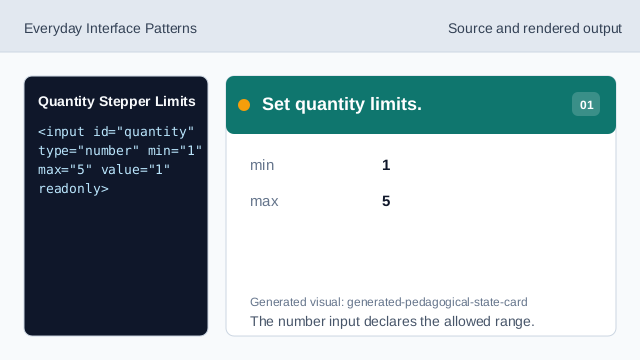
The number input declares the allowed range. Disable minus at the minimum.
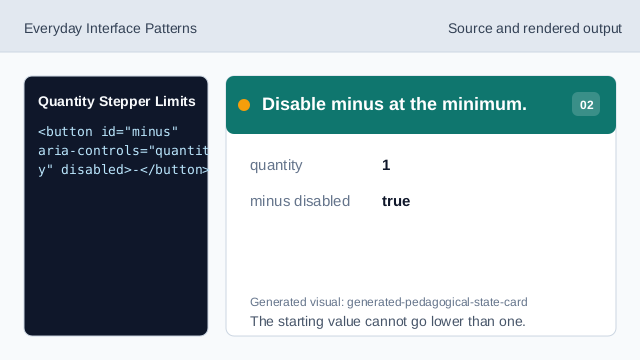
The starting value cannot go lower than one. Style disabled stepper buttons.
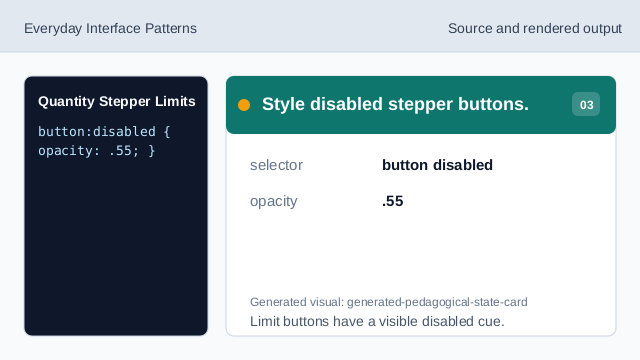
Limit buttons have a visible disabled cue. Listen for plus clicks.
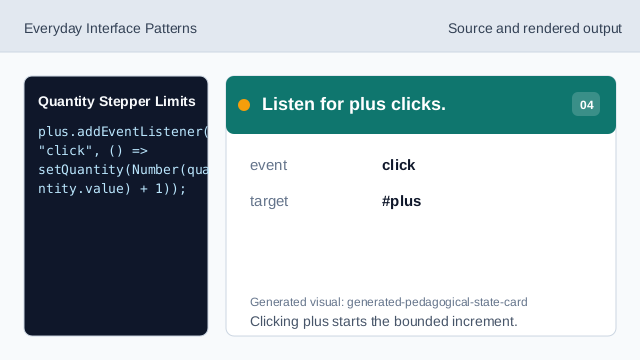
Clicking plus starts the bounded increment. Clamp the next value to range.
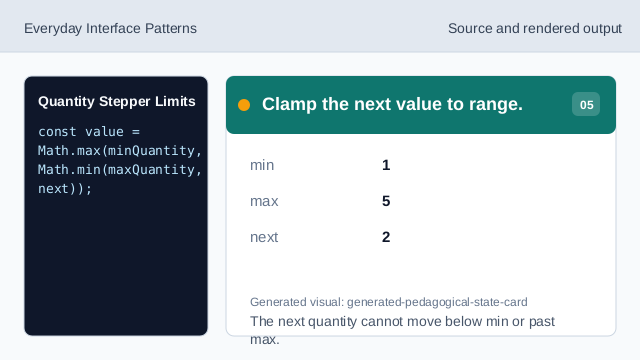
The next quantity cannot move below min or past max. Update value and button states.
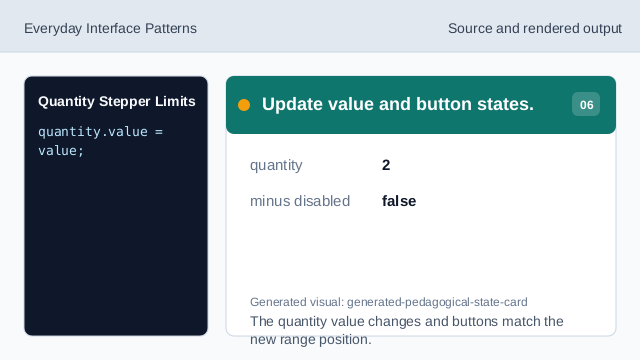
The quantity value changes and buttons match the new range position. Render quantity status.
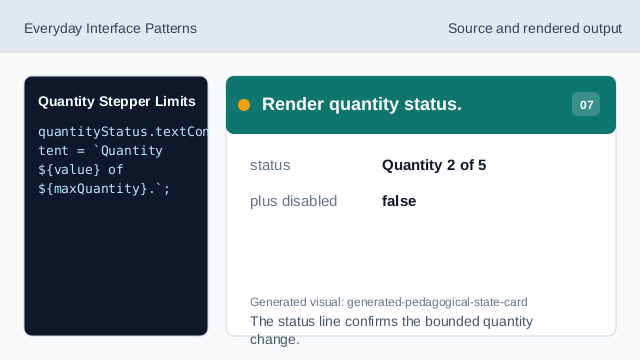
The status line confirms the bounded quantity change.
min max
Numeric min and max attributes document the allowed range.
stepper buttons
Buttons can change a value while keeping limits explicit.
disabled limits
Disabled buttons prevent stepping past the available range.