Input Convenience Patterns
Clear Search Button
A clear button empties a search field, disables itself, restores focus, and announces the cleared state.
Program
Clear buttons should make the field state obvious after clearing and avoid doing work when the field is already empty.
clear_search_button.html
Visuals: captured from real browser rendering
<label for="site-search">Search</label>
<input id="site-search" value="reports" aria-describedby="search-status">
<button id="clear-search">Clear</button>
<p id="search-status" role="status">Search term: reports.</p>
<style>
  #clear-search:disabled { opacity: .55; cursor: not-allowed; }
</style>
<script>
  const search = document.querySelector("#site-search");
  const clearSearch = document.querySelector("#clear-search");
  const searchStatus = document.querySelector("#search-status");
  clearSearch.addEventListener("click", () => {
    if (search.value === "") return;
    search.value = "";
    clearSearch.disabled = true;
    search.focus();
    searchStatus.textContent = "Search cleared.";
  });
</script>
Start with a search term.
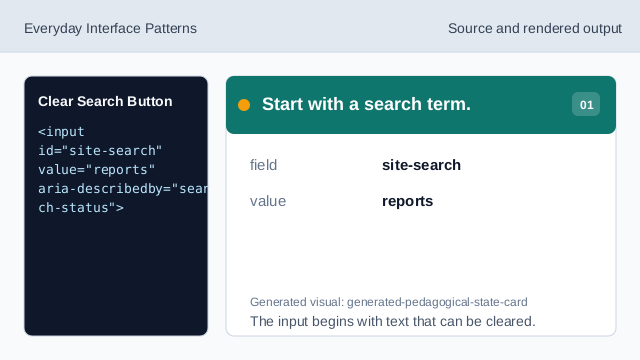
The input begins with text that can be cleared. Show the search status.
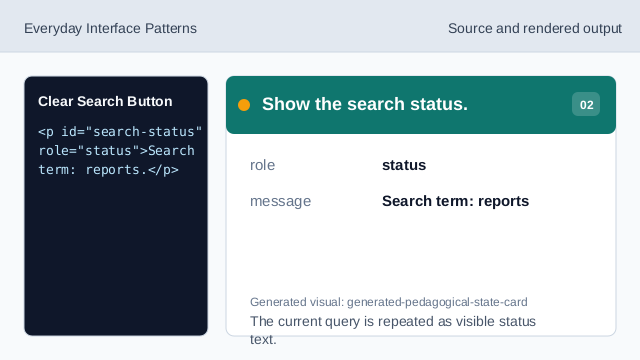
The current query is repeated as visible status text. Style the inactive clear button.
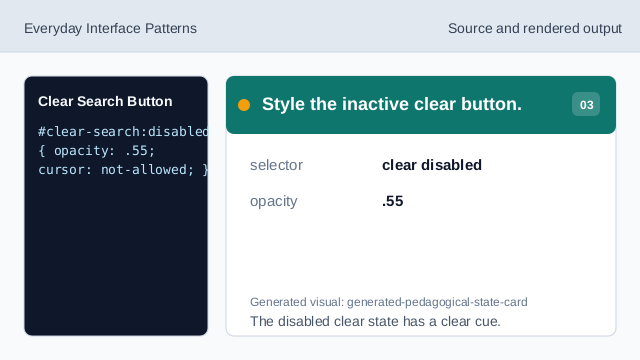
The disabled clear state has a clear cue. Listen for clear clicks.
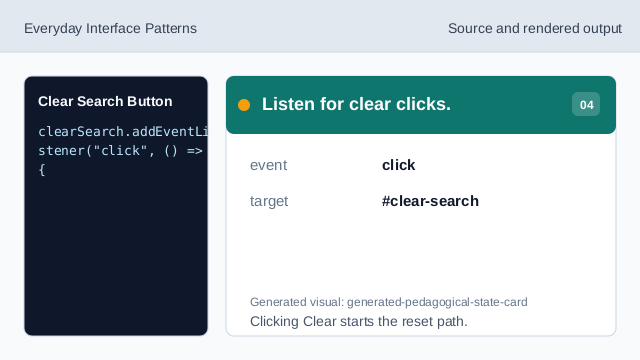
Clicking Clear starts the reset path. Check for an empty value.
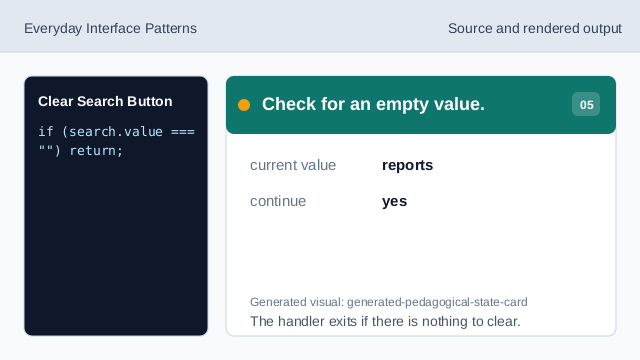
The handler exits if there is nothing to clear. Clear the search input.
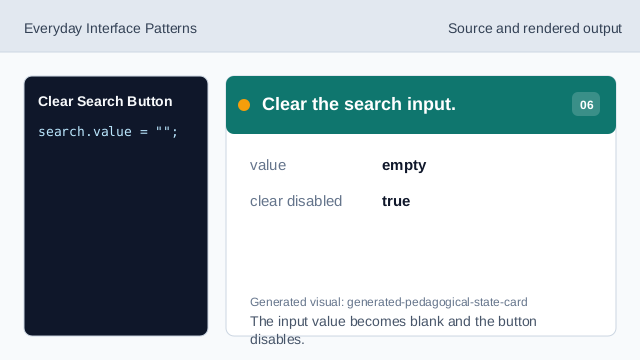
The input value becomes blank and the button disables. Restore focus and render status.
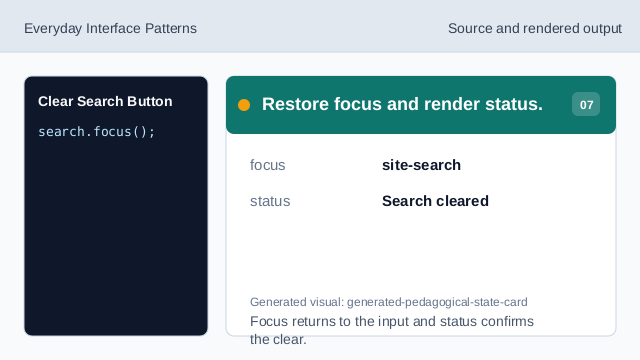
Focus returns to the input and status confirms the clear.
clear action
A clear action removes a current input value in one step.
disabled
Disabling the clear button prevents repeating a no-op action.
focus restore
Returning focus to the search field keeps typing efficient.