Input Convenience Patterns
Password Reveal Button
A reveal button switches a password field between hidden and visible text while updating pressed state and status text.
Program
Password reveal controls should be explicit, reversible, and connected to the input they change.
password_reveal_button.html
Visuals: captured from real browser rendering
<label for="account-password">Password</label>
<input id="account-password" type="password" value="sample pass" aria-describedby="password-help">
<button id="reveal-password" aria-pressed="false" aria-controls="account-password">Show password</button>
<p id="password-help">Use show only in private.</p>
<p id="password-status" role="status">Password hidden.</p>
<style>
  #reveal-password[aria-pressed="true"] { background: #0f766e; color: white; }
</style>
<script>
  const password = document.querySelector("#account-password");
  const revealPassword = document.querySelector("#reveal-password");
  const passwordStatus = document.querySelector("#password-status");
  revealPassword.addEventListener("click", () => {
    const revealed = revealPassword.getAttribute("aria-pressed") !== "true";
    password.type = revealed ? "text" : "password";
    revealPassword.setAttribute("aria-pressed", String(revealed));
    revealPassword.textContent = revealed ? "Hide password" : "Show password";
    passwordStatus.textContent = revealed ? "Password visible." : "Password hidden.";
  });
</script>
Start with a masked password.
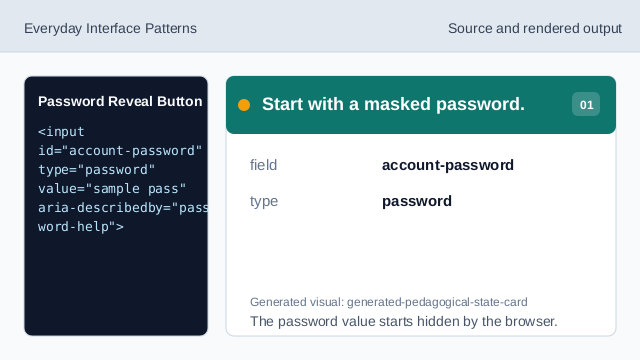
The password value starts hidden by the browser. Connect the button to the password field.
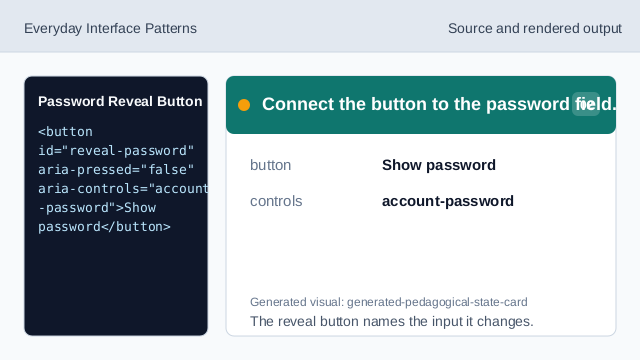
The reveal button names the input it changes. Style the pressed reveal state.
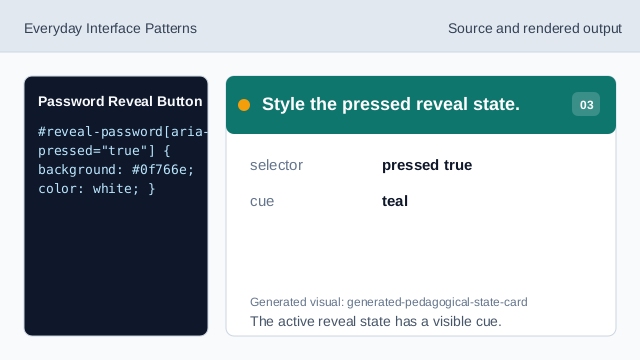
The active reveal state has a visible cue. Listen for reveal clicks.
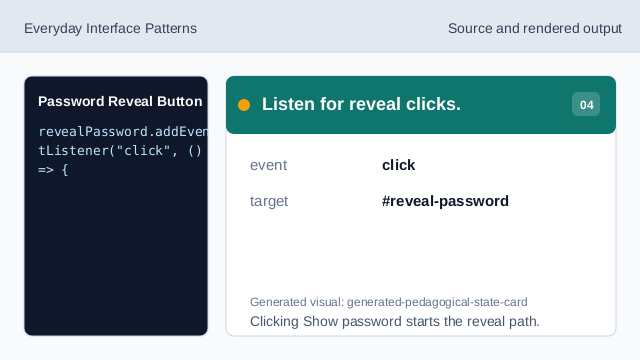
Clicking Show password starts the reveal path. Check current pressed state.
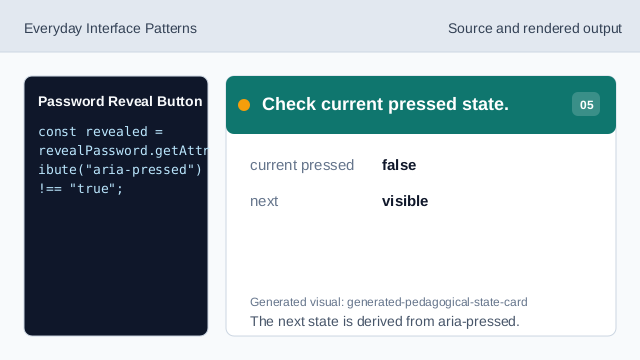
The next state is derived from aria-pressed. Switch the input type.
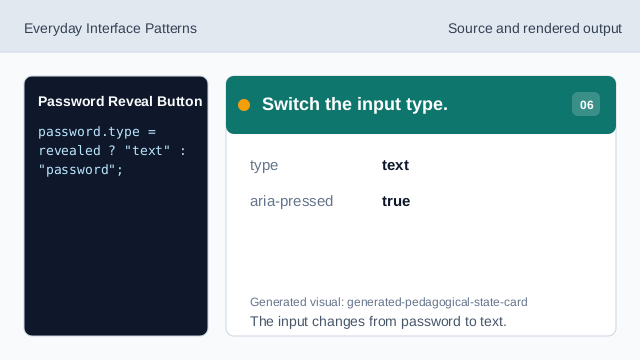
The input changes from password to text. Render reveal status.
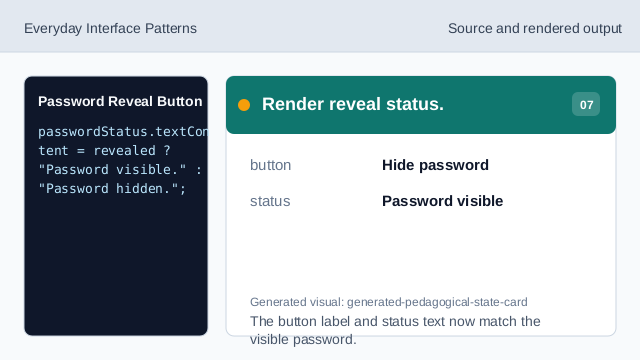
The button label and status text now match the visible password.
aria-pressed
aria-pressed exposes whether the reveal toggle is active.
input type
Changing the input type controls whether the password is masked.
status text
Status text confirms whether the password is visible or hidden.