Progress Indicator Patterns
Progress Bar Update
A button advances a native progress bar and keeps the status text in sync.
Program
Native progress bars already expose progress semantics. The script only needs to keep the value and status text aligned.
progress_bar_update.html
Visuals: captured from real browser rendering
<label for="upload-progress">Upload progress</label>
<progress id="upload-progress" max="100" value="25">25%</progress>
<button id="advance-upload">Advance upload</button>
<p id="upload-status" role="status">Upload 25 percent complete.</p>
<style>
  progress { width: 16rem; accent-color: #0f766e; }
</style>
<script>
  const uploadProgress = document.querySelector("#upload-progress");
  const advanceUpload = document.querySelector("#advance-upload");
  const uploadStatus = document.querySelector("#upload-status");
  advanceUpload.addEventListener("click", () => {
    const nextValue = Math.min(100, Number(uploadProgress.value) + 25);
    uploadProgress.value = nextValue;
    uploadProgress.textContent = `${nextValue}%`;
    uploadStatus.textContent = `Upload ${nextValue} percent complete.`;
  });
</script>
Label the progress bar.
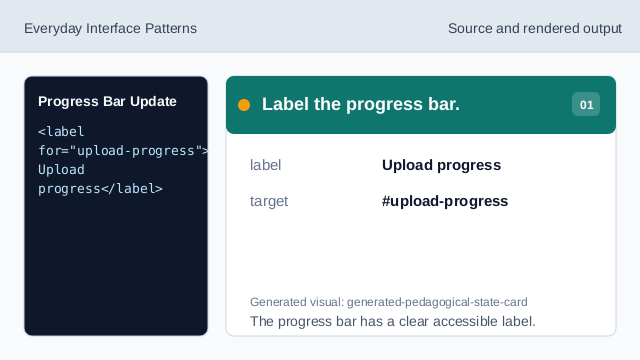
The progress bar has a clear accessible label. Set the starting progress value.
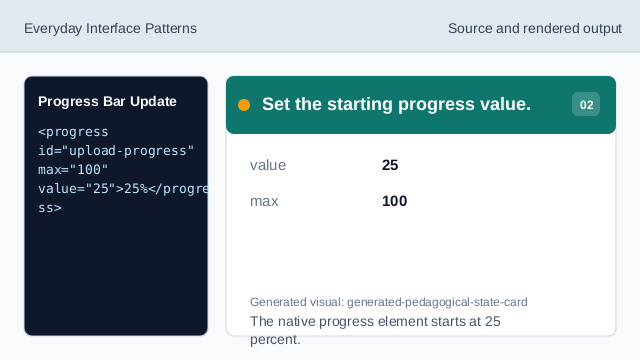
The native progress element starts at 25 percent. Style the progress affordance.
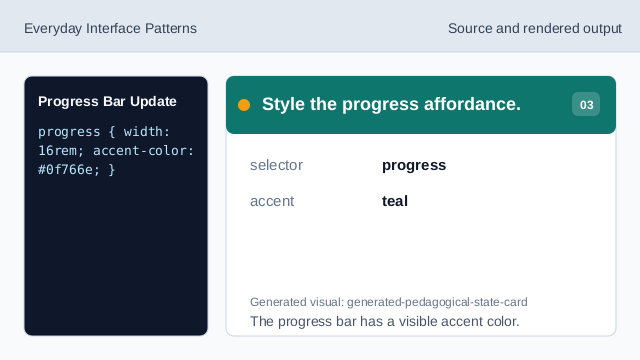
The progress bar has a visible accent color. Listen for Advance clicks.
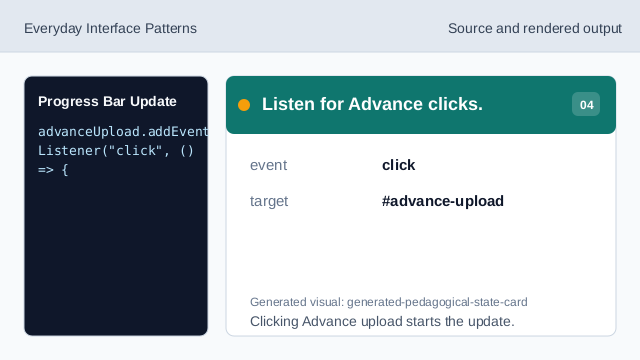
Clicking Advance upload starts the update. Clamp progress to the maximum.
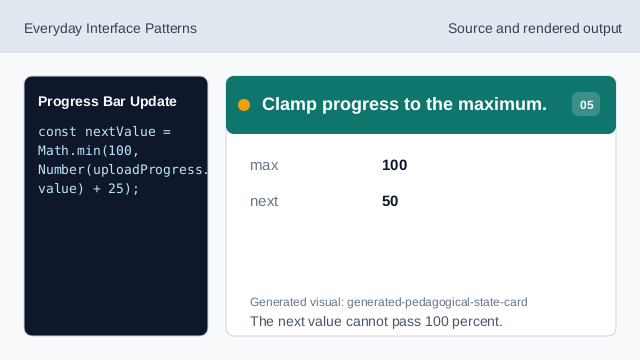
The next value cannot pass 100 percent. Update the progress value.
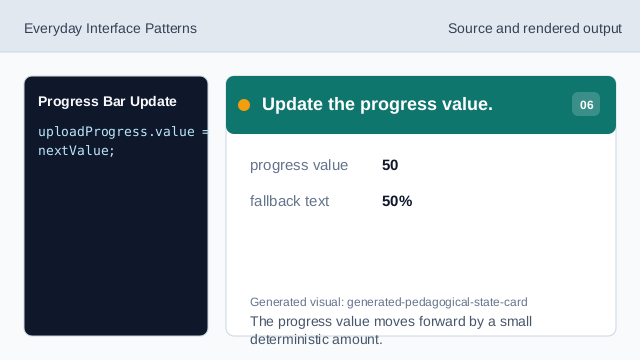
The progress value moves forward by a small deterministic amount. Render the progress status.
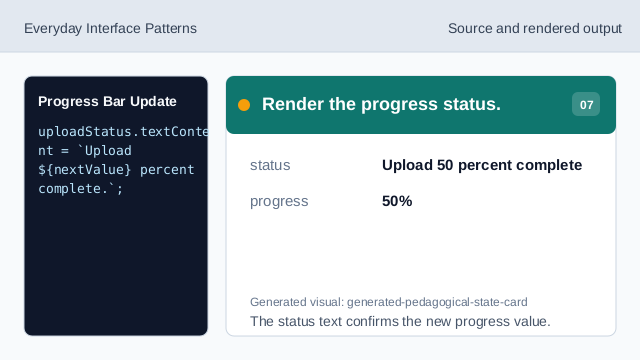
The status text confirms the new progress value.
progress element
progress exposes completion toward a known maximum.
bounded update
Math.min prevents the value from passing the maximum.
status text
A status message repeats the new percentage in text.