Progress Indicator Patterns
Meter Quota Status
A storage meter increases within a fixed quota and adds a warning style at the high range.
Program
meter is useful when a value sits inside a known range, like quota used. Keep its numeric value and text warning honest.
meter_quota_status.html
Visuals: captured from real browser rendering
<label for="storage-meter">Storage used</label>
<meter id="storage-meter" min="0" max="100" low="40" high="80" optimum="30" value="60">60%</meter>
<button id="add-storage">Use 15 MB</button>
<p id="quota-status" role="status">60 of 100 MB used.</p>
<style>
  meter { width: 16rem; }
  .quota-warning { color: #b45309; font-weight: 700; }
</style>
<script>
  const storageMeter = document.querySelector("#storage-meter");
  const addStorage = document.querySelector("#add-storage");
  const quotaStatus = document.querySelector("#quota-status");
  addStorage.addEventListener("click", () => {
    const nextValue = Math.min(100, Number(storageMeter.value) + 15);
    storageMeter.value = nextValue;
    storageMeter.textContent = `${nextValue}%`;
    quotaStatus.textContent = `${nextValue} of 100 MB used.`;
    quotaStatus.classList.toggle("quota-warning", nextValue >= 80);
  });
</script>
Label the quota meter.
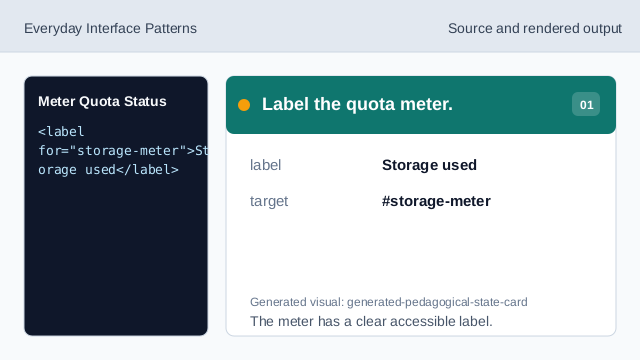
The meter has a clear accessible label. Set quota thresholds.
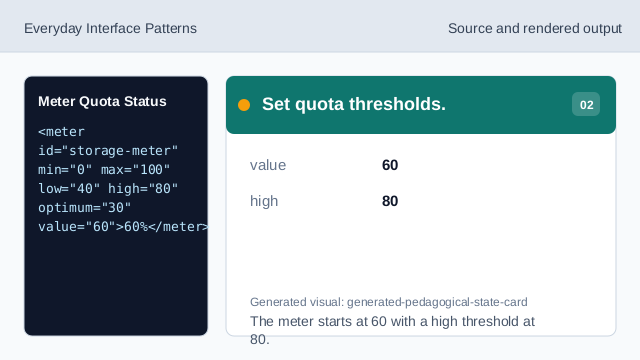
The meter starts at 60 with a high threshold at 80. Style the warning status.
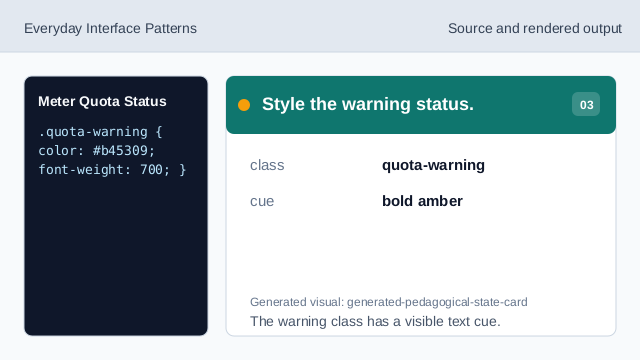
The warning class has a visible text cue. Listen for Use clicks.
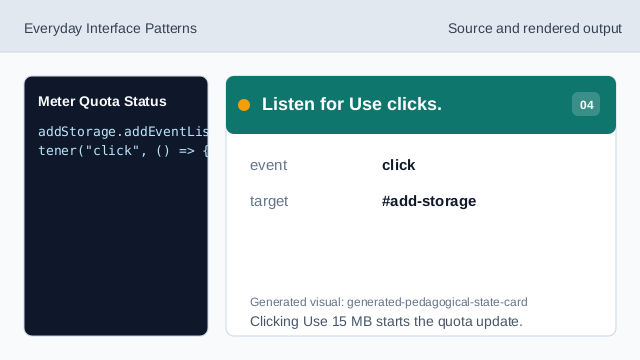
Clicking Use 15 MB starts the quota update. Clamp quota to its maximum.
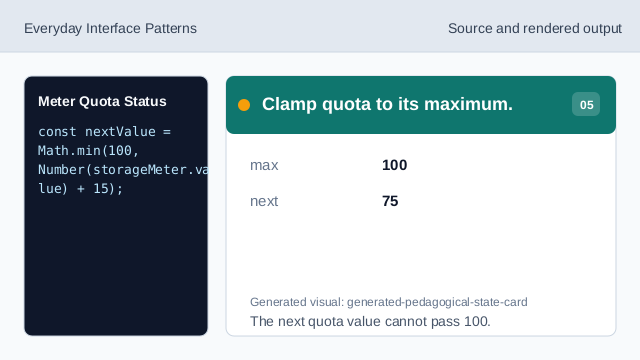
The next quota value cannot pass 100. Update the meter value.
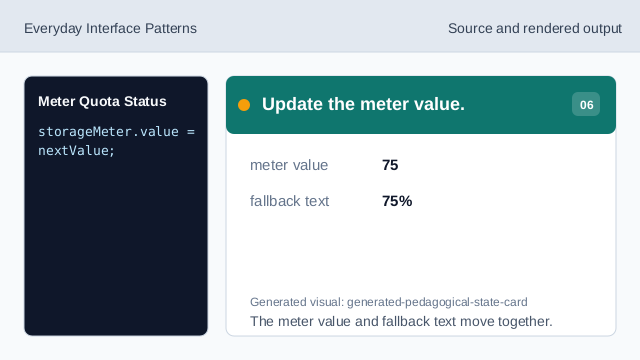
The meter value and fallback text move together. Render quota status.
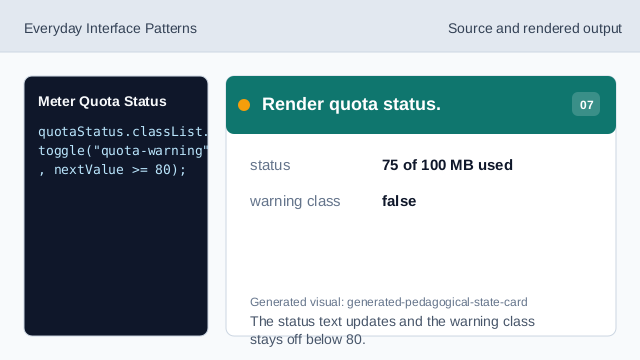
The status text updates and the warning class stays off below 80.
meter element
meter represents a scalar value inside a known range.
high threshold
high marks when quota is entering a warning range.
warning status
A status line can show both the number and the warning cue.