Progress Indicator Patterns
Checklist Progress Status
A checkbox checklist updates a progress bar and status message when another task is checked.
Program
Checklist progress should count checked items, update the visual bar, and say the same count in text.
checklist_progress_status.html
Visuals: captured from real browser rendering
<fieldset id="setup-list">
  <legend>Setup checklist</legend>
  <label><input class="task-check" type="checkbox" checked> Profile</label>
  <label><input class="task-check" type="checkbox"> Alerts</label>
  <label><input class="task-check" type="checkbox"> Backup</label>
</fieldset>
<progress id="checklist-progress" max="3" value="1">1 of 3</progress>
<p id="checklist-status" role="status">1 of 3 tasks complete.</p>
<style>
  #checklist-progress { width: 16rem; accent-color: #0f766e; }
</style>
<script>
  const taskChecks = document.querySelectorAll(".task-check");
  const checklistProgress = document.querySelector("#checklist-progress");
  const checklistStatus = document.querySelector("#checklist-status");
  taskChecks.forEach(check => {
    check.addEventListener("change", updateChecklist);
  });
  function updateChecklist() {
    if (taskChecks.length === 0) return;
    const done = [...taskChecks].filter(check => check.checked).length;
    checklistProgress.value = done;
    checklistProgress.textContent = `${done} of ${taskChecks.length}`;
    checklistStatus.textContent = `${done} of ${taskChecks.length} tasks complete.`;
  }
</script>
Name the checklist group.
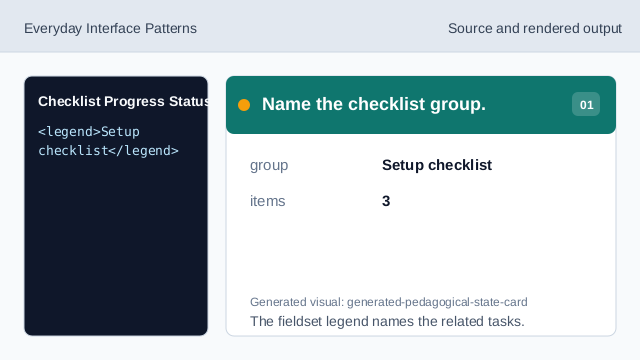
The fieldset legend names the related tasks. Set initial checklist progress.
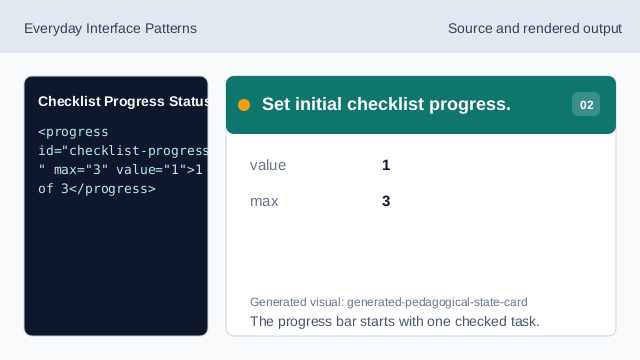
The progress bar starts with one checked task. Style the checklist progress.
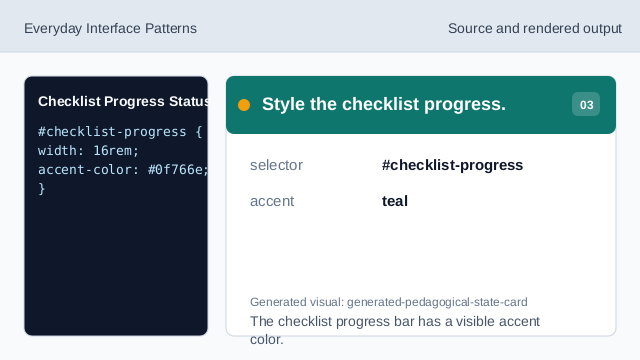
The checklist progress bar has a visible accent color. Listen for checkbox changes.
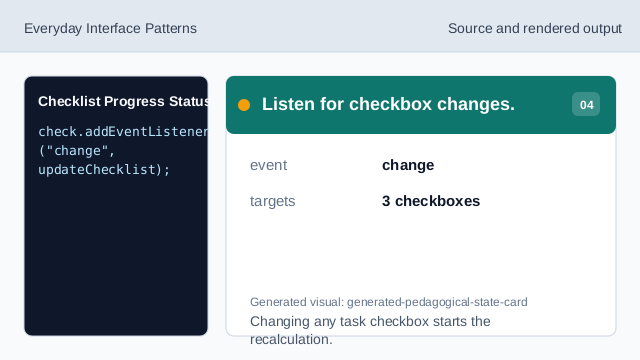
Changing any task checkbox starts the recalculation. Check that tasks exist.
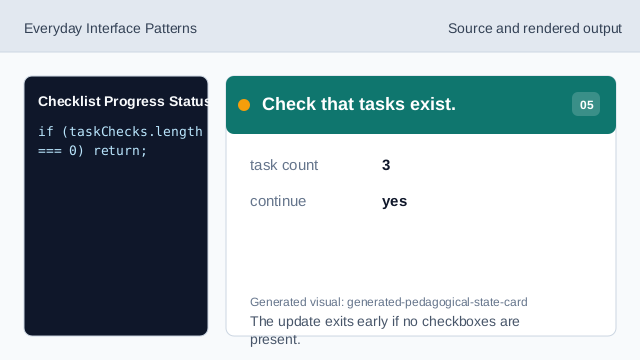
The update exits early if no checkboxes are present. Count checked tasks.
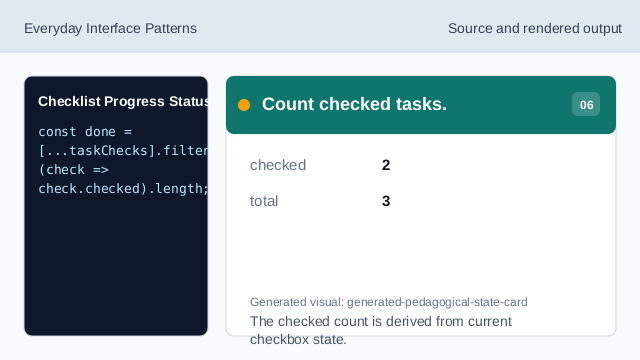
The checked count is derived from current checkbox state. Render checklist progress.
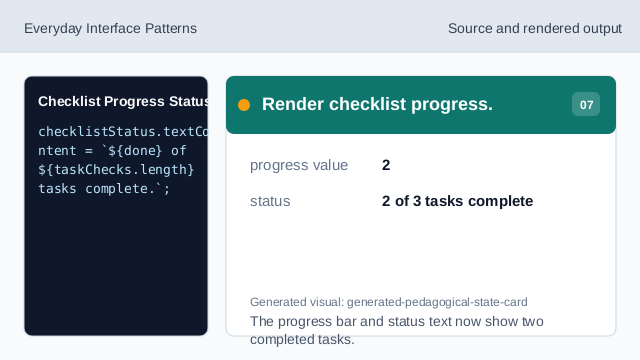
The progress bar and status text now show two completed tasks.
fieldset checklist
fieldset and legend give the related checklist a group name.
derived progress
The progress value can be derived from checked boxes.
empty guard
A small guard avoids updating a checklist that has no tasks.