Order Summary Patterns
Total Breakdown
Pinned subtotal, tax, and total values show an order total breakdown with an honest no-live-calculation status.
Program
Order totals are easier to trust when subtotal, tax, and total are shown separately. This lesson uses fixed values.
order_total_breakdown.html
Visuals: captured from real browser rendering
<section class="total-breakdown">
  <h2>Order total</h2>
  <dl>
    <dt>Subtotal</dt><dd>$30.00</dd>
    <dt>Tax</dt><dd>$2.40</dd>
    <dt>Total</dt><dd>$32.40</dd>
  </dl>
  <p role="status">Totals are pinned; no live tax or shipping calculation runs.</p>
</section>
<style>
  .total-breakdown { display: grid; gap: 10px; max-width: 28rem; border: 1px solid #94a3b8; padding: 12px; }
  .total-breakdown dl { display: grid; grid-template-columns: 1fr max-content; gap: 6px 12px; margin: 0; }
  .total-breakdown dd { margin: 0; font-weight: 700; }
</style>
Name the total section.
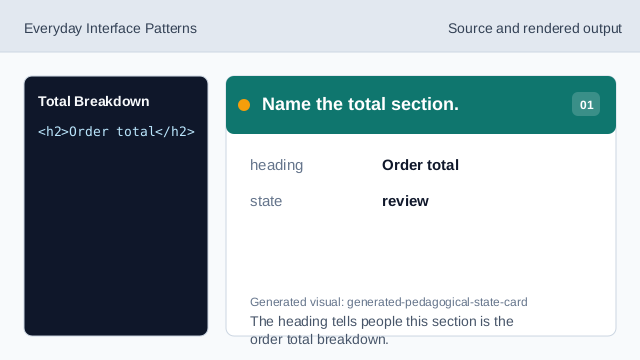
The heading tells people this section is the order total breakdown. Show the pinned subtotal.
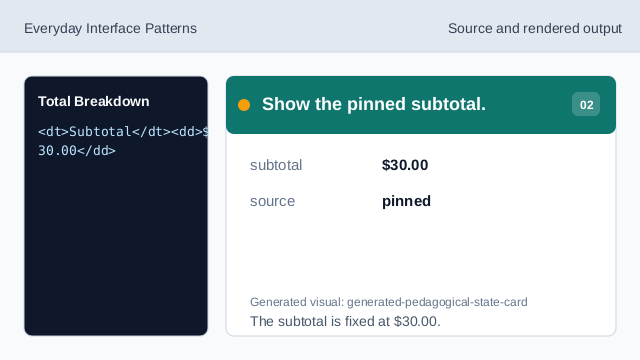
The subtotal is fixed at $30.00. Show the pinned tax.
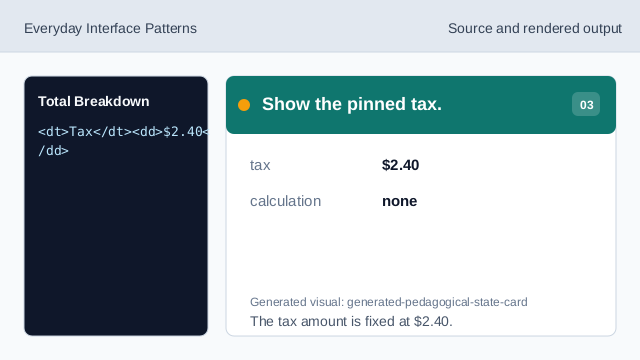
The tax amount is fixed at $2.40. Show the pinned total.
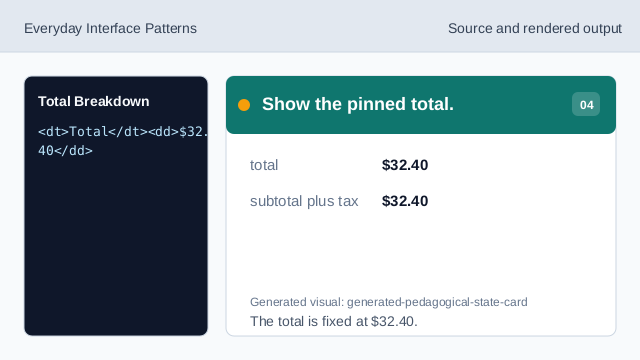
The total is fixed at $32.40. State what does not run.
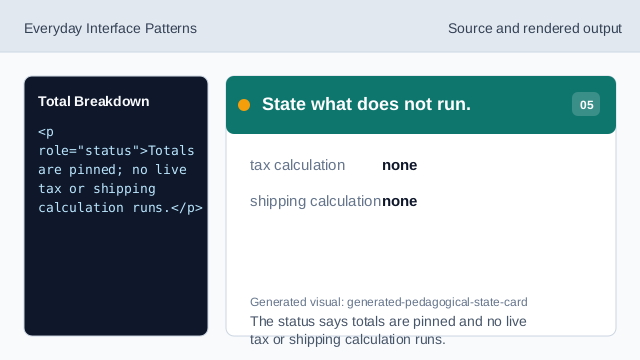
The status says totals are pinned and no live tax or shipping calculation runs. Check the total breakdown.
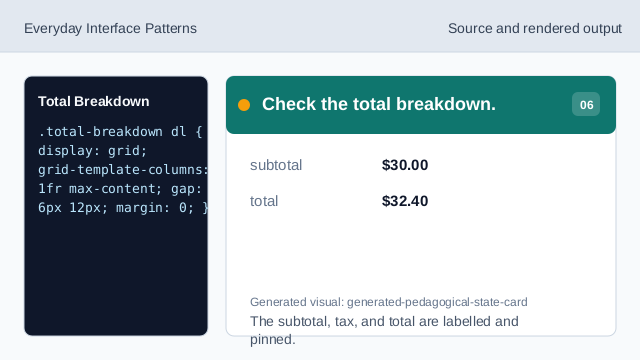
The subtotal, tax, and total are labelled and pinned.
subtotal
Subtotal shows item costs before tax.
tax
Tax is shown as a pinned amount, not calculated live.
total
The final total is visible and repeated in the breakdown.