Order Summary Patterns
Checkout Review
A review panel shows a disabled checkout action and states that no payment is submitted and no external checkout opens.
Program
A checkout review screen should separate review from payment. This static lesson shows the review state only.
checkout_review_notice.html
Visuals: captured from real browser rendering
<section class="checkout-review">
  <h2>Review before checkout</h2>
  <p>2 items. Total $32.40.</p>
  <button type="button" disabled aria-describedby="checkout-note">Continue to checkout</button>
  <p id="checkout-note" role="status">No payment is submitted and no external checkout opens.</p>
</section>
<style>
  .checkout-review { display: grid; gap: 10px; max-width: 30rem; border: 1px solid #94a3b8; padding: 12px; }
  .checkout-review button { justify-self: start; padding: 8px 12px; }
  #checkout-note { margin: 0; color: #475569; }
</style>
Name the review panel.
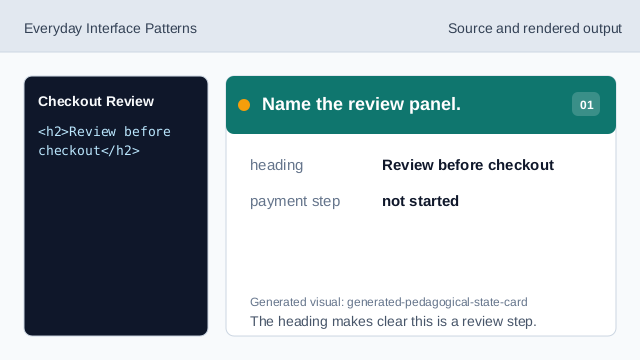
The heading makes clear this is a review step. Show the pinned order summary.
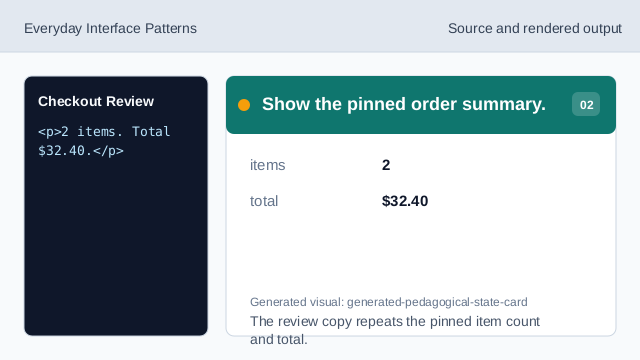
The review copy repeats the pinned item count and total. Show a disabled checkout action.
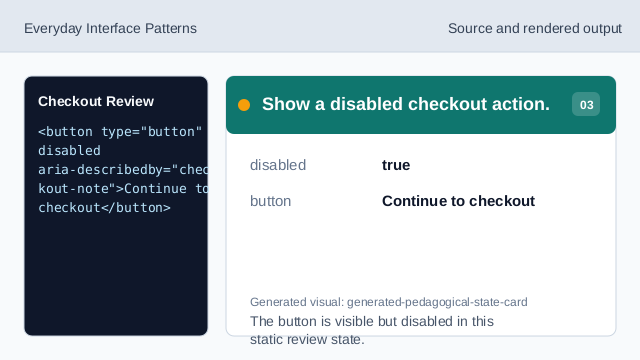
The button is visible but disabled in this static review state. Connect the action to the status note.
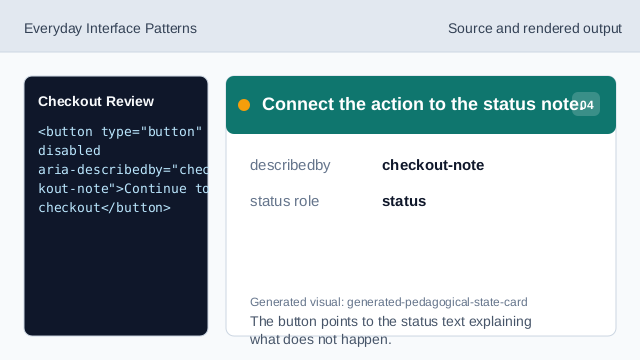
The button points to the status text explaining what does not happen. State what does not happen.
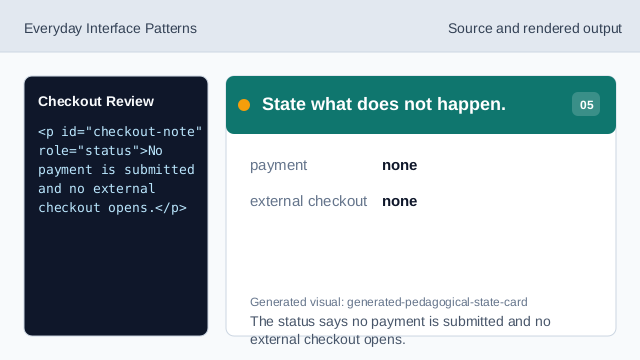
The status says no payment is submitted and no external checkout opens. Check the checkout review notice.
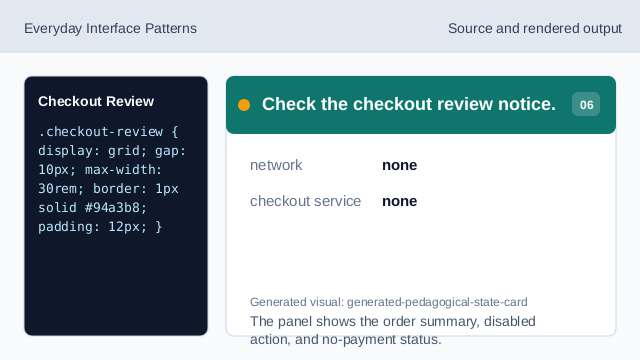
The panel shows the order summary, disabled action, and no-payment status.
review panel
A review panel summarizes what will be checked before payment.
disabled action
disabled can communicate that the action is shown but not available in this state.
no payment
The lesson should not imply payment or external checkout was started.