Media and Icon Patterns
Figure Caption Media
A figure pairs a small inline SVG illustration with a figcaption so the media and caption stay connected.
Program
Figures are useful when media and explanatory text belong together. The SVG gets its own name, and the figcaption explains the whole figure.
figure_caption_media.html
Visuals: captured from real browser rendering
<figure class="media-figure">
  <svg role="img" aria-labelledby="chart-title" viewBox="0 0 80 40">
    <title id="chart-title">Tiny bar chart</title>
    <rect x="8" y="18" width="14" height="14"></rect>
    <rect x="32" y="10" width="14" height="22"></rect>
    <rect x="56" y="4" width="14" height="28"></rect>
  </svg>
  <figcaption>Three bars compare weekly signups.</figcaption>
</figure>
<style>
  .media-figure { border: 1px solid #94a3b8; padding: 12px; max-width: 16rem; }
  .media-figure svg { width: 100%; height: auto; fill: #0f766e; }
</style>
Create the figure wrapper.
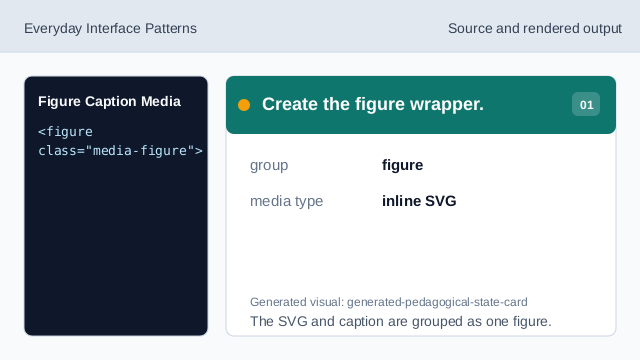
The SVG and caption are grouped as one figure. Connect the SVG name.
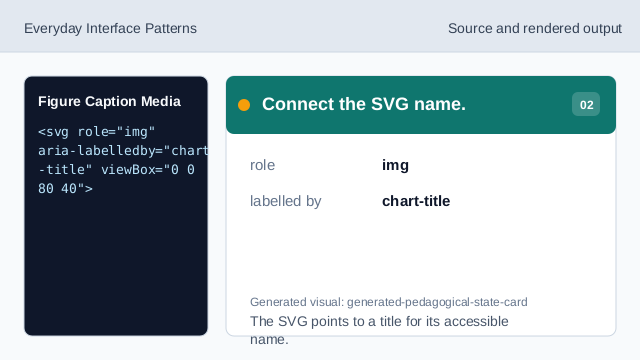
The SVG points to a title for its accessible name. Name the SVG illustration.
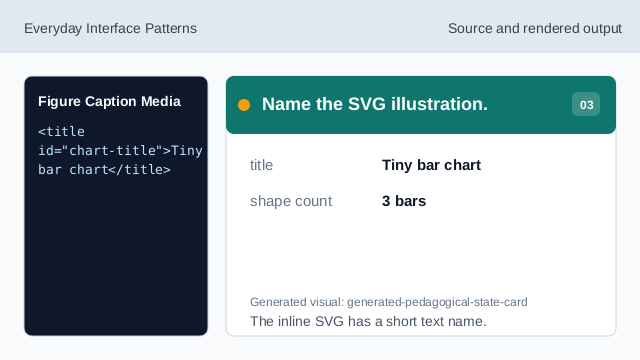
The inline SVG has a short text name. Add the figure caption.
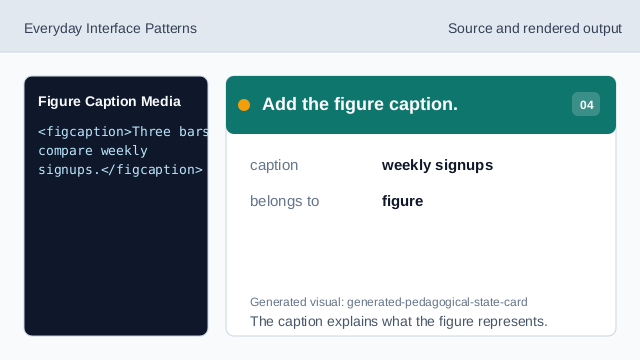
The caption explains what the figure represents. Render the figure card.
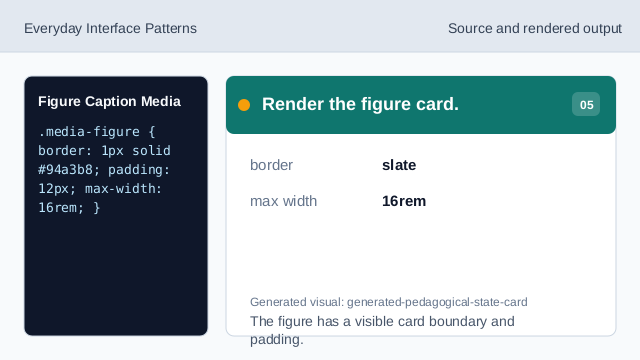
The figure has a visible card boundary and padding. Check SVG scaling.
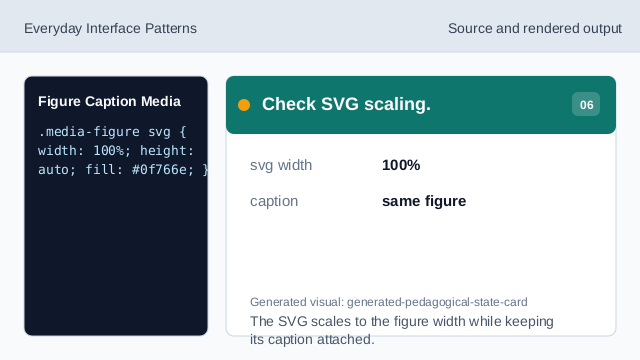
The SVG scales to the figure width while keeping its caption attached.
figure
figure groups media with related explanatory text.
svg title
An inline SVG can have an accessible name through title and aria-labelledby.
figcaption
figcaption gives the figure a visible caption.