Form Recovery Patterns
Field Error Description
An email field connects hint and error text with aria-describedby, then marks itself invalid when a simple submit check fails.
Program
Field-level recovery works best when the input is already connected to its hint and error text before validation runs.
field_error_description.html
Visuals: captured from real browser rendering
<form id="email-form" novalidate>
  <label for="recover-email">Email</label>
  <input id="recover-email" type="email" aria-describedby="email-hint email-error">
  <p id="email-hint">Use the address on your account.</p>
  <p id="email-error" hidden>Enter an email address.</p>
  <button>Send link</button>
</form>
<script>
  const emailForm = document.querySelector("#email-form");
  const recoverEmail = document.querySelector("#recover-email");
  const emailError = document.querySelector("#email-error");
  emailForm.addEventListener("submit", event => {
    event.preventDefault();
    const missingEmail = recoverEmail.value.trim() === "";
    recoverEmail.setAttribute("aria-invalid", String(missingEmail));
    emailError.hidden = !missingEmail;
  });
</script>
Label the email field.
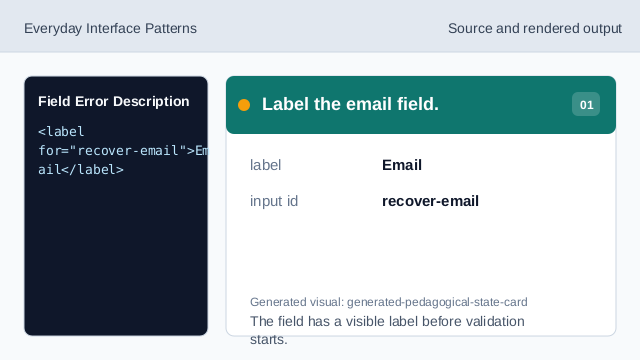
The field has a visible label before validation starts. Connect hint and error text.
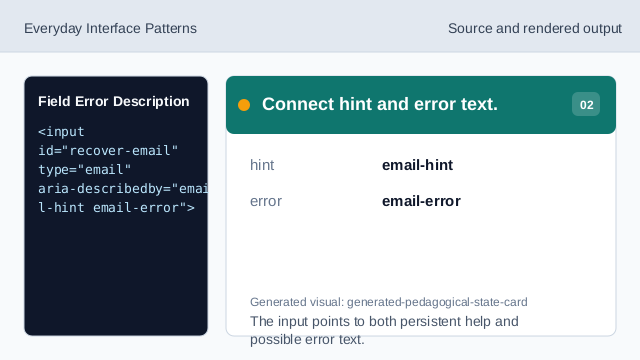
The input points to both persistent help and possible error text. Listen for validation submit.
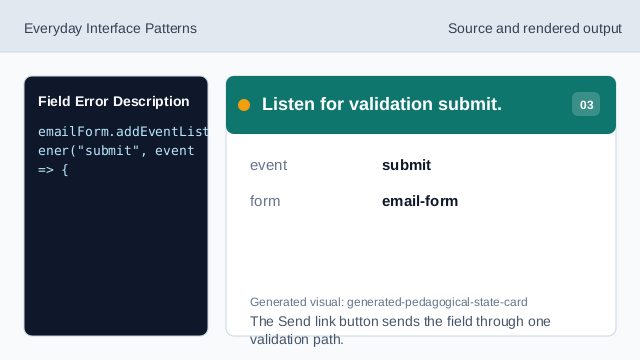
The Send link button sends the field through one validation path. Check the email value.
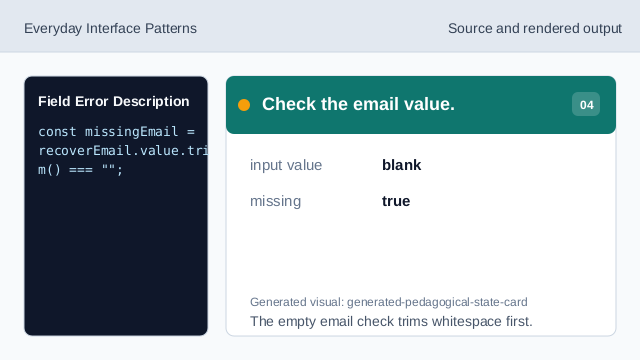
The empty email check trims whitespace first. Mark the field invalid.
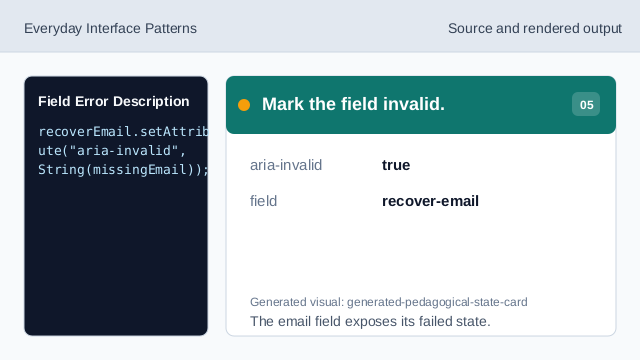
The email field exposes its failed state. Render the error text.
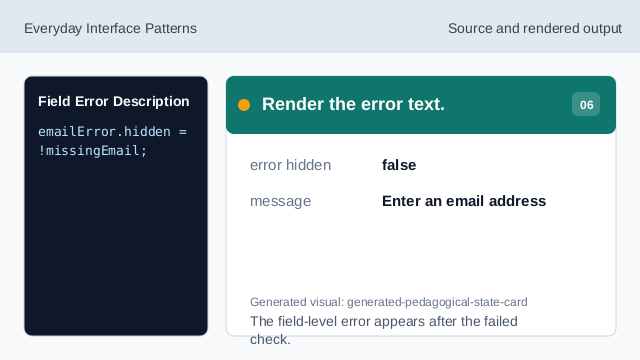
The field-level error appears after the failed check. Check the error id.
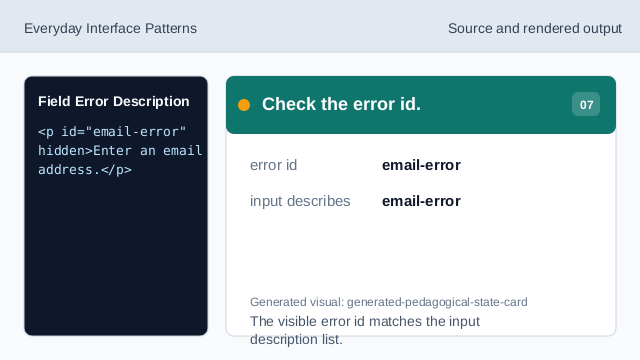
The visible error id matches the input description list.
aria-describedby
aria-describedby can connect one input to both hint and error text.
aria-invalid
aria-invalid exposes the failed state on the field that needs correction.
field error
A field error appears near the field after validation fails.