Form Recovery Patterns
Correction Success
After an error, typing a valid short value clears the error and updates a status message.
Program
Recovery should show progress too. When a corrected value passes the simple check, the error clears and a status line confirms success.
correction_success_status.html
Visuals: captured from real browser rendering
<label for="code-input">Recovery code</label>
<input id="code-input" value="A" aria-invalid="true" aria-describedby="code-error code-status">
<p id="code-error">Use at least 3 characters.</p>
<p id="code-status" role="status">Code needs correction.</p>
<script>
  const codeInput = document.querySelector("#code-input");
  const codeError = document.querySelector("#code-error");
  const codeStatus = document.querySelector("#code-status");
  codeInput.addEventListener("input", () => {
    const valid = codeInput.value.trim().length >= 3;
    codeInput.setAttribute("aria-invalid", String(!valid));
    codeError.hidden = valid;
    codeStatus.textContent = valid ? "Code accepted." : "Code needs correction.";
  });
</script>
Start in an error state.
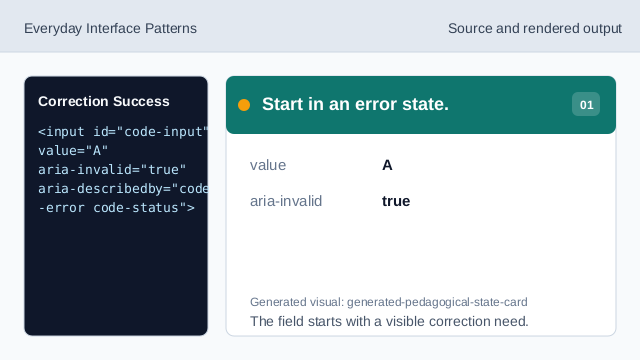
The field starts with a visible correction need. Listen for correction input.
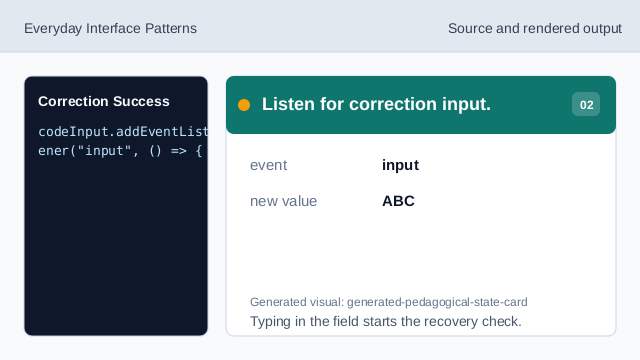
Typing in the field starts the recovery check. Check the corrected value.
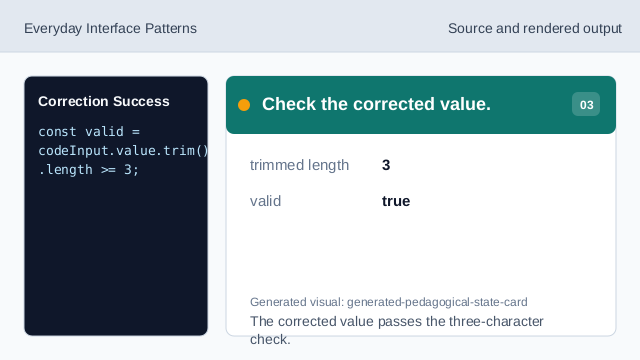
The corrected value passes the three-character check. Clear the invalid state.
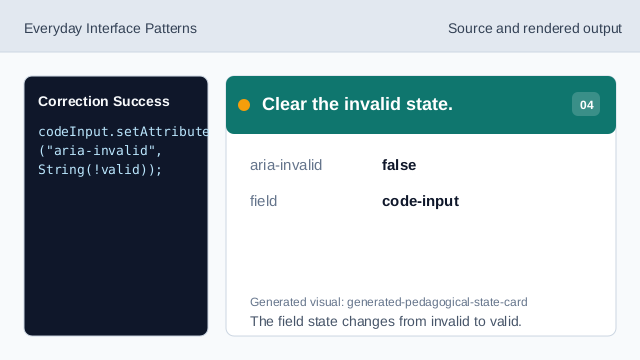
The field state changes from invalid to valid. Hide the error message.
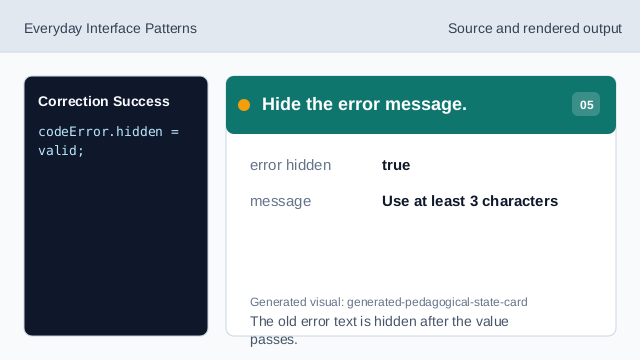
The old error text is hidden after the value passes. Render success status.
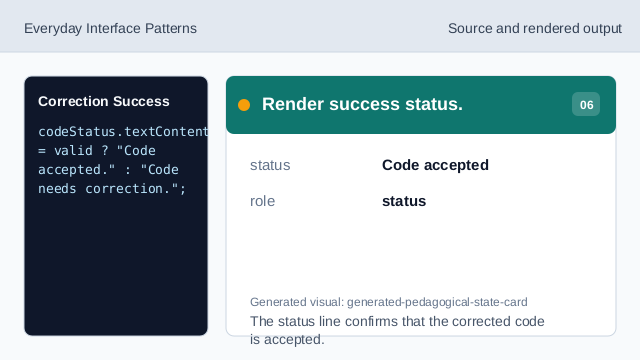
The status line confirms that the corrected code is accepted. Check recovery descriptions.
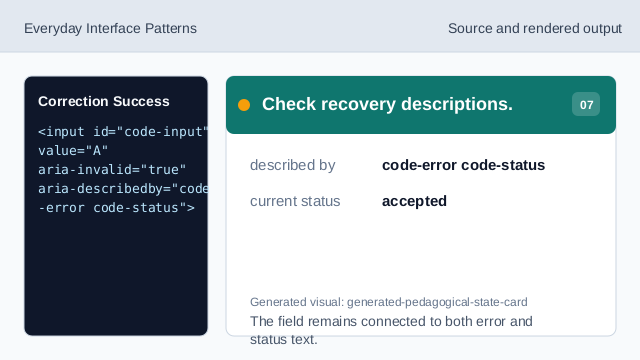
The field remains connected to both error and status text.
correction state
The page starts with a visible error state that can be cleared.
input event
The input event checks the value as the user corrects it.
success status
A status line confirms when the correction is accepted.