Form Recovery Patterns
Error Summary Focus
A small form prevents empty submission, reveals an error summary, focuses it, and links back to the field.
Program
An error summary should appear in a predictable place and receive focus after a failed submit, while still pointing back to the field that needs work.
error_summary_focus.html
Visuals: captured from real browser rendering
<form id="profile-form" novalidate>
  <div id="error-summary" tabindex="-1" hidden>
    <p>Please fix the name field.</p>
    <a href="#profile-name">Go to name</a>
  </div>
  <label for="profile-name">Name</label>
  <input id="profile-name" required>
  <button>Save profile</button>
</form>
<script>
  const profileForm = document.querySelector("#profile-form");
  const profileName = document.querySelector("#profile-name");
  const errorSummary = document.querySelector("#error-summary");
  profileForm.addEventListener("submit", event => {
    event.preventDefault();
    const missingName = profileName.value.trim() === "";
    if (!missingName) return;
    errorSummary.hidden = false;
    errorSummary.focus();
    profileName.setAttribute("aria-invalid", "true");
  });
</script>
Create the recovery form.
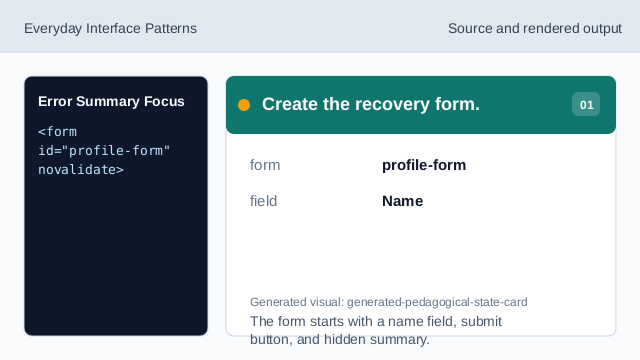
The form starts with a name field, submit button, and hidden summary. Listen for submit.
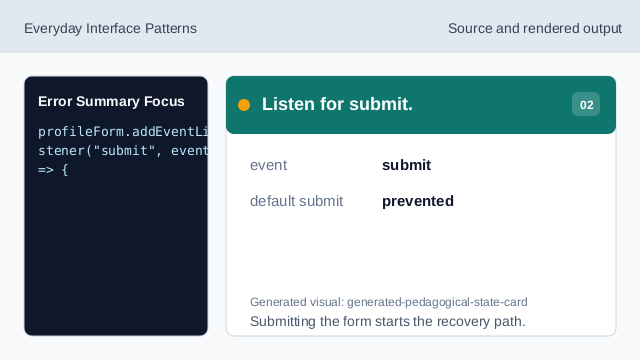
Submitting the form starts the recovery path. Check the empty field.
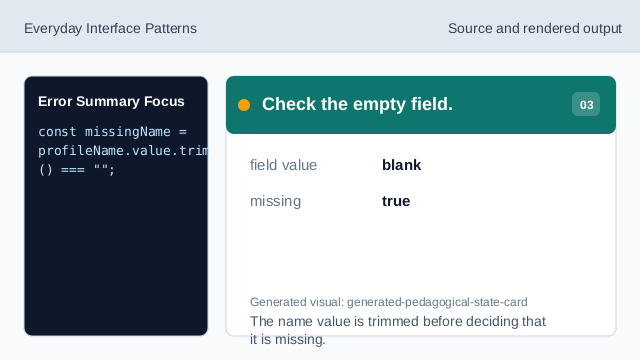
The name value is trimmed before deciding that it is missing. Show the summary.
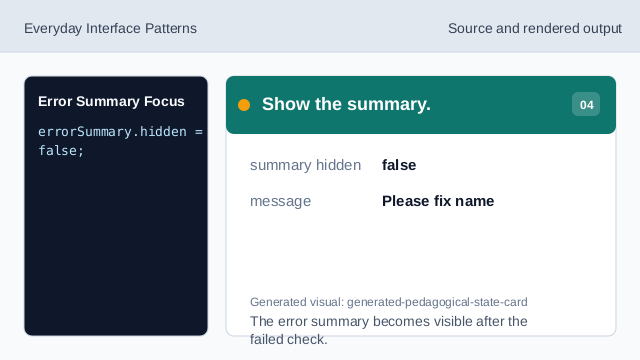
The error summary becomes visible after the failed check. Focus the summary.
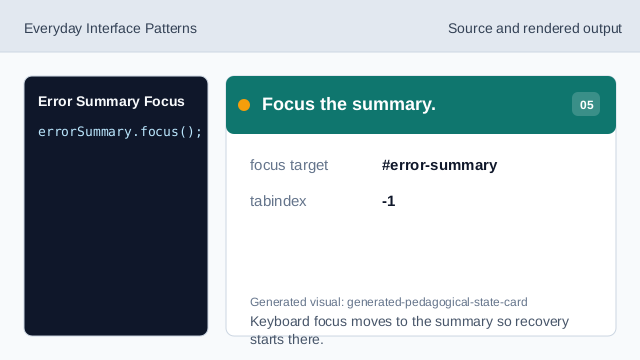
Keyboard focus moves to the summary so recovery starts there. Check the field link.
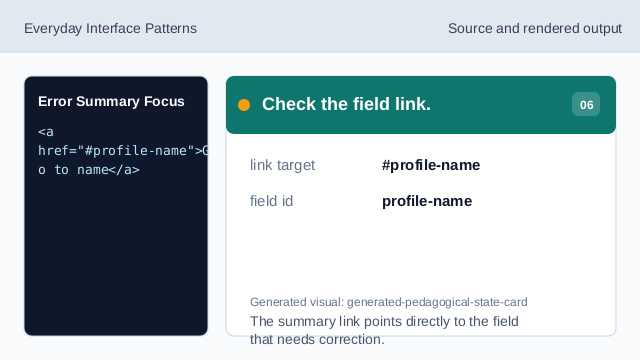
The summary link points directly to the field that needs correction.
error summary
An error summary gives users one place to start after failed submission.
focus summary
Focusing the summary makes the recovery message immediate for keyboard users.
field link
The summary link points back to the field that needs correction.