Form Feedback Patterns
Disabled Submit Ready
A submit button starts disabled, then becomes available when the email field has enough input to send.
Program
Disabled submit states should explain what is missing and then change as soon as the form is ready.
disabled_submit_ready.html
Visuals: captured from real browser rendering
<form id="invite">
  <label for="invite-email">Invite email</label>
  <input id="invite-email" type="email" aria-describedby="invite-help">
  <p id="invite-help">Enter an email to enable Send.</p>
  <button id="send" disabled>Enter email first</button>
</form>
<style>
  #send:disabled { opacity: .55; cursor: not-allowed; }
  #send:not(:disabled) { background: #2563eb; color: white; }
</style>
<script>
  const inviteEmail = document.querySelector("#invite-email");
  const send = document.querySelector("#send");
  inviteEmail.addEventListener("input", () => {
    const ready = inviteEmail.value.includes("@");
    send.disabled = !ready;
    send.textContent = ready ? "Send invite" : "Enter email first";
  });
</script>
Connect the helper text.
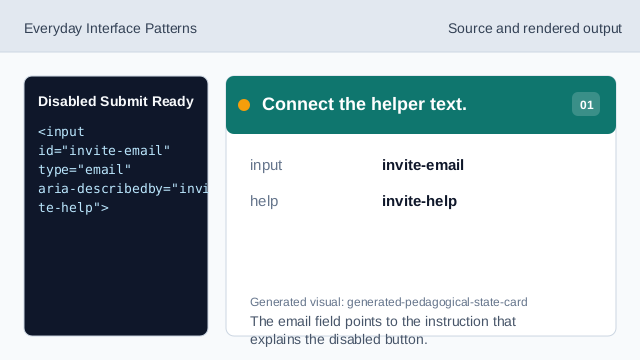
The email field points to the instruction that explains the disabled button. Start with submit disabled.
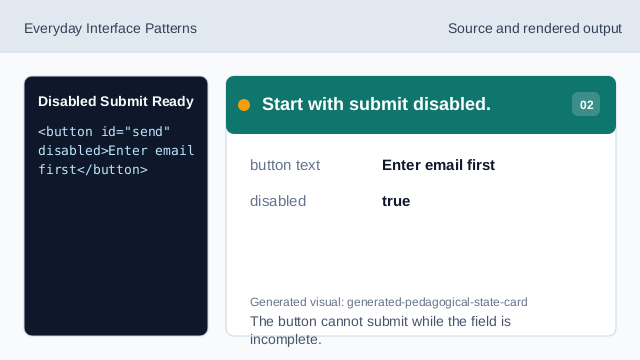
The button cannot submit while the field is incomplete. Style the unavailable state.
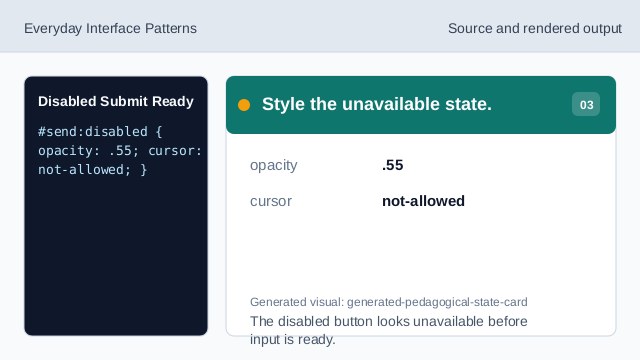
The disabled button looks unavailable before input is ready. Listen for email input.
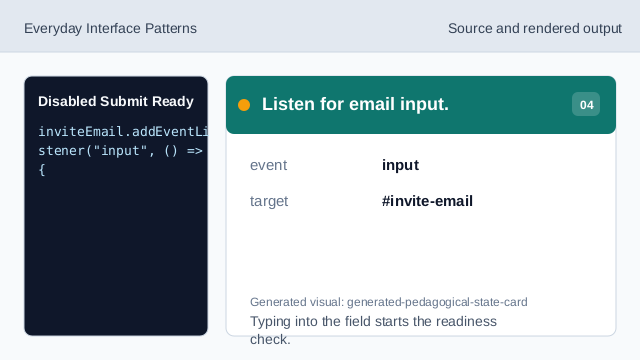
Typing into the field starts the readiness check. Check for a sendable email shape.
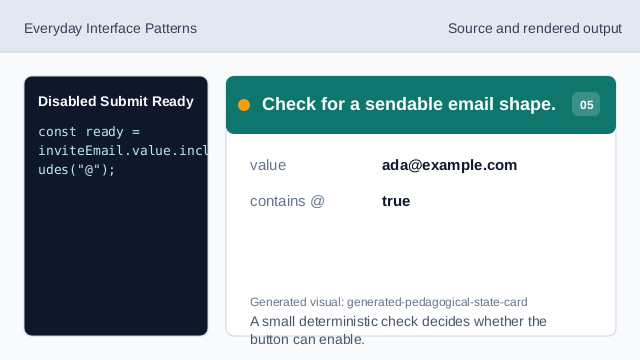
A small deterministic check decides whether the button can enable. Enable the submit button.
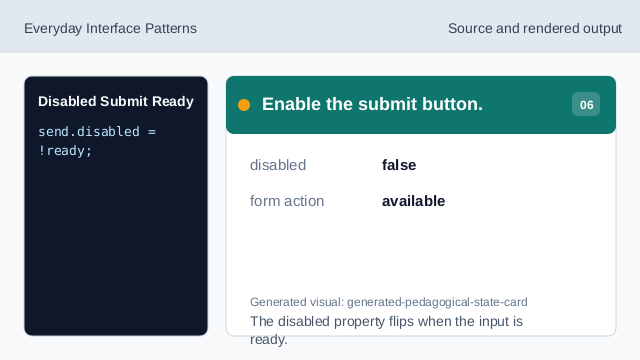
The disabled property flips when the input is ready. Update the button label.
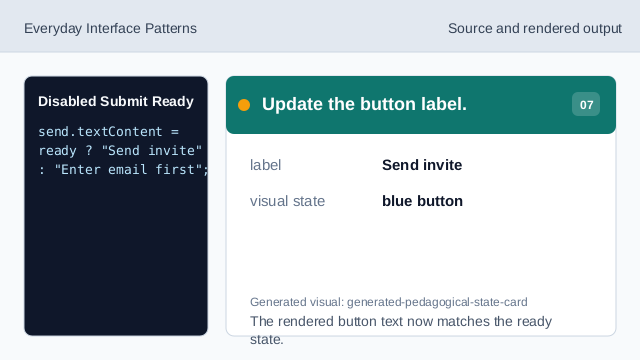
The rendered button text now matches the ready state.
disabled
disabled removes a button from the active form controls until it is ready.
helper text
Helper text explains what must change before the button enables.
ready state
The button state follows one simple check against the current input value.