Form Feedback Patterns
Character Count Limit
A textarea with maxlength updates a polite counter and changes tone as the remaining character count gets low.
Program
Character counters make limits visible while the user types. The counter is connected to the field and updated from one input event.
character_count_limit.html
Visuals: captured from real browser rendering
<label for="bio">Short bio</label>
<textarea id="bio" maxlength="40" aria-describedby="bio-count">Hello</textarea>
<p id="bio-count" role="status" data-state="ok">35 characters left</p>
<style>
  #bio-count[data-state="near"] { color: #b45309; font-weight: 700; }
</style>
<script>
  const limit = 40;
  const bio = document.querySelector("#bio");
  const count = document.querySelector("#bio-count");
  bio.addEventListener("input", () => {
    const remaining = limit - bio.value.length;
    count.textContent = `${remaining} characters left`;
    count.dataset.state = remaining <= 10 ? "near" : "ok";
  });
</script>
Set the character limit.
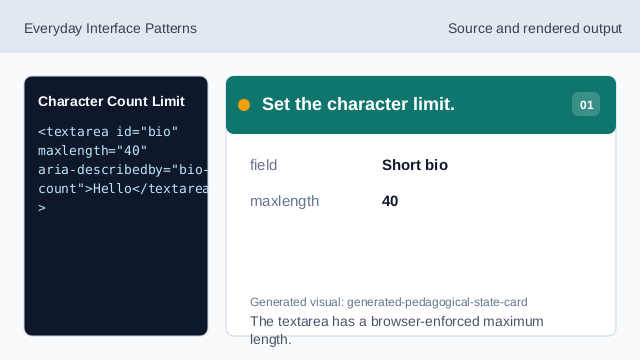
The textarea has a browser-enforced maximum length. Connect the counter to the textarea.
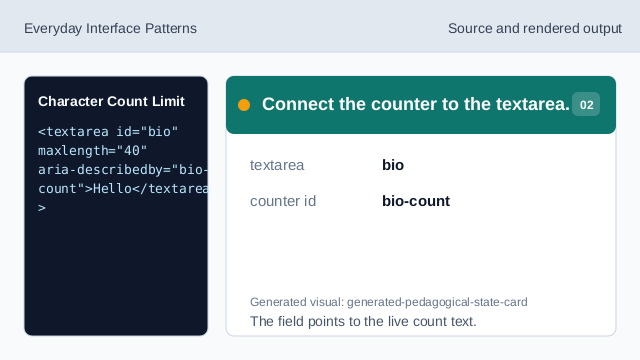
The field points to the live count text. Make the counter polite.
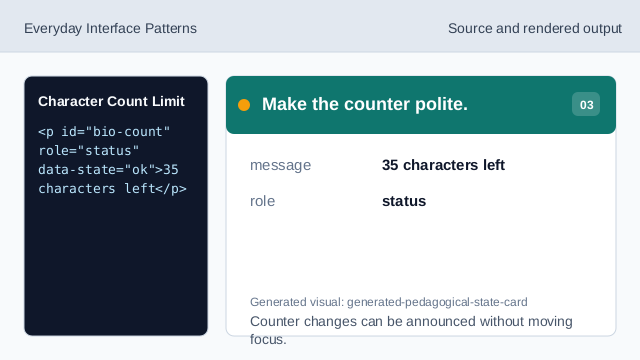
Counter changes can be announced without moving focus. Style the near-limit state.
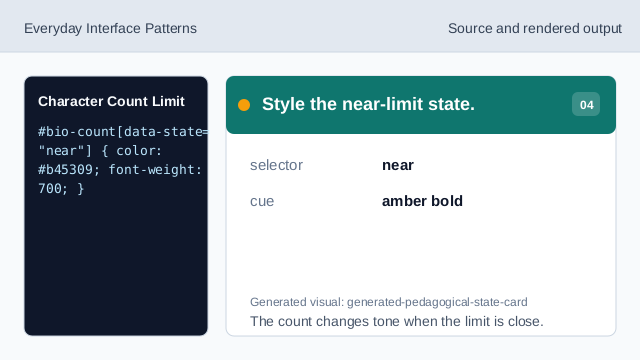
The count changes tone when the limit is close. Listen while the user types.
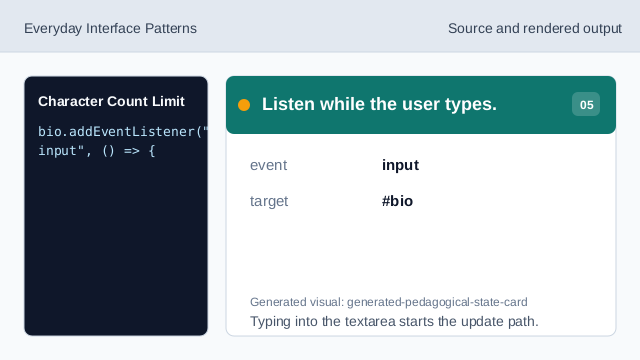
Typing into the textarea starts the update path. Calculate characters left.
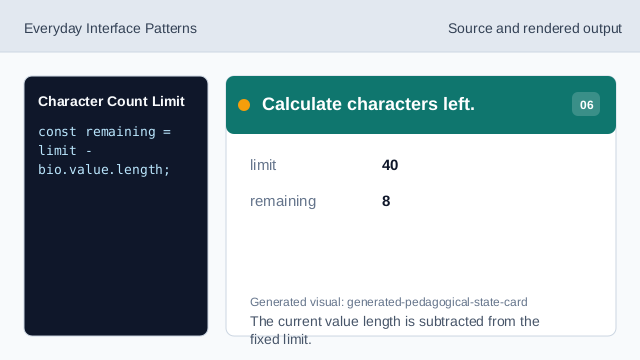
The current value length is subtracted from the fixed limit. Render the near-limit state.
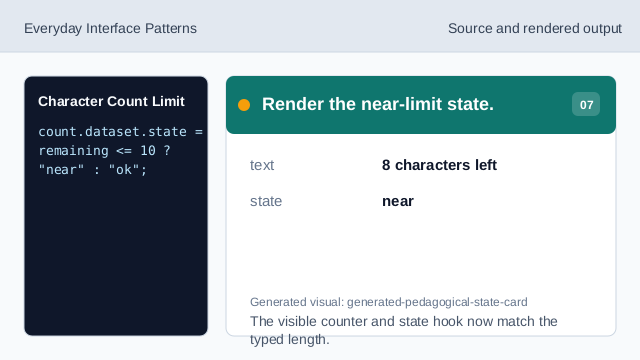
The visible counter and state hook now match the typed length.
maxlength
maxlength lets the browser enforce a maximum text length.
role status
role="status" lets counter updates be announced politely.
input event
The input event runs whenever the textarea value changes.