Parse and Render
Type Detection
String cells are converted into numbers so quantities and prices can be formatted and aligned.
Program
CSV parsers start with strings. Browser table code often converts selected columns before formatting numeric output.
type_detection.html
Visuals: captured from real browser rendering
<script>
  const rows = [["item","qty","price"],["Cable","3","12.50"],["Hub","1","39.00"]];
  const typed = rows.slice(1).map(row => ({
    item: row[0],
    qty: Number(row[1]),
    price: Number(row[2])
  }));
  renderCurrencyTable(typed);
</script>
Start with parsed CSV rows.
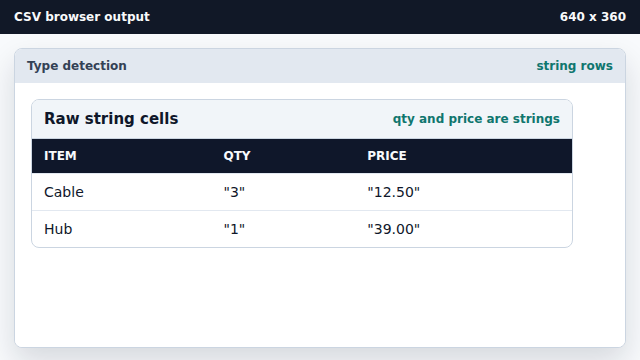
CSV cells arrive as text even when they look numeric. Create typed records from data rows.
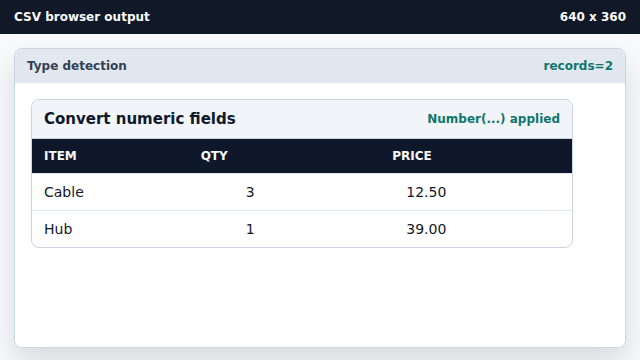
slice(1) ignores the header row before mapping data. Convert quantity strings to numbers.
Number(row[1]) converts text to a numeric value. Convert price strings to numbers.
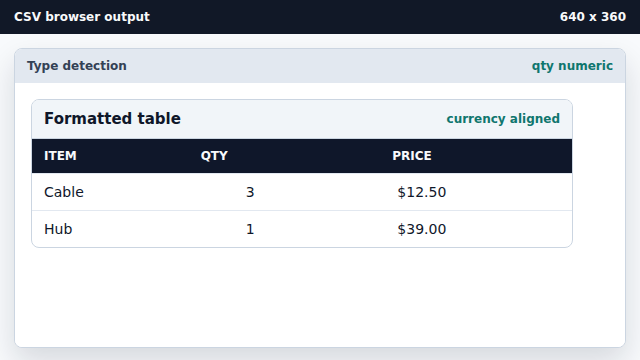
Number(row[2]) converts decimal text. Render formatted numeric cells.
Formatting happens after conversion, not before parsing.
type conversion
Type conversion changes text cells into numbers, dates, or booleans.
formatting
Formatting controls how typed values appear in the rendered table.