Parse and Render
Header Mapping
CSV headers are read once and used to turn each data line into a record with named fields.
Program
Most CSV files put field names in the first row. Mapping those names to later cells makes row data easier to read and render.
header_mapping.html
Visuals: captured from real browser rendering
<script>
  const csv = "item,status\nBuild,ready\nDocs,draft";
  const [headerLine, ...dataLines] = csv.split("\n");
  const headers = headerLine.split(",");
  const records = dataLines.map(line => Object.fromEntries(
    line.split(",").map((value, index) => [headers[index], value])
  ));
  render(records);
</script>
Separate the header row from data rows.
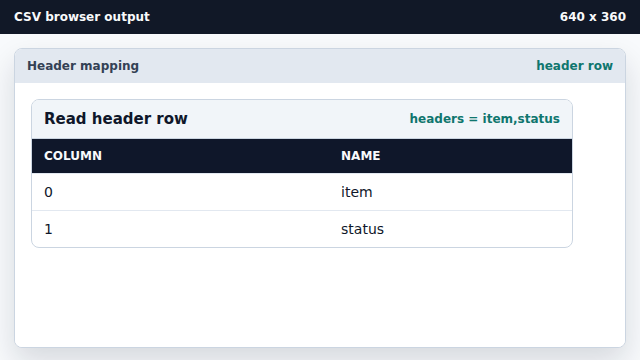
Destructuring keeps the field names separate from data. Split the header row into field names.
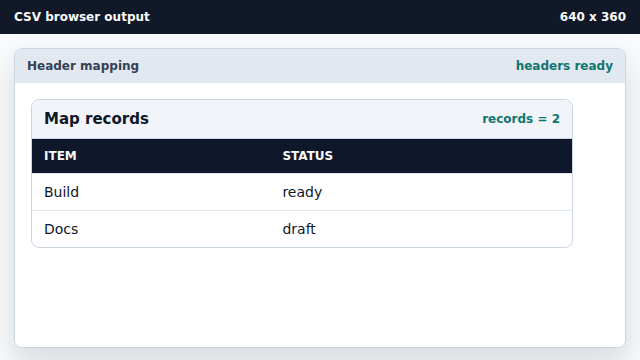
Headers give each column a stable name. Map each data line into a record object.
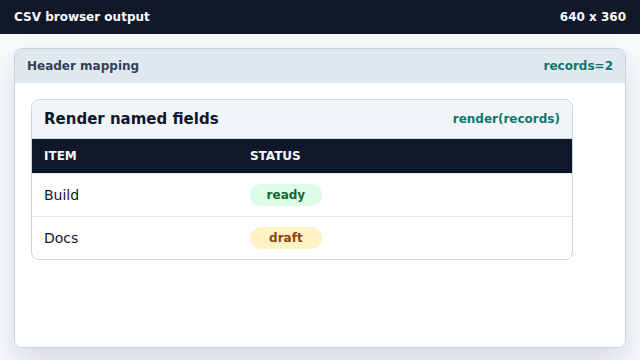
Object.fromEntries pairs each header with its matching value. Render the named records.
Rendering named records makes the table less position-dependent.
header row
A header row names the fields that each later row contains.
record
A record is one row represented as named fields rather than raw cell positions.