Positioning and Layers
Z Index Stack
Two overlapping panels use absolute positioning, then z-index raises one panel above the other in the stacking order.
Program
When positioned elements overlap, stacking order decides which one appears on top. z-index is useful when source order alone is not enough.
books/css/06positioning_layers/z_index_stack/diagrams/z_index_stack.semantic.json.
z_index_stack.html
Visuals: captured from real browser rendering
<style>
.stack { position: relative; height: 170px; }
.layer { position: absolute; width: 190px; height: 92px; }
.base { left: 48px; top: 38px; background: #dbeafe; }
.raised { left: 126px; top: 76px; z-index: 2; background: #fde68a; }
</style>

<section class="stack">
  <article class="layer base">Base panel</article>
  <article class="layer raised">Alert panel</article>
</section>
Create a local positioning area.
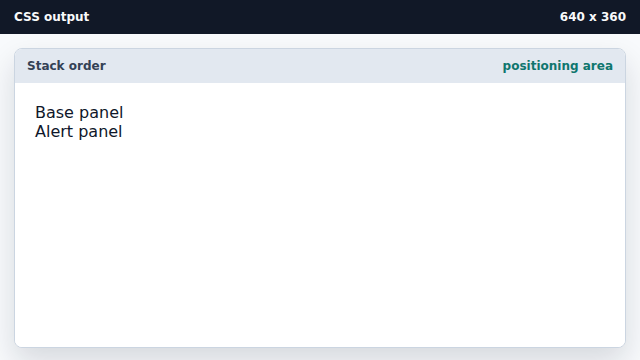
The relative parent gives absolute children a local coordinate space. Make both panels positioned layers.
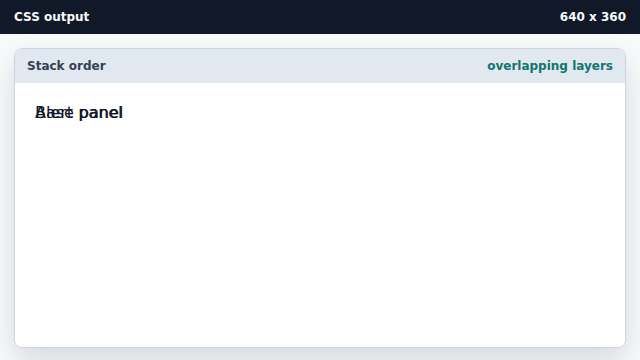
Shared layer rules keep the boxes comparable. Place the base layer.
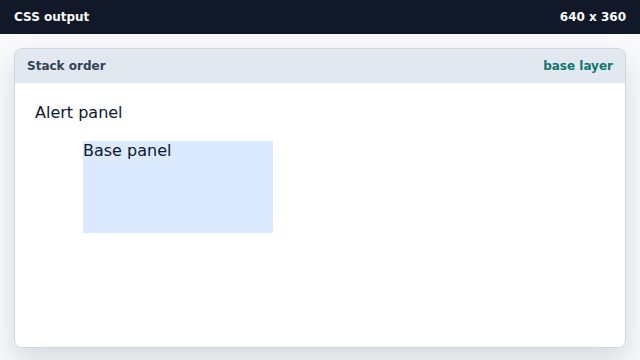
Left and top offsets place a positioned box. Raise the alert layer above the base.
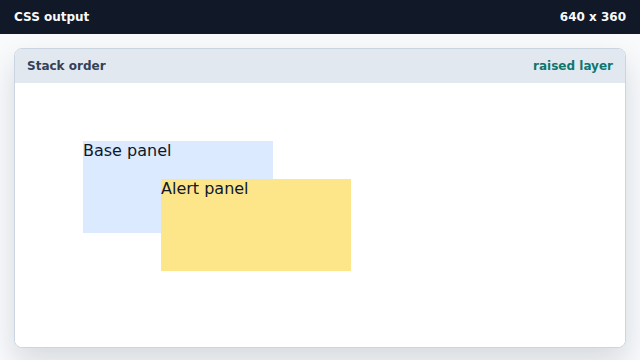
z-index changes paint order among positioned elements.
stacking order
Stacking order decides which overlapping element paints in front.
z-index
z-index sets the stack level of a positioned element.