Positioning and Layers
Overflow Clip and Scroll
A log panel gains a fixed height, clips extra rows, then styles its border, padding, and individual entries for a readable bounded region.
Program
Content sometimes exceeds the box that contains it. Overflow rules decide whether that extra content is visible, clipped, or scrollable.
overflow_clip_scroll.html
Visuals: captured from real browser rendering
<style>
.log { max-height: 130px; }
.log { overflow: hidden; }
.log { padding: 12px; border: 2px solid #64748b; }
.log p { margin: 0 0 10px; background: #f1f5f9; padding: 8px; }
</style>

<section class="log">
  <p>Build started</p>
  <p>Tests running</p>
  <p>Deploy queued</p>
  <p>Waiting approval</p>
</section>
Limit the panel height.
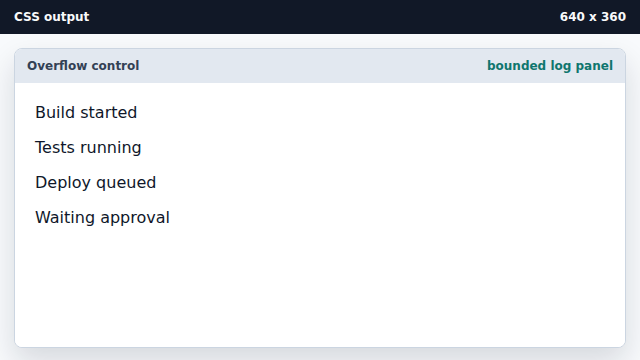
A height limit makes overflow behavior visible. Clip content beyond the edge.
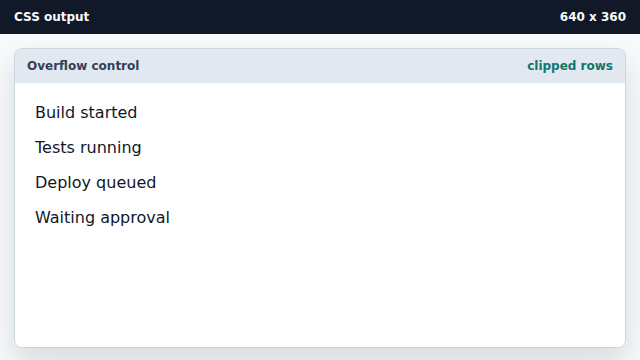
Hidden overflow clips extra content without showing scrollbars. Frame the clipped region.
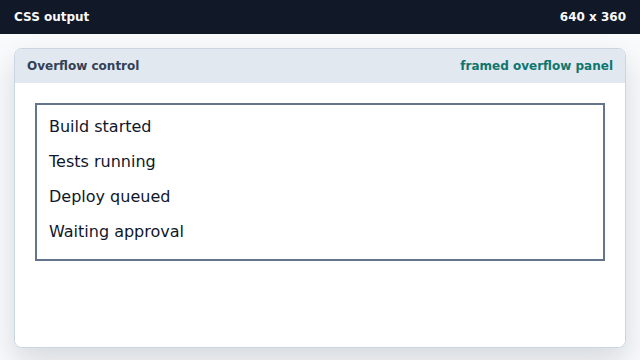
Padding and border make the clipping edge clear. Style each log row.
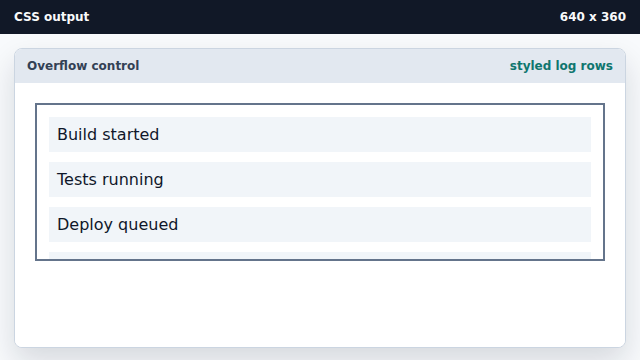
Child spacing still participates inside the clipped area.
overflow
Overflow is content that extends beyond an element box.
clipping
Clipping hides content outside the visible region of a box.