Positioning and Layers
Relative and Absolute Badge
A card becomes the containing block for a notification badge, which is placed in the top-right corner with normal CSS positioning.
Program
Relative positioning on a parent creates a local reference for absolutely positioned children. That lets small badges stay attached to a component.
books/css/06positioning_layers/relative_absolute_badge/diagrams/position_schemes.semantic.json.
relative_absolute_badge.html
Visuals: captured from real browser rendering
<style>
.position-card { position: relative; padding: 24px; border: 2px solid #cbd5e1; }
.badge { position: absolute; }
.badge { top: 12px; right: 12px; }
.badge { background: #dc2626; color: white; padding: 6px 10px; border-radius: 999px; }
</style>

<article class="position-card">
  <h2>Deploy queue</h2>
  <p>Three reviews are waiting.</p>
  <span class="badge">3</span>
</article>
Make the card a positioned ancestor.
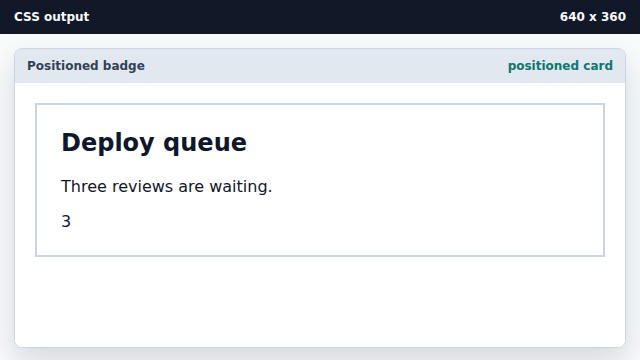
Relative positioning creates the containing block for absolute children. Take the badge out of normal flow.
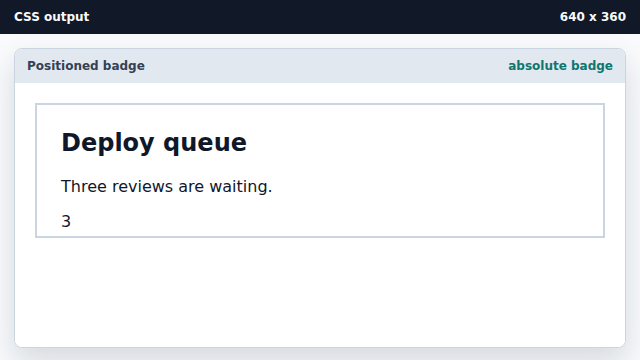
Absolute elements are positioned against their containing block. Place the badge in the top-right corner.
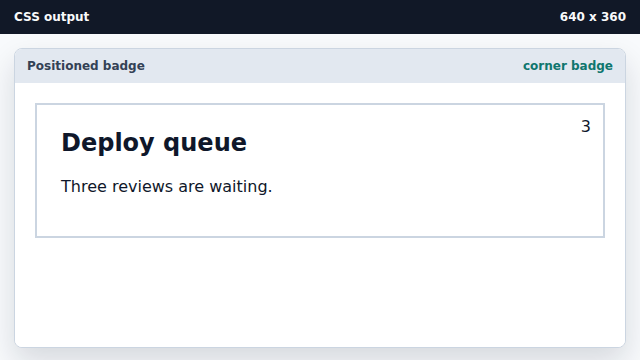
Top and right offsets measure from the containing block edges. Style the badge as a compact pill.
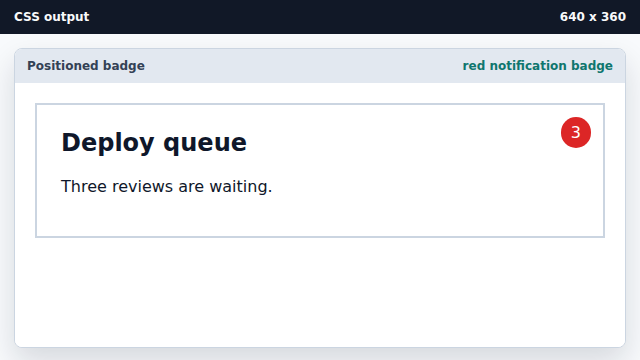
Position controls placement; regular box styles control appearance.
containing block
A containing block is the box used to resolve positioned offsets.
absolute positioning
Absolute positioning removes an element from normal flow and places it by offsets.