Selectors and Cascade
Specificity Override
A notice begins with base declarations, then warning and confirmed declarations win because the browser resolves the cascade.
Program
Each CSS line declares a possible rendered state; it does not execute like a JavaScript statement. The visible delta appears when the browser matches selectors, compares specificity, and resolves which declaration applies.
books/css/01selectors_cascade/specificity_override/diagrams/specificity_cascade.semantic.json.
specificity_override.html
Visuals: captured from real browser rendering
<style>
.notice { background: #eef2ff; color: #1e3a8a; }
.notice { padding: 18px; border-radius: 8px; }
.notice.warning { background: #fef3c7; color: #92400e; }
.notice.warning.confirmed { border: 3px solid #16a34a; }
</style>

<aside class="notice warning confirmed">
  <strong>Deploy Notice</strong>
  <p>Release approved after checks pass.</p>
</aside>
Apply the base notice colors.
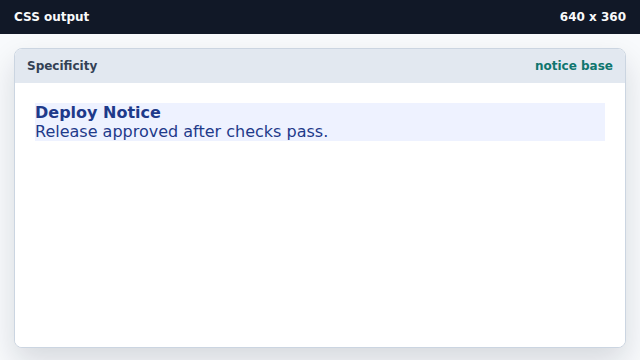
A broad class selector provides the default notice style. Add panel spacing and rounded corners.
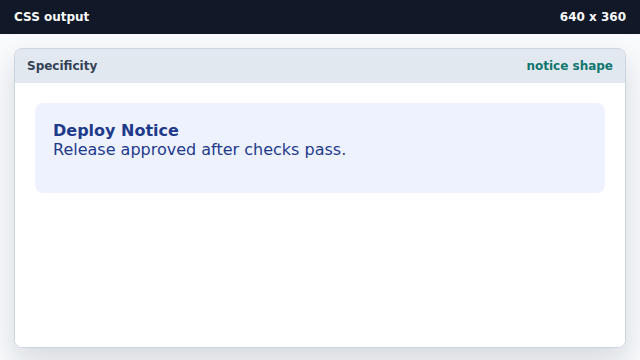
Layout declarations can share the same selector. Let the warning selector override base colors.
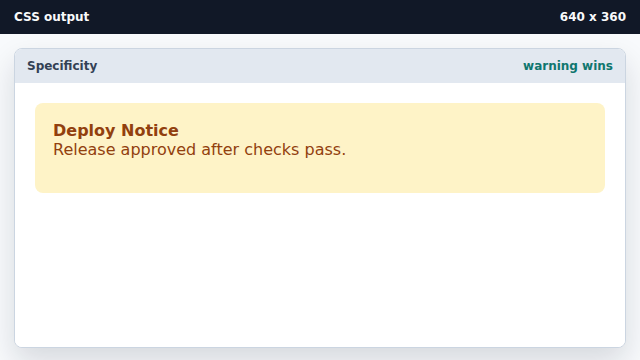
Two class selectors outrank the single-class color rule. Add the final confirmed state border.
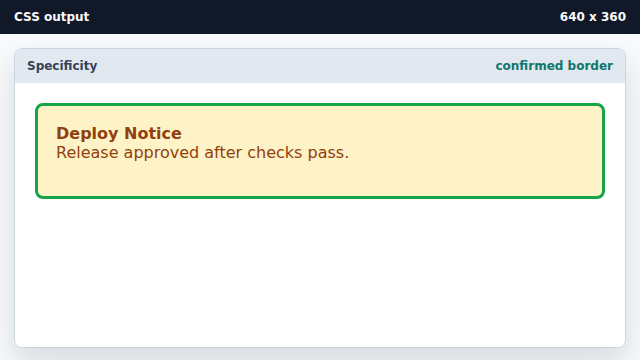
The most specific state selector adds a final visual signal.
cascade
The cascade is the browser process that resolves competing declarations for the same property.
specificity
Specificity is the selector weight used by the cascade.
Exercise: specificity_override_exercise.html
Use specificity to render the confirmed notice