Selectors and Cascade
Class Selector Card
A product card gains spacing, border color, typography, and an action style as class selectors match the same markup.
Program
CSS class selectors let one named rule style every element that carries that class. The markup stays stable while presentation changes.
class_selector_card.html
Visuals: captured from real browser rendering
<style>
.card { padding: 22px; }
.card { border: 3px solid #0f766e; }
.card h2 { color: #7c2d12; }
.action { background: #1d4ed8; color: white; }
</style>

<article class="card">
  <h2>Launch Window</h2>
  <p>Systems green for the evening release.</p>
  <button class="action">Review</button>
</article>
Match the card class and add inner spacing.
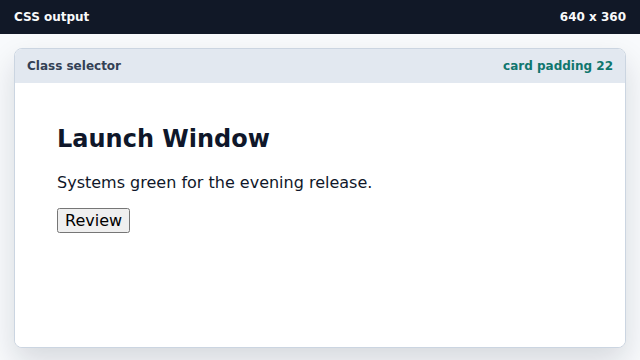
Padding makes the class-matched article read as a single panel. Draw a teal border around the card.
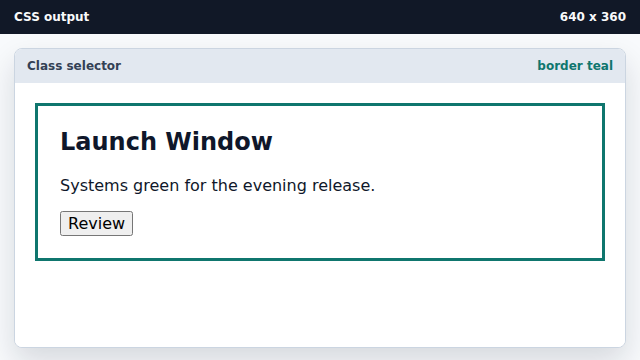
The same class receives a second declaration from a later rule. Style only headings inside the card.
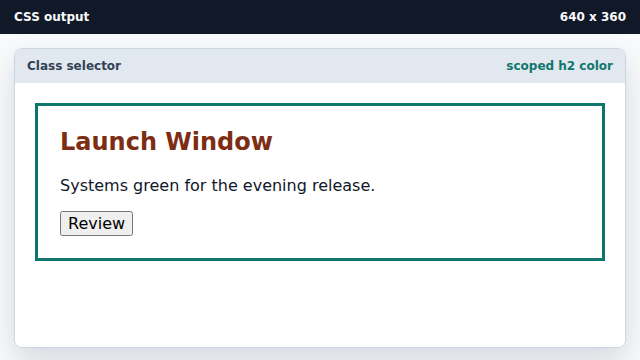
A descendant selector scopes the heading color to this card. Style the action button class.
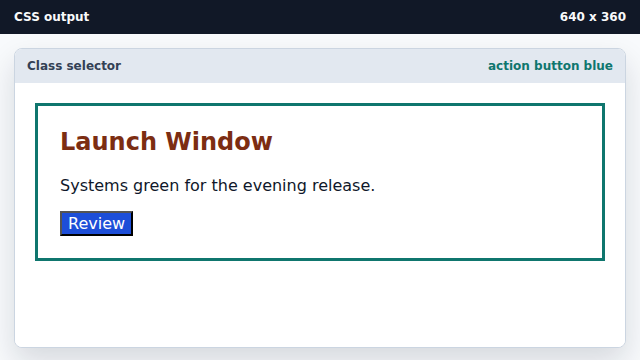
The action class can be reused on other buttons.
class selector
A class selector such as .card matches elements with that class name.
descendant selector
A selector such as .card h2 matches an h2 only when it is inside .card.