Selectors and Cascade
Descendant Selector Scope
Two panels contain similar text, but scoped selectors style the note and status only inside the active panel.
Program
A descendant selector narrows a rule by ancestry. This keeps one section styled without changing every matching tag on the page.
descendant_selector_scope.html
Visuals: captured from real browser rendering
<style>
.panel { padding: 16px; border: 1px solid #cbd5e1; }
.active { background: #ecfeff; }
.active .note { font-weight: 700; }
.active h2 { color: #0f766e; }
</style>

<section class="panel active">
  <h2>Active Queue</h2>
  <p class="note">Three jobs waiting.</p>
</section>
<section class="panel">
  <h2>Archive</h2>
  <p class="note">No pending work.</p>
</section>
Give every panel shared structure.
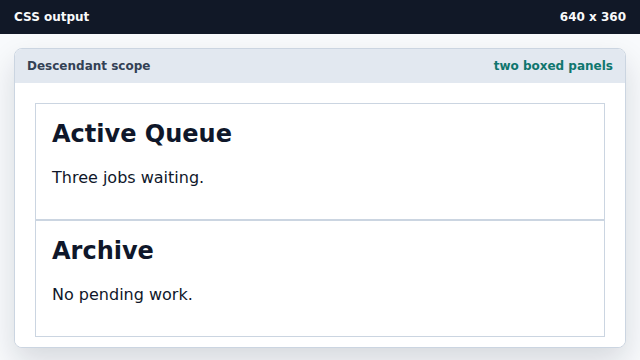
The base panel class styles both sections equally. Highlight the active panel.
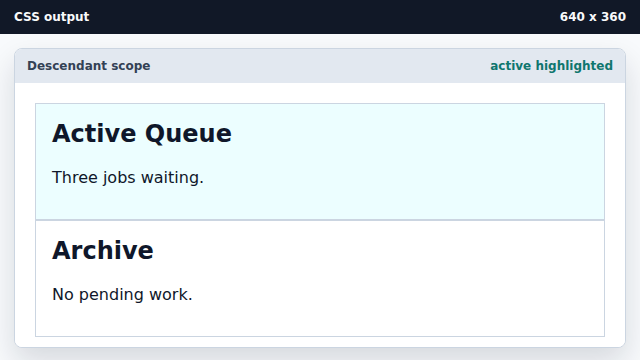
The active class narrows the highlight to one panel. Emphasize notes inside the active panel only.
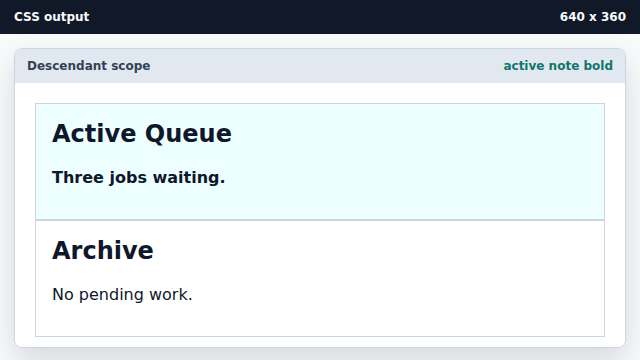
The descendant selector requires both ancestors and class. Color the active panel heading.
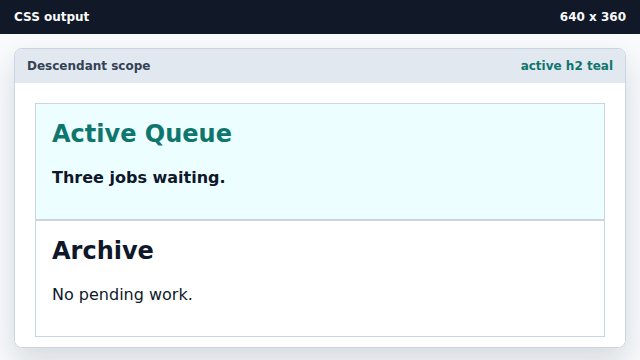
The h2 rule is scoped by the active ancestor.
scope
Selector scope limits where a rule can match.
base class
A base class gives related elements the same starting style.