Box Model and Spacing
Padding and Border Box
A compact label expands into a readable badge as padding, border, background, and width are applied.
Program
Every element paints a box. Padding creates inner space, borders frame the box, and background fills the padded area.
books/css/02box_model_spacing/padding_border_box/diagrams/box_model.semantic.json.
padding_border_box.html
Visuals: captured from real browser rendering
<style>
.badge { display: inline-block; }
.badge { padding: 14px 20px; }
.badge { border: 3px solid #0f766e; }
.badge { background: #ccfbf1; }
</style>

<div class="badge">Ready for review</div>
Make the badge respect width and padding.
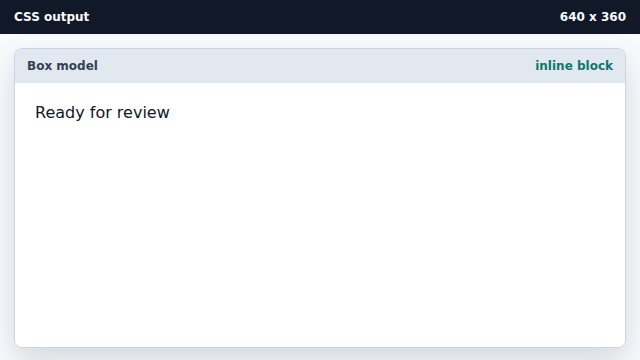
Inline-block keeps the label on one line while allowing box sizing. Add space inside the badge.
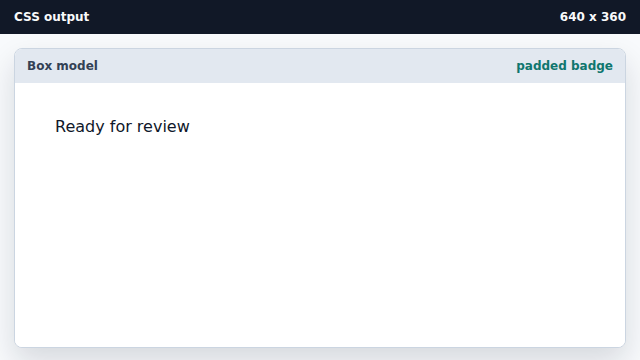
Padding expands the painted box without changing the text. Frame the padded area with a border.
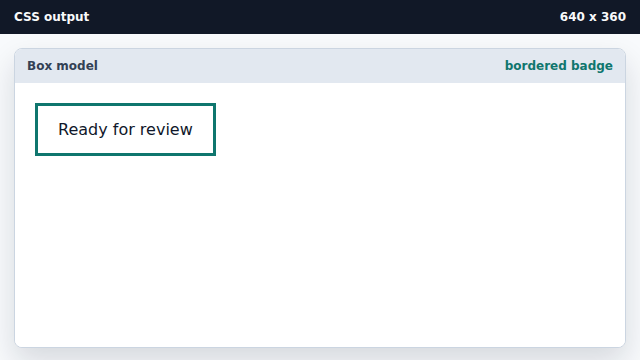
The border wraps content plus padding. Fill the box background.
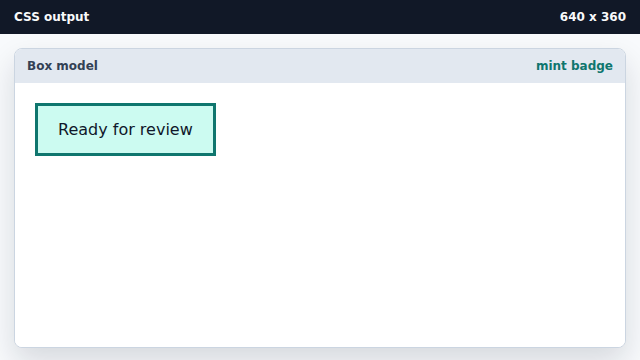
The background paints behind content and padding.
padding
Padding is space between content and border.
border
A border is painted around the padding edge.